
Efficient Work Schedule Applications to Boost Productivity

Scheduling Applications Guide: Features, Benefits & Use Cases PunchPro
Scheduling applications have become essential tools for businesses aiming to optimize workforce management and enhance productivity. These applications streamline the process of planning employee shifts, managing calendars, and ensuring effective communication among team members. In this comprehensive guide, we will explore the various types of scheduling applications, their key features, and the benefits they offer to organizations of all sizes. Many businesses struggle with inefficient scheduling practices that lead to confusion and decreased employee satisfaction. By leveraging the right scheduling application, companies can improve operational efficiency and employee engagement. This article will cover the definition of scheduling applications, essential features to look for, the benefits of free versus paid solutions, integration capabilities, the role of AI, and how these tools support remote teams.
Indeed, effective workforce scheduling is crucial for balancing labor supply with demand and minimizing operational costs.
What Are Scheduling Applications and How Do They Improve Workforce Management?
Scheduling applications are software tools designed to assist organizations in managing employee schedules, shift planning, and overall workforce management. These applications help streamline the scheduling process, reduce administrative burdens, and enhance communication among team members. By automating scheduling tasks, businesses can minimize errors and ensure that the right employees are assigned to the right shifts at the right times. The use of scheduling applications can lead to improved employee satisfaction, as they provide greater visibility into work schedules and allow for easier shift swapping.
This automation is key to optimizing workforce management by automatically assigning staff and generating efficient working time models.
Defining Scheduling Applications and Key Software Types
Scheduling applications come in various forms, including employee scheduling software, work schedule applications, and free scheduling tools. Each type serves a specific purpose, catering to different organizational needs. For instance, employee scheduling software typically includes features for shift planning, time tracking, and reporting, while work schedule applications may focus on calendar integration and team communication. Free scheduling tools often provide basic functionalities, making them suitable for small businesses or teams with limited budgets.
How Scheduling Applications Support Employee Shift Planning and Calendar Integration
Effective shift planning is crucial for maintaining productivity and employee morale. Scheduling applications facilitate this process by allowing managers to create and modify schedules easily. Many applications also integrate with popular calendar tools, enabling employees to view their schedules alongside personal commitments. This integration helps prevent scheduling conflicts and ensures that employees are aware of their shifts in real-time. For example, a scheduling application might sync with Google Calendar or Microsoft Outlook, allowing employees to receive notifications about upcoming shifts directly on their personal devices.
Which Features Should You Look for in Employee Scheduling Software?
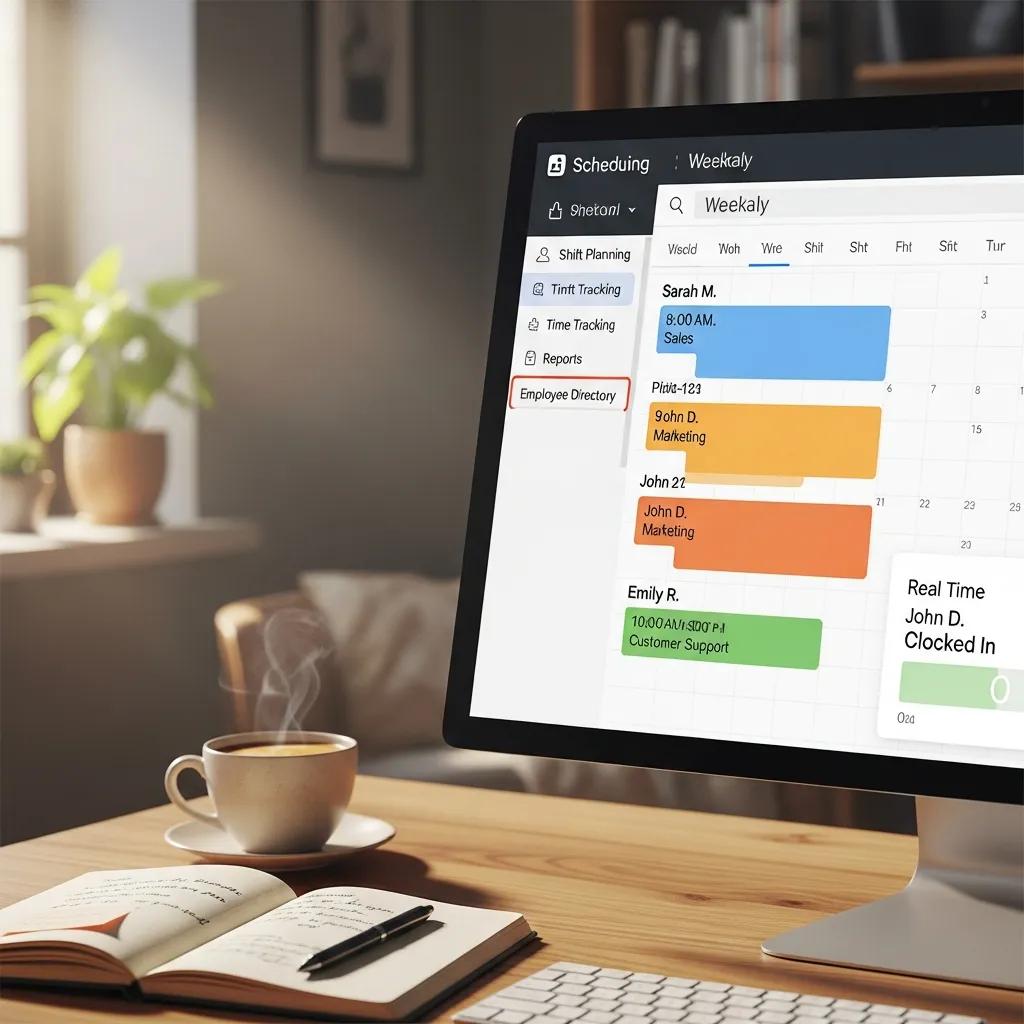
When selecting an employee scheduling application, it is essential to consider several key features that can significantly impact its effectiveness. These features include shift planning capabilities, time tracking, and notification alerts. A user-friendly interface is also crucial, as it ensures that both managers and employees can navigate the application with ease.
Essential Features: Shift Planning, Time Tracking, and Notification Alerts
- Shift Planning: The ability to create, modify, and manage employee shifts efficiently is a fundamental feature of any scheduling application. This includes tools for assigning shifts based on employee availability and skill sets.
- Time Tracking: Integrated time tracking features allow businesses to monitor employee hours, ensuring accurate payroll processing and compliance with labor regulations.
- Notification Alerts: Automated notifications keep employees informed about schedule changes, upcoming shifts, and important deadlines, reducing the likelihood of missed shifts or miscommunication.
How Calendar Tools and Appointment Booking Systems Enhance Scheduling Efficiency
Integrating scheduling applications with calendar tools and appointment booking systems can significantly enhance scheduling efficiency. These integrations allow for seamless communication between different platforms, ensuring that all team members are on the same page. For instance, when an employee books an appointment through an integrated system, the scheduling application can automatically update their work schedule to reflect this change. This level of integration minimizes the risk of double-booking and helps maintain a balanced workload for employees.
What Are the Benefits of Using Free Shift Scheduling Apps Versus Paid Solutions?
Choosing between free and paid scheduling applications can be a challenging decision for many businesses. While free applications may offer basic functionalities, paid solutions often provide advanced features and better support. Understanding the differences between these options is crucial for making an informed choice.
Comparing Free and Paid Scheduling Applications: Features and Limitations
Free scheduling applications typically come with limited features, which may include basic shift planning and calendar integration. However, they often lack advanced functionalities such as comprehensive time tracking, detailed reporting, and dedicated customer support. On the other hand, paid scheduling applications offer a comprehensive suite of features designed to meet the needs of larger organizations. These may include advanced analytics, customizable reporting, and dedicated customer support, making them a worthwhile investment for businesses looking to optimize their scheduling processes.
How to Choose the Right Scheduling App Based on Business Needs
When selecting a scheduling application, businesses should assess their specific needs and evaluate the features offered by different solutions. Consider factors such as the size of the team, the complexity of scheduling requirements, and the budget available for software. Additionally, it may be beneficial to take advantage of free trials or demos to test the application before making a commitment.
How Do Scheduling Applications Integrate with Online Calendar Tools and Other Business Software?
Integration capabilities are a critical aspect of scheduling applications, as they determine how well the software can work with other tools used by the organization. Many scheduling applications offer integration with popular online calendar tools, allowing for seamless synchronization of schedules and appointments.
Understanding Calendar Syncing Capabilities in Scheduling Software
Calendar syncing capabilities enable scheduling applications to automatically update employee schedules in real-time. This feature ensures that any changes made within the scheduling application are reflected in the connected calendar, reducing the risk of scheduling conflicts. For example, if a manager adjusts an employee’s shift, the change will be instantly visible on the employee’s calendar, helping them stay informed.
Benefits of Integrating Scheduling Apps with Workforce Management Systems
Integrating scheduling applications with workforce management systems can lead to enhanced efficiency and improved data accuracy. By consolidating scheduling, time tracking, and payroll functions into a single platform, businesses can streamline their operations and reduce administrative overhead. This integration allows for better visibility into workforce performance and helps identify areas for improvement.
What Role Does AI and Automation Play in Modern Scheduling Applications?

Artificial intelligence (AI) and automation are transforming the landscape of scheduling applications, providing businesses with advanced tools to optimize their scheduling processes. These technologies enhance the efficiency and accuracy of scheduling tasks, allowing organizations to focus on strategic initiatives.
Such advancements highlight the growing need for smart scheduling and planning systems to automate and manage labor resource allocation effectively.
AI-Driven Shift Planning and Optimization Features
AI-driven features in scheduling applications can analyze historical data to predict employee availability and optimize shift assignments. By leveraging machine learning algorithms, these applications can identify patterns in employee behavior and make data-driven recommendations for scheduling. This capability not only improves efficiency but also enhances employee satisfaction by ensuring that shifts align with individual preferences and availability.
How Automation Improves Scheduling Accuracy and Reduces Administrative Work
Automation plays a crucial role in reducing the administrative burden associated with scheduling. By automating routine tasks such as shift assignments and notifications, businesses can minimize errors and free up valuable time for managers. This increased efficiency allows organizations to allocate resources more effectively and focus on core business activities.
How Can Scheduling Applications Support Remote Teams and Flexible Work Arrangements?
As remote work becomes increasingly common, scheduling applications must adapt to support flexible work arrangements. These tools provide essential features that cater to the unique needs of remote teams, ensuring that scheduling remains efficient and effective.
Features Tailored for Remote Workforce Scheduling
Scheduling applications designed for remote teams often include features such as mobile access, real-time updates, and collaborative tools. These functionalities enable employees to view their schedules, request time off, and communicate with team members from anywhere, fostering a sense of connection and collaboration.
Managing Employee Availability and Shift Swapping in Distributed Teams
Managing employee availability and facilitating shift swapping are critical components of remote workforce scheduling. Scheduling applications can streamline these processes by allowing employees to indicate their availability and request shift changes directly within the platform. This transparency helps maintain a balanced workload and ensures that all team members are aware of their responsibilities.