
Top Employee Time Card Solutions for Your Business Needs
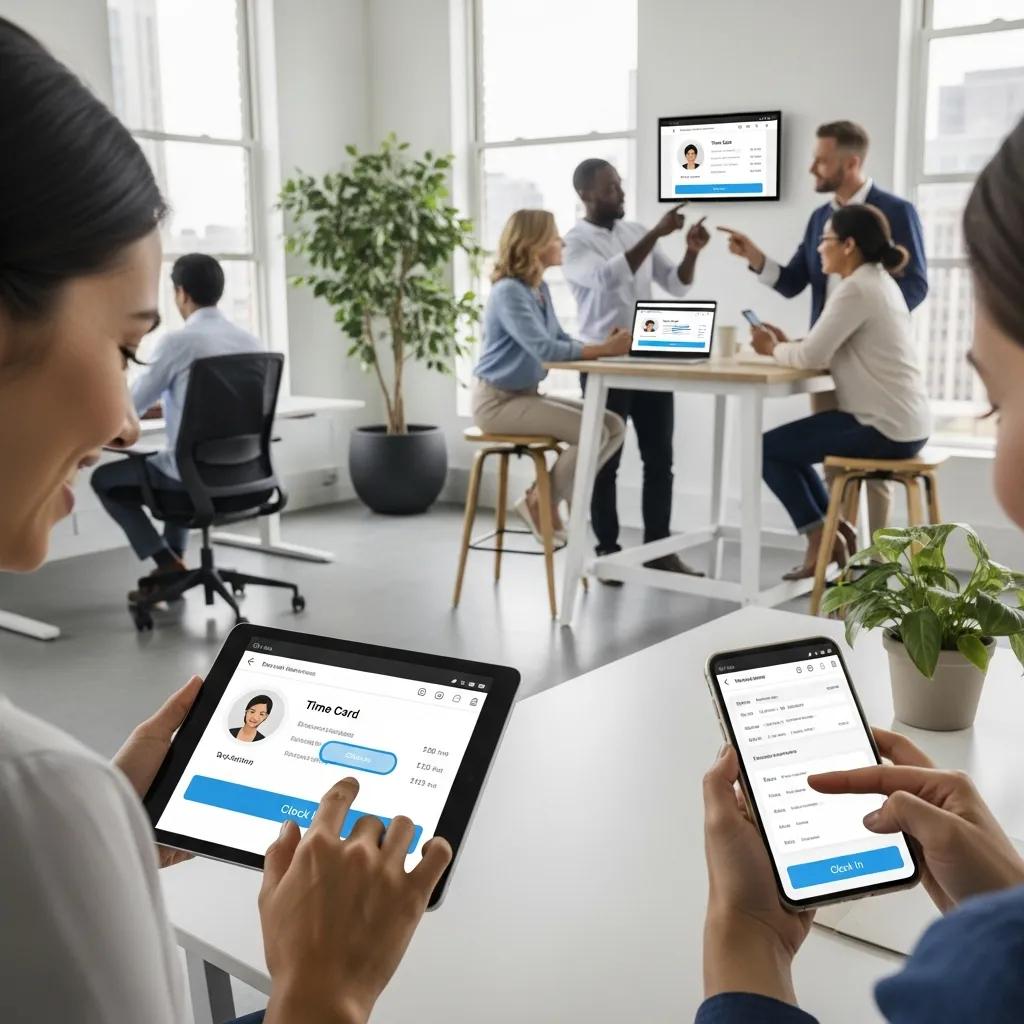
Comprehensive Guide to Time Card Systems for Employee Time Tracking and Payroll Integration
Time card systems are essential tools for businesses aiming to streamline employee time tracking and payroll processes. These systems not only help in accurately recording work hours but also play a crucial role in ensuring compliance with labor laws. In this comprehensive guide, we will explore the various aspects of time card systems, including their functionality, the best digital time card apps for small businesses, and how they integrate with payroll systems. Additionally, we will discuss compliance considerations and the latest trends in time card technology. By the end of this article, you will have a thorough understanding of how to effectively implement time card systems in your organization.
What is a Time Card and How Does It Track Employee Work Hours?
A time card is a tool used to record the hours worked by employees, serving as a basis for payroll calculations. Traditionally, time cards were physical cards that employees would punch in and out of a time clock, but modern systems have evolved to include digital solutions that enhance accuracy and efficiency. These systems track work hours through various methods, including biometric scans, mobile apps, and web-based platforms, ensuring that businesses can maintain precise records for payroll processing and compliance.
Understanding the Punch Card System and Its Role in Attendance Tracking
The punch card system has a long history in attendance tracking, where employees would physically insert a card into a time clock to record their arrival and departure times. This method, while simple, has limitations in accuracy and can lead to time theft or errors in reporting. However, it laid the groundwork for more advanced systems that utilize technology to improve attendance tracking. Today, many businesses have transitioned to digital time clocks that offer real-time tracking and reporting capabilities, significantly reducing the potential for errors.
However, this transition to digital timekeeping also introduces new challenges, particularly concerning compliance with labor laws and ensuring accurate wage and hour calculations.
How Digital Time Clocks Improve Accuracy and Efficiency
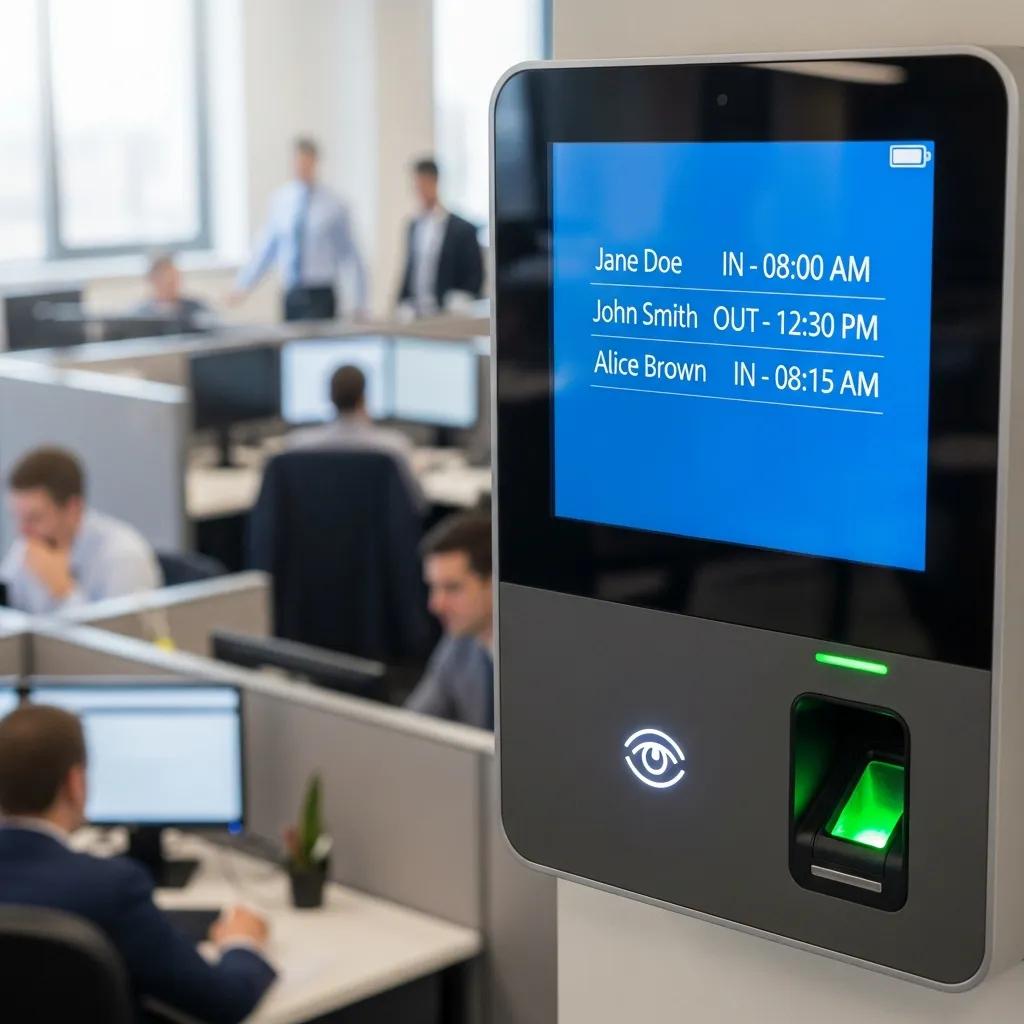
Digital time clocks enhance the accuracy of time tracking by automating the process and minimizing human error. These systems often include features such as GPS tracking, which ensures that employees are clocking in from the correct location, and integration with payroll software, which streamlines the payroll process. Studies have shown that businesses using digital time clocks can reduce payroll errors by up to 80%, leading to significant cost savings and improved employee satisfaction.
Which Digital Time Card Apps Are Best for Small Business Use?
When selecting a digital time card app for small business use, it is essential to consider various features that can enhance time tracking and payroll integration. The best apps offer user-friendly interfaces, mobile accessibility, and robust reporting capabilities.
These apps provide small businesses with the tools necessary to manage employee time effectively while ensuring compliance with labor laws.
Features to Look for in Time Sheet Software and Mobile Time Clock Apps
When evaluating time sheet software and mobile time clock apps, consider the following essential features:
- User Interface: A simple and intuitive interface ensures that employees can easily clock in and out without confusion.
- Integration Capabilities: The ability to integrate with existing payroll systems can save time and reduce errors in data entry.
- Mobile Accessibility: Mobile apps allow employees to track their time from anywhere, which is particularly beneficial for remote or field workers.
These features are crucial for ensuring that the time tracking process is efficient and user-friendly.
Comparing Free and Paid Time Card Apps: What Are the Differences?
Free time card apps can be a great starting point for small businesses, but they often come with limitations compared to paid versions. Here are some key differences:
- Functionality: Paid apps typically offer more advanced features, such as detailed reporting and integration with payroll systems.
- Support: Paid versions often include customer support, while free apps may rely on community forums for assistance.
- Customization: Paid apps usually allow for greater customization to fit specific business needs.
Understanding these differences can help businesses make informed decisions about which time card app to choose.
How Does Payroll Integration Work with Time Card Systems?
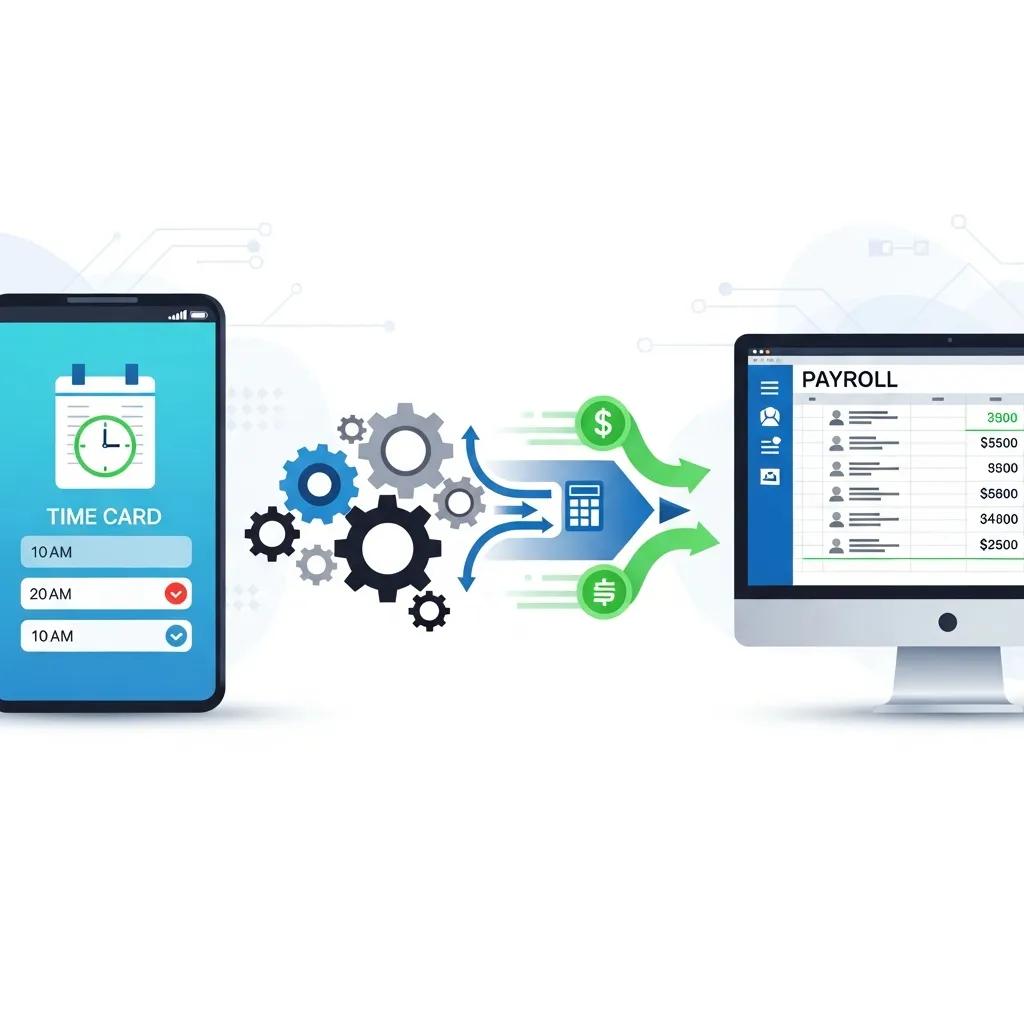
Payroll integration is a critical aspect of time card systems, allowing businesses to automate the payroll process based on recorded work hours. This integration ensures that employees are paid accurately and on time, reducing the administrative burden on HR departments.
Steps to Connect Time Card Apps with Payroll Software
Integrating time card apps with payroll software typically involves the following steps:
- Select Compatible Software: Ensure that the time card app is compatible with your payroll software.
- Set Up Data Syncing: Configure the app to automatically sync employee hours with the payroll system.
- Test the Integration: Conduct tests to ensure that data is accurately transferred and that payroll calculations are correct.
By following these steps, businesses can streamline their payroll processes and minimize errors.
Benefits of Seamless Payroll Time Tracking for Small Businesses
- Efficiency Improvements: Automating the payroll process saves time and reduces the risk of errors.
- Error Reduction: Accurate time tracking minimizes discrepancies in employee pay.
- Cost Savings: By reducing administrative tasks, businesses can allocate resources more effectively.
These benefits highlight the importance of integrating time card systems with payroll processes.
Indeed, the shift to digital payroll systems, driven by automation and cloud-based functionalities, offers significant advantages in accuracy, security, and integration with broader HR and ERP systems.
What Are the Compliance and Labor Law Considerations for Time Cards?
Compliance with labor laws is a crucial consideration for businesses using time card systems. Accurate time tracking is essential for meeting legal requirements regarding employee work hours and overtime pay.
Ensuring Accurate Work Hours Calculation with Time Card Calculators
Time card calculators help businesses ensure that work hours are calculated accurately, taking into account factors such as overtime and breaks. These tools can automatically adjust calculations based on labor laws, helping businesses remain compliant and avoid potential legal issues.
How Biometric and Mobile Time Tracking Help Meet Legal Requirements
Biometric and mobile time tracking solutions enhance compliance by providing secure and accurate methods for recording employee attendance. Biometric systems, such as fingerprint or facial recognition, prevent buddy punching and ensure that only authorized employees clock in. Mobile tracking allows for real-time monitoring of employee hours, which is particularly useful for remote workers.
How Can Businesses Use Free Time Card Templates and Tools Effectively?
Free time card templates and tools can be valuable resources for businesses looking to implement time tracking without significant investment. These templates can be customized to fit specific business needs and can help streamline the time tracking process.
Step-by-Step Guide to Using Free Time Card Templates
- Download a Template: Choose a template that fits your business needs.
- Customize the Template: Modify the template to include relevant fields, such as employee names and work hours.
- Train Employees: Ensure that employees understand how to fill out the time card accurately.
By following these steps, businesses can implement an effective time tracking system using free resources.
Customizing Time Cards for Different Employee Roles and Schedules
- Role-Specific Fields: Include fields that are relevant to specific job functions, such as project codes for contractors.
- Flexible Scheduling Options: Allow for different clock-in and clock-out times based on employee schedules.
- Clear Instructions: Provide clear instructions on how to fill out the time card to minimize errors.
These customization options can enhance the effectiveness of time tracking systems.
What Are the Latest Trends in Time Card Technology and Employee Attendance?
The landscape of time card technology is continually evolving, with new trends emerging to enhance employee attendance tracking.
AI-Driven Attendance Analytics and Their Impact on Workforce Management
AI-driven attendance analytics are transforming how businesses manage their workforce. These technologies analyze attendance patterns and provide insights that can help optimize staffing levels and improve productivity. By leveraging data, businesses can make informed decisions about scheduling and resource allocation.
Extending this technological advancement, AI-driven payroll systems further enhance compliance and accuracy, especially in complex global payroll scenarios, by minimizing human error and improving overall efficiency.
Mobile-First and Biometric Authentication Innovations in Time Tracking
Mobile-first solutions and biometric authentication are becoming increasingly popular in time tracking. These innovations offer enhanced security and convenience for employees, allowing them to clock in and out using their smartphones or biometric data. This shift not only improves accuracy but also enhances the overall employee experience.