
Time Clock Wizard: Features, Login, and Best Alternatives

Time Clock Wizard: Comprehensive Guide to Features, Login Process, and Best Alternatives
Time Clock Wizard is a cloud-based employee time tracking and attendance management solution designed to simplify workforce management for small to medium-sized businesses. This comprehensive guide will delve into the key features of Time Clock Wizard, how it streamlines workforce scheduling, and the login process for employees. Additionally, we will explore the best alternatives available in the market, comparing their features and pricing to help you make an informed decision. Understanding these aspects is crucial for businesses looking to enhance their time management and payroll integration processes.
The importance of effective employee management software for small and medium-sized businesses is further underscored by research highlighting its role in organizational success.
What Are the Key Features of Time Clock Wizard for Employee Time Tracking?
Time Clock Wizard offers a range of features that significantly enhance employee time tracking and attendance management. The platform is designed to provide real-time tracking capabilities, allowing businesses to monitor employee hours accurately. Its user-friendly interface ensures that both employers and employees can navigate the system with ease, reducing the learning curve associated with new software.
The shift towards cloud-based solutions for managing employee attendance is a growing trend, recognized for its efficiency and effectiveness in human resource management.
Moreover, Time Clock Wizard integrates seamlessly with various payroll systems, streamlining the payroll process and minimizing errors. This integration is particularly beneficial for businesses that require accurate time entries for payroll calculations. The combination of these features makes Time Clock Wizard a robust solution for managing employee time effectively.
For businesses seeking a comprehensive time tracking solution, Time Clock Wizard stands out due to its extensive feature set, including:
- Real-Time Tracking: Monitor employee hours as they work, ensuring accurate timekeeping.
- User-Friendly Interface: Simplifies navigation for both employers and employees.
- Payroll Integration: Connects with various payroll systems to streamline payroll processing.
How Does Time Clock Wizard Simplify Workforce Scheduling and Attendance Management?
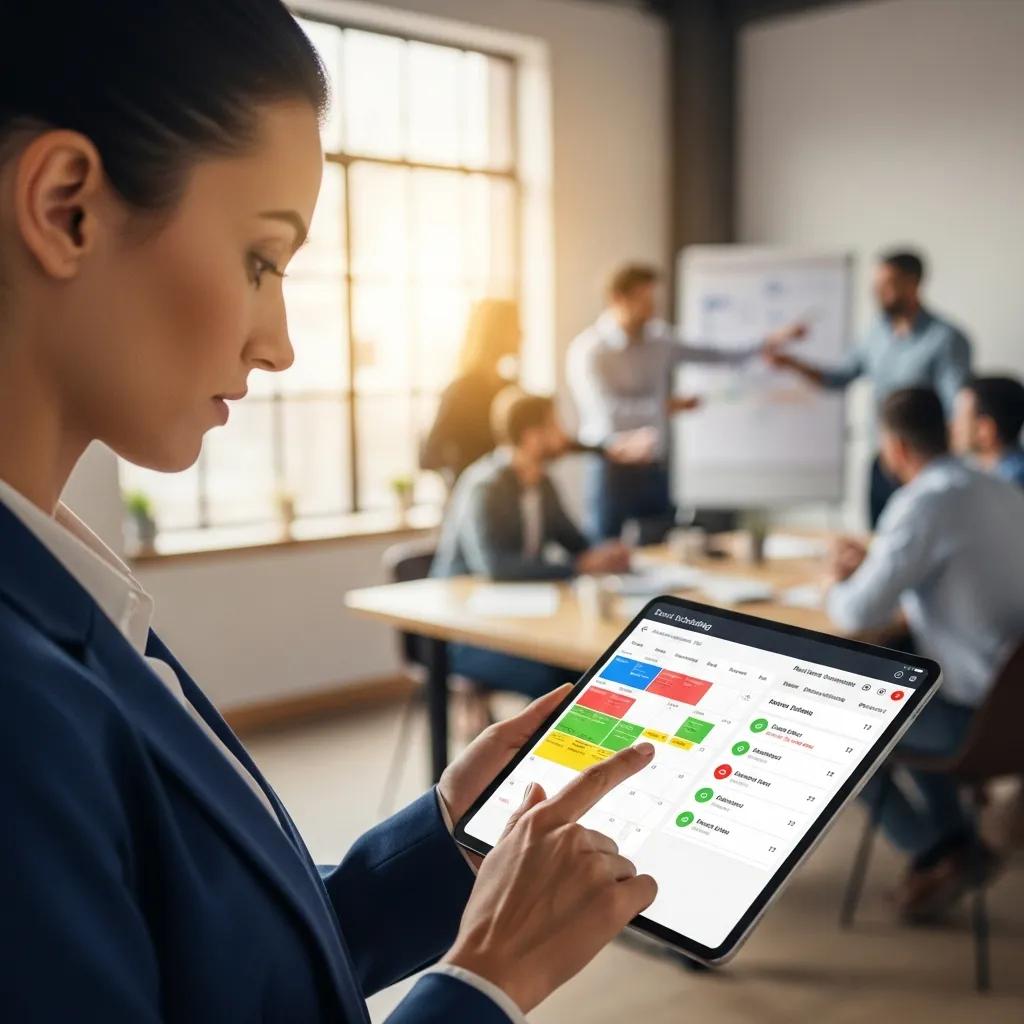
Time Clock Wizard simplifies workforce scheduling through its automated scheduling features, which allow managers to create and adjust schedules with minimal effort. This automation reduces the time spent on manual scheduling, enabling managers to focus on more strategic tasks. Additionally, the platform provides attendance tracking capabilities that help businesses monitor employee attendance patterns and identify potential issues.
The reporting capabilities of Time Clock Wizard further enhance its utility in attendance management. Managers can generate reports that provide insights into attendance trends, helping them make informed decisions regarding staffing and scheduling. This comprehensive approach to workforce management ensures that businesses can maintain optimal staffing levels while minimizing labor costs.
How to Access and Use the Time Clock Wizard Login Portal?
Accessing the Time Clock Wizard login portal is straightforward. Employees can log in to their accounts using their unique credentials, which typically include a username and password. The login portal is designed to be secure, ensuring that employee data remains protected.
What Are the Step-by-Step Instructions for Employee Login?
To log in to Time Clock Wizard, employees should follow these steps:
- Visit the Login Page: Navigate to the Time Clock Wizard login portal.
- Enter Credentials: Input your username and password in the designated fields.
- Click ‘Login’: Press the login button to access your account.
If you encounter any issues during the login process, there are troubleshooting steps available to assist you.
How to Troubleshoot Common Login Issues in Time Clock Wizard?
Common login issues may include forgotten passwords or incorrect username entries. If you experience difficulties logging in, consider the following troubleshooting steps:
- Reset Password: Use the password recovery option to reset your password.
- Check Username: Ensure that you are entering the correct username associated with your account.
- Contact Support: If problems persist, reach out to Time Clock Wizard support for assistance.
What Are the Best Alternatives to Time Clock Wizard for Time and Attendance Systems?
While Time Clock Wizard is a robust solution, several alternatives offer similar features and functionalities. Exploring these alternatives can help businesses find the best fit for their specific needs. Some of the top alternatives include:
- Toggl Track: Known for its simplicity and ease of use, Toggl Track offers time tracking and reporting features suitable for freelancers and small teams.
- TSheets: A popular choice for larger organizations, TSheets provides advanced scheduling and GPS tracking capabilities.
- Clockify: This free time tracking tool is ideal for businesses looking for a budget-friendly option without sacrificing essential features.
How Do Top Alternatives Compare in Features and Pricing?
When comparing alternatives to Time Clock Wizard, it’s essential to consider both features and pricing. Here’s a brief overview of how some of the top alternatives stack up:
This comparison highlights the diverse options available, allowing businesses to choose a solution that aligns with their budget and feature requirements.
Which Workforce Management Tools Offer Advanced Payroll Integration?
Several workforce management tools provide advanced payroll integration, enhancing the efficiency of payroll processing. These tools often feature seamless connections with popular payroll systems, ensuring that time entries are accurately reflected in payroll calculations. Some notable tools include:
- BambooHR: Offers comprehensive HR management features, including payroll integration.
- Gusto: Known for its user-friendly interface, Gusto simplifies payroll processing and integrates with various time tracking systems.
- Zenefits: Provides a complete HR solution with payroll integration capabilities.
How Does Time Clock Wizard Integrate with Payroll and Reporting Systems?
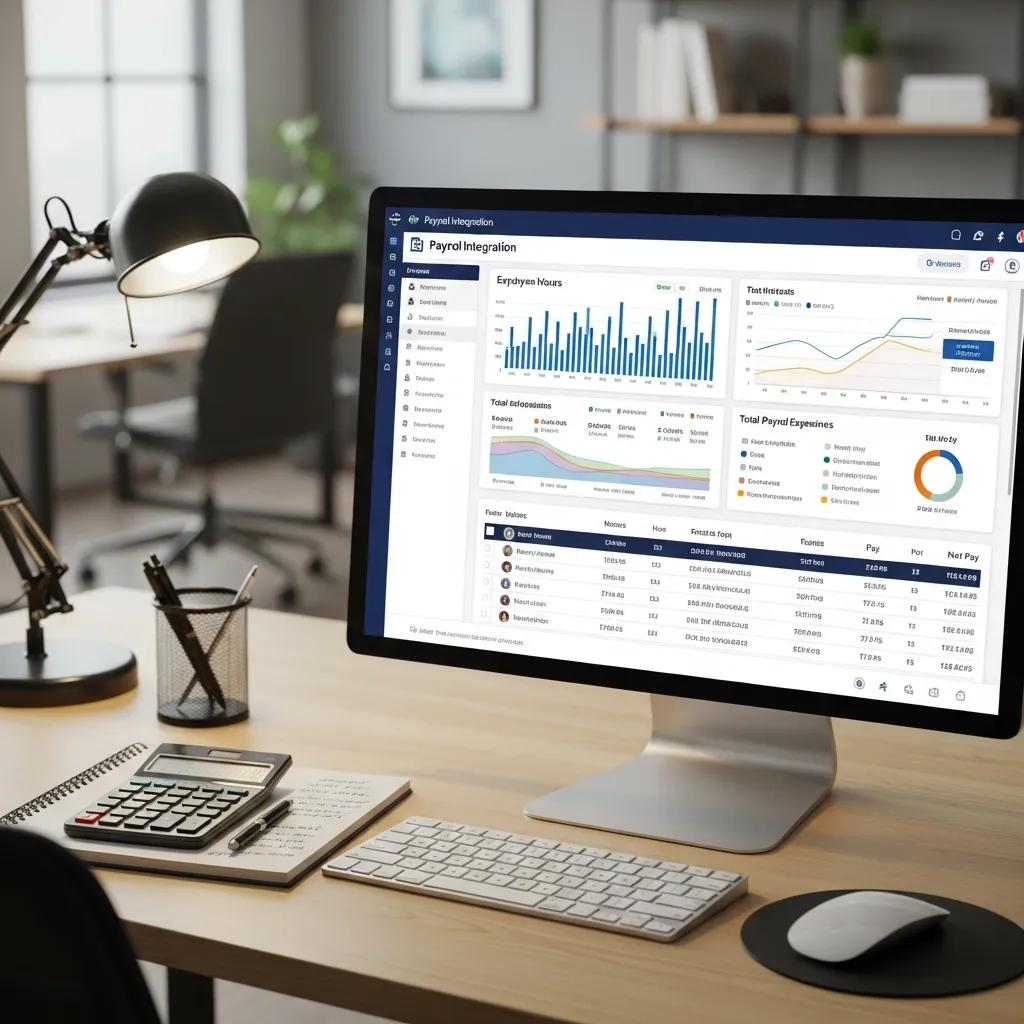
Time Clock Wizard integrates with various payroll and reporting systems, streamlining the payroll process for businesses. This integration allows for automatic syncing of time entries, reducing the risk of errors associated with manual data entry. The benefits of this integration include:
- Increased Accuracy: Automated syncing ensures that time entries are accurately reflected in payroll calculations.
- Time Savings: Reduces the time spent on manual data entry and payroll processing.
- Enhanced Reporting: Provides comprehensive reports that help businesses analyze labor costs and employee performance.
What Payroll Platforms Are Compatible with Time Clock Wizard?
Time Clock Wizard is compatible with several popular payroll platforms, making it a versatile choice for businesses. Some of the compatible payroll platforms include:
- QuickBooks: A widely used accounting software that integrates seamlessly with Time Clock Wizard.
- ADP: Offers comprehensive payroll solutions that work well with Time Clock Wizard.
- Paychex: Provides payroll and HR services that can be integrated with Time Clock Wizard for enhanced functionality.
How to Generate and Interpret Attendance Reports Using Time Clock Wizard?
Generating attendance reports in Time Clock Wizard is a straightforward process that provides valuable insights into employee attendance patterns. To generate a report, follow these steps:
- Access the Reports Section: Navigate to the reports section within the Time Clock Wizard dashboard.
- Select Attendance Report: Choose the type of attendance report you wish to generate.
- Customize Parameters: Set the date range and any other relevant parameters.
- Generate Report: Click the generate button to create the report.
Interpreting these reports involves analyzing attendance trends, identifying patterns, and making informed decisions based on the data presented.
What Are the Benefits of Using Time Clock Wizard’s Mobile and Digital Time Clock Solutions?
Time Clock Wizard offers mobile and digital time clock solutions that provide several benefits for businesses. These solutions enhance flexibility and accessibility, allowing employees to clock in and out from their mobile devices. Key benefits include:
- Increased Flexibility: Employees can track their time from anywhere, making it easier to manage remote work.
- Real-Time Updates: Managers receive real-time notifications of employee clock-ins and clock-outs, improving oversight.
- User Convenience: The mobile app simplifies the time tracking process for employees, enhancing user experience.
How Does Real-Time Tracking Improve Workforce Management?
Real-time tracking is a critical feature of Time Clock Wizard that significantly improves workforce management. By providing immediate visibility into employee hours, businesses can make informed decisions regarding staffing and resource allocation. The benefits of real-time tracking include:
- Improved Accuracy: Reduces the likelihood of time theft and inaccuracies in time reporting.
- Enhanced Productivity: Managers can quickly identify underperforming areas and address them promptly.
- Better Resource Allocation: Real-time data allows for more effective scheduling and resource management.
What Security Measures Protect Employee Data in Time Clock Wizard?
Time Clock Wizard prioritizes the security of employee data through various measures designed to protect sensitive information. Key security features include:
- Data Encryption: All data transmitted between users and the platform is encrypted to prevent unauthorized access.
- Access Controls: Role-based access controls ensure that only authorized personnel can access sensitive information.
- Compliance with Regulations: Time Clock Wizard adheres to industry standards and regulations to protect employee data.
These security measures provide peace of mind for businesses and employees alike, ensuring that sensitive information remains protected.