
Time Card Calculator Free: Calculate Employee Hours with No Cost

Free Time Card Calculator: How to Calculate Employee Hours Accurately at No Cost
Calculating employee hours accurately is crucial for businesses to ensure fair compensation and compliance with labor laws. A free time card calculator simplifies this process, allowing employers and employees to track work hours efficiently without incurring costs. This article will guide you through the benefits of using a free time card calculator, the steps to calculate regular and overtime hours, and the best tools available for accurate time tracking. By understanding how to utilize these calculators, you can streamline payroll processes and enhance productivity in your workplace.
How Do You Calculate Employee Work Hours Using a Free Time Card Calculator?
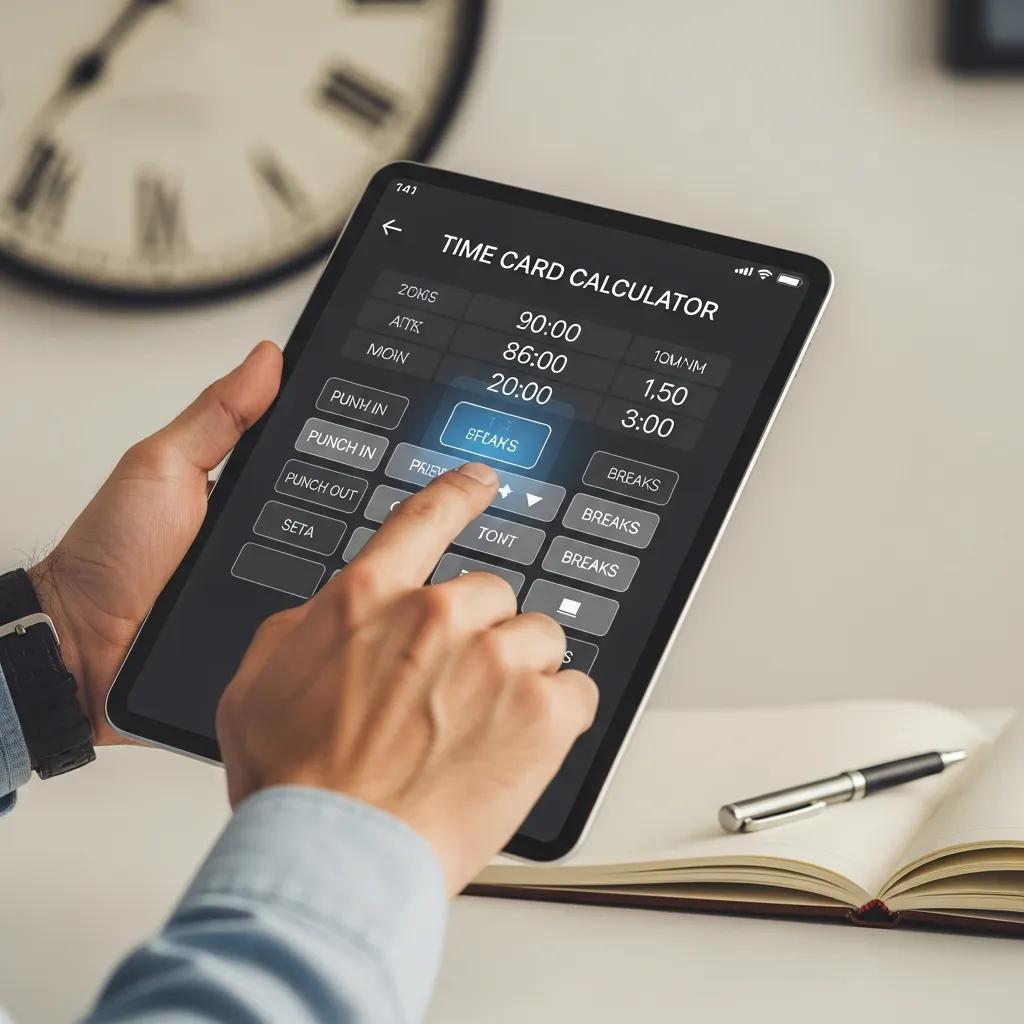
A free time card calculator allows users to input their work hours and automatically calculates total hours worked, including regular and overtime hours. To use a time card calculator effectively, follow these steps:
- Input Start and End Times: Enter the start and end times for each work shift.
- Specify Breaks: Include any unpaid breaks taken during the shift.
- Calculate Total Hours: The calculator will subtract break times from the total hours worked to provide an accurate count.
Using a time card calculator not only saves time but also reduces the risk of human error in manual calculations. This tool is especially beneficial for businesses with multiple employees, ensuring that everyone’s hours are tracked consistently.
What Are the Steps to Calculate Regular and Overtime Hours?
Calculating regular and overtime hours is essential for accurate payroll processing. Here are the steps to follow:
- Define Regular Hours: Typically, regular hours are defined as the first 40 hours worked in a week.
- Identify Overtime Hours: Any hours worked beyond the regular hours are considered overtime.
- Apply Overtime Rate: Overtime is usually paid at 1.5 times the regular hourly rate.
By clearly defining these parameters, businesses can ensure compliance with labor laws and maintain fair compensation practices.
Indeed, accurate time tracking is fundamental for adhering to labor laws and ensuring fair compensation.
Which Formulas Are Used in Employee Hours and Overtime Calculations?
To accurately calculate employee hours and overtime, several formulas are commonly used:
- Total Hours Worked: [text{Total Hours} = (text{End Time} – text{Start Time}) – text{Breaks}]
- Regular Hours: [text{Regular Hours} = min(text{Total Hours}, 40)]
- Overtime Hours: [text{Overtime Hours} = max(0, text{Total Hours} – 40)]
- Overtime Pay: [text{Overtime Pay} = text{Overtime Hours} times text{Hourly Rate} times 1.5]
These formulas help ensure that all calculations are performed accurately, leading to fair employee compensation.
What Are the Best Free Tools and Templates for Timesheet and Work Hours Calculation?
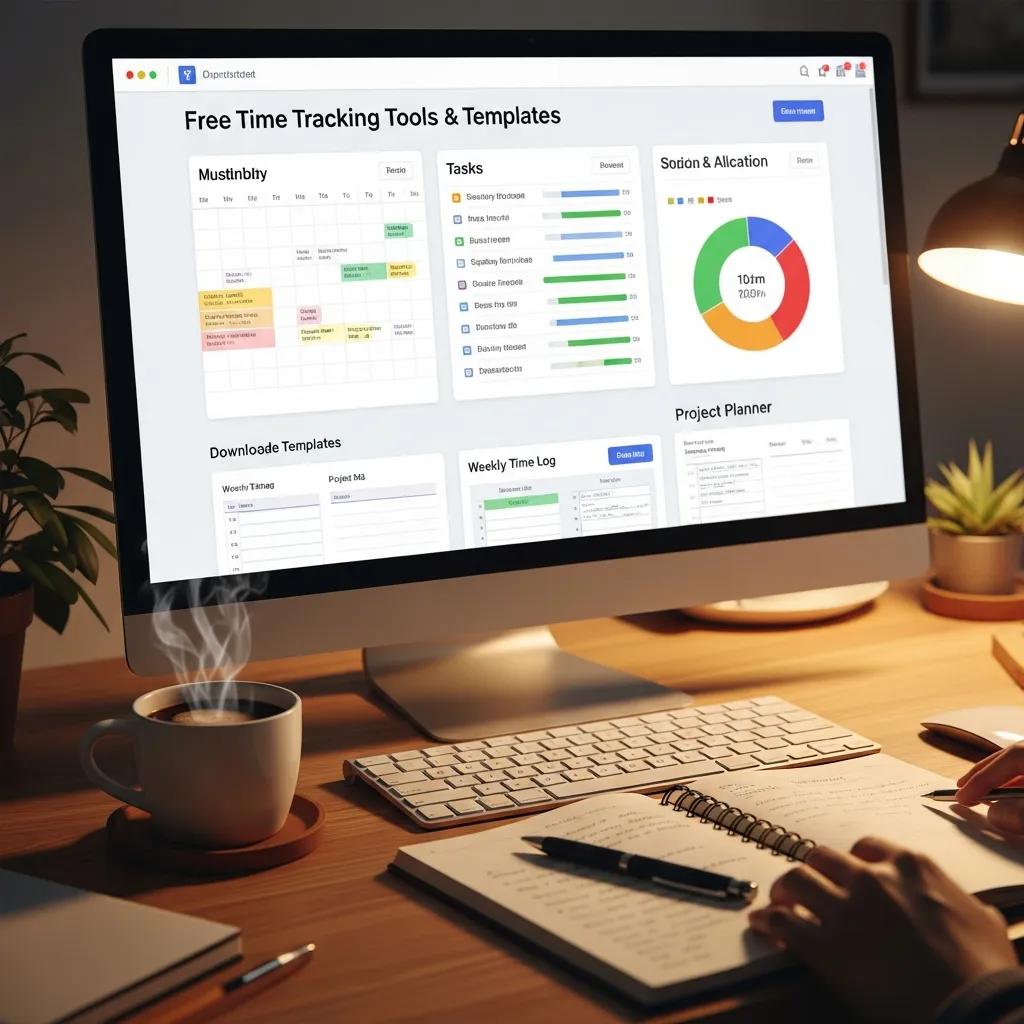
There are several free tools and templates available for calculating timesheets and work hours. Here are some ofnthe best options:
These tools provide user-friendly interfaces and can be tailored to meet specific business needs, making them ideal for tracking employee hours.
Where Can You Download Free Timesheet Calculator Templates?
Free timesheet calculator templates can be found on various platforms. Here are some reliable sources:
- Google Drive: Offers customizable templates that can be shared and edited in real-time.
- Microsoft Office: Provides a range of Excel templates designed for time tracking.
- Clockify: Features downloadable templates and an online time tracking tool.
These resources make it easy for businesses to implement effective time tracking without incurring additional costs.
How Do Interactive Online Calculators Simplify Employee Hours Tracking?
Interactive online calculators enhance the efficiency of employee hours tracking by providing real-time calculations and user-friendly interfaces. These calculators often include features such as:
- Instant Calculations: Users can see their total hours worked as they input data.
- Accessibility: Available on various devices, allowing for tracking from anywhere.
- Data Storage: Many online calculators save data for future reference, simplifying record-keeping.
By utilizing these tools, businesses can streamline their payroll processes and reduce administrative burdens.
How Does Overtime Hours Calculation Work in Free Payroll Calculators?
Free payroll calculators typically automate the overtime calculation process. They work by:
- Inputting Regular Hours: Users enter the total hours worked.
- Identifying Overtime: The calculator automatically determines which hours exceed the regular threshold.
- Calculating Pay: It applies the appropriate overtime rate to the identified hours.
This automation ensures accuracy and saves time, allowing businesses to focus on other important tasks.
What Are Common Overtime Pay Rules and Examples?
Understanding overtime pay rules is crucial for compliance. Here are some common rules:
- Overtime Rate: Generally set at 1.5 times the regular hourly rate.
- Threshold Hours: Overtime typically applies after 40 hours in a workweek.
- Exemptions: Certain employees may be exempt from overtime pay based on their job duties.
For example, if an employee earns $20 per hour and works 45 hours in a week, their pay would be calculated as follows:
- Regular Pay: $20 x 40 = $800
- Overtime Pay: $20 x 1.5 x 5 = $150
- Total Pay: $800 + $150 = $950
These rules help ensure that employees are compensated fairly for their work.
How Can You Accurately Track and Calculate Overtime Using Free Tools?
To accurately track and calculate overtime, consider the following best practices:
- Use Reliable Tools: Choose a time card calculator that automates calculations.
- Regularly Update Records: Ensure that all hours worked are logged promptly.
- Review Calculations: Periodically check calculations for accuracy.
By implementing these practices, businesses can maintain accurate records and ensure compliance with labor laws.
How Can Free Time Card Calculators Integrate with Payroll Systems?
Free time card calculators can seamlessly integrate with payroll systems to enhance efficiency. This integration allows for:
- Automatic Data Transfer: Hours worked can be directly imported into payroll software.
- Reduced Errors: Minimizes the risk of manual entry errors.
- Streamlined Processes: Saves time during payroll processing.
By utilizing these integrations, businesses can simplify their payroll operations and improve overall accuracy.
This seamless integration with payroll systems is a key benefit, as automated processes significantly reduce errors and save valuable time.
What Are the Basics of Payroll Integration for Employee Hours?
Payroll integration involves connecting time tracking systems with payroll software to ensure accurate compensation. Key aspects include:
- Data Synchronization: Ensuring that hours worked are accurately reflected in payroll records.
- Compliance: Adhering to labor laws regarding pay and overtime.
- Efficiency: Reducing the time spent on manual data entry.
Understanding these basics can help businesses implement effective payroll systems that enhance productivity.
How Do Calculated Hours Feed Into Payroll Automation?
Calculated hours play a crucial role in payroll automation by providing the necessary data for processing employee compensation. This process typically involves:
- Data Collection: Hours worked are collected from time card calculators.
- Processing: Payroll software uses this data to calculate total pay, including overtime.
- Disbursement: Employees are paid based on the calculated hours.
By automating this process, businesses can save time and reduce the likelihood of errors in payroll.
What Are the Benefits of Using Free Time Tracking and Employee Hours Calculators?
Using free time tracking and employee hours calculators offers several benefits:
- Cost Savings: No need to invest in expensive software.
- Increased Accuracy: Reduces human error in calculations.
- Time Efficiency: Streamlines the process of tracking hours worked.
These advantages make free time tracking tools an essential resource for businesses looking to improve their payroll processes.
Ultimately, the core advantage of these tools lies in their ability to enhance operational efficiency and deliver significant cost savings for organizations.
For those seeking high-quality time tracking solutions, free time card calculators provide an effective way to manage employee hours without incurring costs. By leveraging these tools, businesses can enhance their payroll accuracy and efficiency.
How Do Free Calculators Improve Accuracy and Save Time?
Free calculators improve accuracy and save time by automating the calculation process. Key benefits include:
- Instant Results: Users receive immediate feedback on total hours worked.
- Error Reduction: Automated calculations minimize the risk of mistakes.
- User-Friendly Interfaces: Many calculators are designed for ease of use, allowing quick data entry.
These features contribute to a more efficient payroll process, enabling businesses to focus on their core operations.
What Are Recent Trends in Digital Time Tracking Adoption?
Recent trends in digital time tracking adoption include:
- Increased Use of Mobile Apps: More businesses are utilizing mobile applications for time tracking.
- Integration with Other Software: Time tracking tools are increasingly being integrated with project management and payroll systems.
- Focus on Employee Self-Service: Many companies are allowing employees to track their own hours, enhancing accountability.
These trends reflect a growing recognition of the importance of efficient time tracking in modern workplaces.
What Are Common Questions About Free Time Card Calculators?
Common questions about free time card calculators include:
- Are they really free?: Yes, many time card calculators are available at no cost.
- How accurate are they?: When used correctly, these calculators provide highly accurate results.
- Can they handle overtime calculations?: Most free calculators are designed to automatically calculate both regular and overtime hours.
These FAQs highlight the accessibility and reliability of free time card calculators for businesses.
Can Excel Be Used as a Free Time Card Calculator?
Yes, Excel can be effectively used as a free time card calculator. Users can create custom spreadsheets to track hours worked, calculate total pay, and manage overtime. Excel’s flexibility allows for tailored solutions that meet specific business needs, making it a popular choice for many organizations.
Which Free Time Card Calculator Is Best for Small Businesses?
For small businesses, the best free time card calculators include:
- Toggl: Offers a simple interface and robust reporting features.
- Clockify: Provides unlimited tracking for free and integrates with other tools.
- Harvest: While it has a paid version, it offers a free trial that is useful for small teams.
These calculators are designed to meet the needs of small businesses, providing essential features without the burden of costs.