
Simplify Your Time Tracking with Top-Rated Time Logging App

Comprehensive Guide to Time Log Solutions: Optimize Employee and Project Time Tracking
Time logging is a critical practice for businesses aiming to enhance productivity and manage resources effectively. By accurately tracking work hours and project time, organizations can identify inefficiencies, allocate resources better, and improve overall performance. This comprehensive guide delves into the mechanisms, benefits, and applications of time log solutions, providing insights into how they can optimize employee and project time tracking. Many businesses struggle with time management, leading to wasted resources and decreased productivity. Time log solutions offer a structured approach to address these challenges, ensuring that every minute is accounted for and utilized effectively. This article will explore the essential features of time tracking software, how to choose free time logging apps, the benefits of time log analytics, and best practices for successful implementation.
What is Time Logging and Why is it Essential for Businesses?
Time logging refers to the systematic recording of work hours and project time by employees. This practice is essential for businesses as it provides a clear overview of how time is spent across various tasks and projects. By understanding time allocation, organizations can make informed decisions that enhance productivity and efficiency. Effective time logging helps in identifying bottlenecks, optimizing workflows, and ensuring that resources are utilized effectively. Moreover, it plays a crucial role in project management by providing insights into time spent on specific tasks, which can inform future planning and budgeting.
Understanding Employee Time Tracking and Work Hours Monitoring
Employee time tracking involves various methods and tools designed to monitor work hours accurately. Common methods include manual entry, punch cards, and digital time tracking software. Each method has its advantages, with digital solutions offering real-time data and automated reporting features. Accurate tracking of work hours is vital for payroll processing, project management, and compliance with labor regulations. By implementing effective time tracking systems, businesses can ensure that employees are accountable for their time, leading to improved productivity and reduced time theft.
How Time Logs Support Project Management and Productivity
Time logs are instrumental in enhancing project management by providing detailed insights into how time is allocated across different tasks. This data allows project managers to assess the efficiency of their teams and identify areas for improvement. For instance, if a particular task consistently takes longer than expected, it may indicate a need for additional training or resources. Furthermore, time logs can help in tracking billable hours, ensuring that clients are accurately billed for the work completed. By integrating time tracking with project management tools, businesses can streamline operations and enhance overall productivity.
Which Features Define the Best Time Tracking Software?
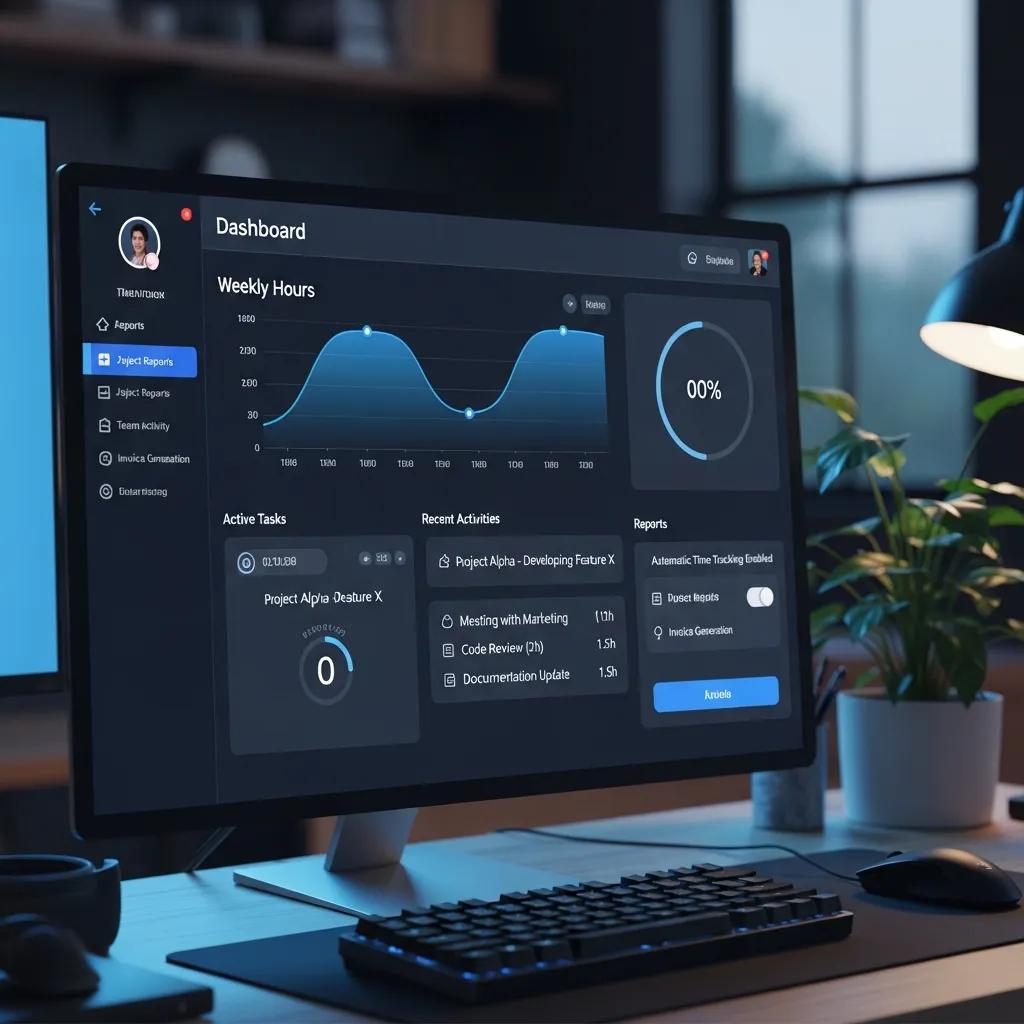
When selecting time tracking software, several key features should be considered to ensure it meets the needs of the organization. Essential features include automatic time tracking, timesheet automation, and robust reporting capabilities. These functionalities not only simplify the tracking process but also provide valuable insights into employee performance and project efficiency.
Automatic Time Tracking and Timesheet Automation Explained
Automatic time tracking allows employees to record their work hours without manual input, reducing the likelihood of errors and time theft. This feature typically uses software that runs in the background, capturing time spent on various applications and tasks. Timesheet automation further streamlines the process by generating reports and reminders for employees to submit their hours. This combination of features enhances accuracy and saves time for both employees and managers, leading to more efficient operations.
Research further supports the efficacy of automated systems, particularly mobile applications, in accurately capturing employee work hours without manual intervention.
Billable Hours Tracking and Reporting Capabilities
Tracking billable hours is crucial for service-based businesses that need to ensure accurate invoicing. Effective time tracking software should provide detailed reporting capabilities that allow managers to analyze time spent on billable versus non-billable tasks. This data can help identify trends and optimize resource allocation. Additionally, robust reporting features enable businesses to generate insights that inform strategic decisions, ultimately enhancing profitability.
How to Choose and Use Free Time Logging Apps Effectively?
Choosing the right free time logging app can significantly impact how effectively a business tracks time. It is essential to consider factors such as user-friendliness, available features, and integration capabilities with existing tools. Free apps can provide valuable functionalities without the financial commitment, making them an attractive option for small businesses or startups.
Comparing Popular Free Timesheet Apps and Their Benefits
Several popular free time logging apps offer unique benefits that cater to different business needs. For instance, apps like Toggl Track and Clockify provide intuitive interfaces and essential tracking features, making them ideal for teams looking to get started with time tracking. These apps often include reporting capabilities that help users analyze their productivity and identify areas for improvement. By comparing the features of various free apps, businesses can select the one that best aligns with their operational requirements.
Are Free Time Logging Apps Reliable for Employee Monitoring?
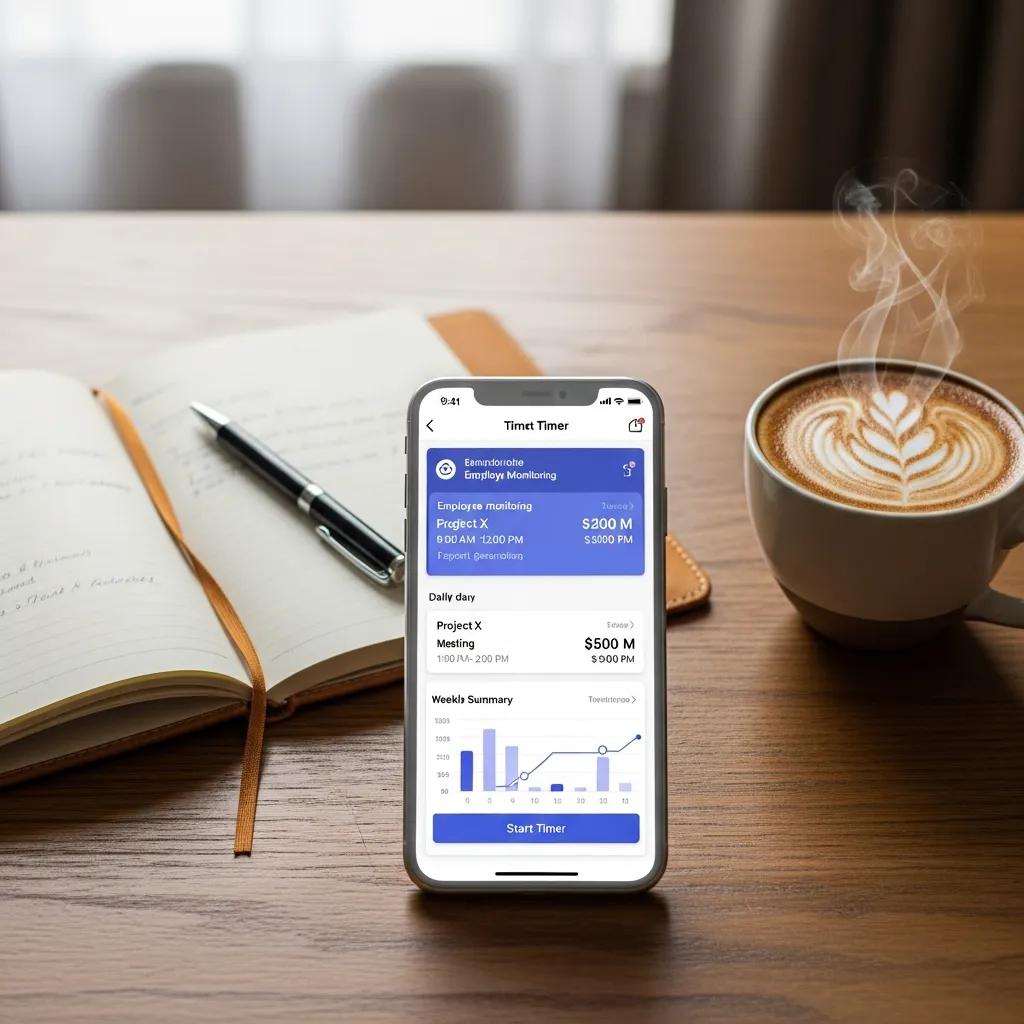
While free time logging apps can be effective, their reliability for employee monitoring may vary. Some apps offer limited features that may not provide comprehensive oversight of employee activities. However, many free options still deliver essential functionalities that can help businesses monitor work hours effectively. User testimonials often highlight the ease of use and effectiveness of these apps, making them a viable choice for organizations looking to implement time tracking without significant investment.
What Are the Benefits of Time Log Analytics and Reporting?
Time log analytics provide businesses with valuable insights into employee performance and project efficiency. By analyzing time tracking data, organizations can identify trends, optimize workflows, and make informed decisions that enhance productivity. The ability to generate detailed reports allows managers to assess how time is spent and where improvements can be made.
Using Work Hours Analytics to Improve Productivity
Work hours analytics can significantly improve productivity by highlighting areas where time is being wasted or underutilized. For example, if analytics reveal that a team spends excessive time on administrative tasks, managers can explore automation solutions to streamline these processes. By leveraging data-driven insights, businesses can implement strategies that enhance efficiency and drive better results.
Indeed, comprehensive workforce analytics, often powered by Management Information Systems, are proven to significantly boost labor efficiency and reduce absenteeism.
Integrating Time Logs with Project Management Tools
Integrating time logs with project management tools can provide a comprehensive view of project progress and resource allocation. This integration allows teams to track time spent on specific tasks directly within their project management software, facilitating better planning and execution. By having access to real-time data, project managers can make timely adjustments to ensure projects stay on track and within budget.
The integration of robust project management software with time logging capabilities is crucial for achieving project milestones and ensuring on-time delivery.
How to Implement and Monitor Time Log Solutions Successfully?
Implementing time log solutions requires careful planning and execution to ensure success. Organizations should establish clear guidelines for time tracking and provide training to employees on how to use the selected tools effectively. Monitoring the implementation process is crucial to identify any challenges and make necessary adjustments.
Best Practices for Employee Time Tracking Methods
To maximize the effectiveness of time tracking, businesses should adopt best practices that promote accountability and accuracy. These practices include setting clear expectations for time logging, encouraging regular updates, and providing feedback on time management. By fostering a culture of transparency and accountability, organizations can enhance the overall effectiveness of their time tracking efforts.
Measuring Success: KPIs and Tools for Time Log Monitoring
Measuring the success of time log solutions involves tracking key performance indicators (KPIs) that reflect productivity and efficiency. Common KPIs include the percentage of billable hours, project completion rates, and employee utilization rates. Utilizing tools that provide real-time data on these metrics can help organizations assess the effectiveness of their time tracking initiatives and make informed decisions for continuous improvement.