
Simplify Planning with Our Employee Weekly Schedule Template

Free Employee Schedule Template Excel: How to Create and Use Effective Shift Schedules
An employee schedule template is a structured file—often an Excel workbook—that captures who works which shifts, when those shifts start and end, and how many hours each employee is assigned; using a template saves time and improves clarity for managers and staff. This guide explains how to use a free employee work schedule template, why Excel templates remain a practical starter option, and how shift schedules connect to broader workforce management practices like overtime control and availability tracking. Many managers face last-minute coverage gaps, inaccurate hour totals, and confusion over shift swaps; templates provide a predictable, auditable framework that reduces those common pain points. You will learn what templates look like, the main file formats available, step-by-step instructions for building weekly or monthly rosters, industry-specific rules for restaurants and healthcare, and criteria to decide when to move from manual templates to employee scheduling software. Throughout, keywords such as employee schedule template, free employee work schedule template, and employee weekly schedule template are used to make it straightforward to find and adapt sample Excel shift schedule templates for your team.
What Is an Employee Schedule Template and Why Is It Important?
An employee schedule template is a reusable framework for assigning shifts, tracking hours, and recording availability that standardizes scheduling across teams and locations. By encoding columns for employee name, role, shift start, shift end, break windows, and total hours formulas, templates automate routine calculations and reduce human error when planning coverage. Templates improve productivity by shortening schedule creation time and increasing transparency so employees can see assigned shifts and totals clearly. They also support compliance by providing a documented record of hours worked and can be adapted to monitor overtime thresholds and certification requirements. Understanding this core definition prepares managers to choose the right file format and layout for their operational needs, which is the next practical step for building a schedule that fits daily realities.
Definition and Core Concepts of Employee Scheduling Templates
A scheduling template typically includes a header with date range, row entries for each employee, and columns for role, shift start time, shift end time, breaks, and calculated total hours. The mechanism that makes templates effective is formula-driven cells—SUM and time-difference formulas—that compute daily and weekly totals automatically and flag overtime when thresholds are exceeded. Common fields also include availability, assigned location, and notes for approved time off, which together form a single source of truth for the pay and operational teams. Using schema-style HowTo markup is useful when publishing templates so search engines and internal tools can recognize template structure, and a screenshot of the main sheet helps new users understand layout quickly. These structural elements reduce ambiguity and make the template easy to adapt for weekly, monthly, or rotating schedules.
Benefits of Using Employee Schedule Templates for Workforce Management

Templates speed scheduling by providing pre-built cells and formulas that remove repetitive setup work and minimize arithmetic errors when totaling hours. Managers gain better visibility into coverage gaps and the ability to spot shift conflicts or understaffed windows before they become operational problems. Employees benefit from fairness and transparency because templates document assigned hours and make shift-swapping and time-off requests easier to verify. For HR and payroll, templates reduce disputes and simplify audits by maintaining consistent records of scheduled versus worked hours. These measurable benefits are often the reason small and mid-size teams start with free employee schedule template Excel files before considering more automated scheduling tools.
Which Types of Employee Schedule Templates Are Available?
Different template types—weekly, monthly, rotating, 12-hour, and on-call—fit distinct operational patterns and staffing cadences, so selecting the right template type is critical to reliable shift planning. Weekly employee schedule templates are ideal for businesses with frequent changes and need for short-term flexibility, while monthly employee schedule templates suit teams with stable, predictable demand. Rotating shift schedule templates support multi-week cycles and are commonly used where fairness across shifts is a priority. Choosing a file format also influences collaboration: Excel is formula-rich, Google Sheets allows real-time editing, Word/PDF favor printable rosters, and specialized PDF forms work when signatures or fixed-format distribution are required. The right match between template type and format optimizes clarity, editability, and compliance for your workforce.
Intro to comparison table: The table below compares common template types and file formats so you can quickly pick the best option for printable rosters, collaborative editing, or formula-driven scheduling.
This comparison highlights that Excel templates are best when calculations and conditional alerts are needed, Google Sheets when multiple managers edit at once, and Word/PDF when printable, static rosters are required. Choose the format that aligns with how often schedules change and who needs edit access.
Excel Employee Schedule Templates: Features and Formats
Excel employee schedule templates shine when you need formula-driven totals, conditional formatting to highlight conflicts, and printable sheets for payroll or posted rosters. Common Excel formulas include using SUM to total daily hours and IF statements to flag overtime or conflicts; time difference formulas compute hours worked while accounting for midnight-crossing shifts. Conditional formatting can color-code role coverage or alert managers to overlapping shifts, and pivot tables summarize hours by employee or role for payroll reconciliation. Excel is best when offline editing, advanced formulas, and structured print layouts are required, but keep in mind collaboration can be limited without a shared cloud drive.
Intro to pros/cons list: The short list below summarizes when Excel is the preferred choice and its main trade-offs.
- Strong Calculations: Excel supports complex formulas that automate hour totals and overtime detection.
- Print-Friendly Layouts: Works well for payroll and posted schedules with fixed page formatting.
- Limited Real-Time Collaboration: Editing by multiple users requires careful version control or cloud sync.
These points show Excel is optimal for formula and print needs; if you require real-time edits across multiple managers, consider cloud-based formats.
Google Sheets, Word, and PDF Templates: Pros and Cons
Google Sheets facilitates real-time collaboration and comments so managers and employees can suggest edits or report availability live, which reduces back-and-forth emailing. Google Sheets supports many of the same formulas as Excel and allows cell-level sharing permissions, making it suitable for distributed teams. Word and PDF templates prioritize simplicity and printability for locations that need a stable roster to post; however, they lack native formulas and are awkward for frequent changes. PDFs are useful when schedules must be archived in uneditable form, while Word templates are easy to customize for simple weekly rosters but not for calculations. Choosing between these formats depends on whether collaboration or static posting is the primary requirement.
Intro to download CTA: If you want a quick start, download a free employee schedule template Excel file and adapt its columns for your team’s roles and break rules; use Google Sheets versions when multiple managers must edit simultaneously.
Summary: For collaborative, frequently changing schedules use Google Sheets; for formula-heavy calculations and printable payroll records use Excel; for static posting use Word or PDF templates.
How Do You Create an Effective Employee Shift Schedule Template?
An effective shift schedule template starts by defining the scheduling period, required coverage by time window, and the fields needed to capture employee identity, role, availability, and total hours. The mechanism for accuracy is a combination of reliable source data—availability and certifications—and built-in validation such as conditional formatting and formulas to flag overlaps or overtime. The result is a reproducible schedule that balances coverage needs with fairness and legal constraints, reducing last-minute changes and payroll mismatches. Below is a step-by-step checklist you can copy into an Excel sheet, followed by tips for validating and distributing the final roster.
Step-by-step intro: Use the numbered checklist to assemble a weekly or monthly employee schedule template efficiently.
- Decide the scheduling period and set a clear date range at the top of the template.
- Collect employee availability, role codes, and any certifications before assigning shifts.
- Enter shifts with start and end times, include breaks, and apply time-difference formulas to compute hours.
- Use conditional formatting to highlight conflicts and SUM formulas to total hours by day and week.
- Validate totals, review overtime flags, and distribute the schedule with a publish timestamp.
Following these steps ensures schedules are built from accurate availability, include automated checks for conflicts, and produce totals suitable for payroll reconciliation, which reduces rework and clarifies expectations for staff.
Step-by-Step Guide to Building a Weekly or Monthly Schedule
Start by choosing whether a weekly schedule (better for changing demand) or a monthly schedule (better for stable staffing) fits your operation, then create header rows for dates and columns for employee name, role, shift start, shift end, breaks, and total hours. Implement formulas: a basic hours formula subtracts shift start from shift end and subtracts break time, while weekly totals use SUM across daily totals. Add conditional formatting rules to flag overlapping shifts and highlight days where required role coverage is below threshold. Before distribution, validate the sheet by checking a small sample of employee totals against known availability to ensure formulas handle midnight-crossing shifts. This process produces a reusable template that streamlines future scheduling cycles.
Tips for Customizing Templates to Fit Your Industry Needs
Customize templates by adding columns for certifications, equipment qualification, or location tags when roles require special credentials or multi-site coverage; color-coding role types improves at-a-glance staffing checks. For businesses with split or staggered shifts, include a break-planning column that enforces local break laws and auto-calculates unpaid break time. Use filters and pivot tables to view schedules by role, location, or certification quickly, and build separate sheets for rotating cycles so fairness can be audited across multi-week periods. These customizations ensure the template enforces the rules you need while remaining simple for managers to update.
What Are Industry-Specific Employee Schedule Templates?
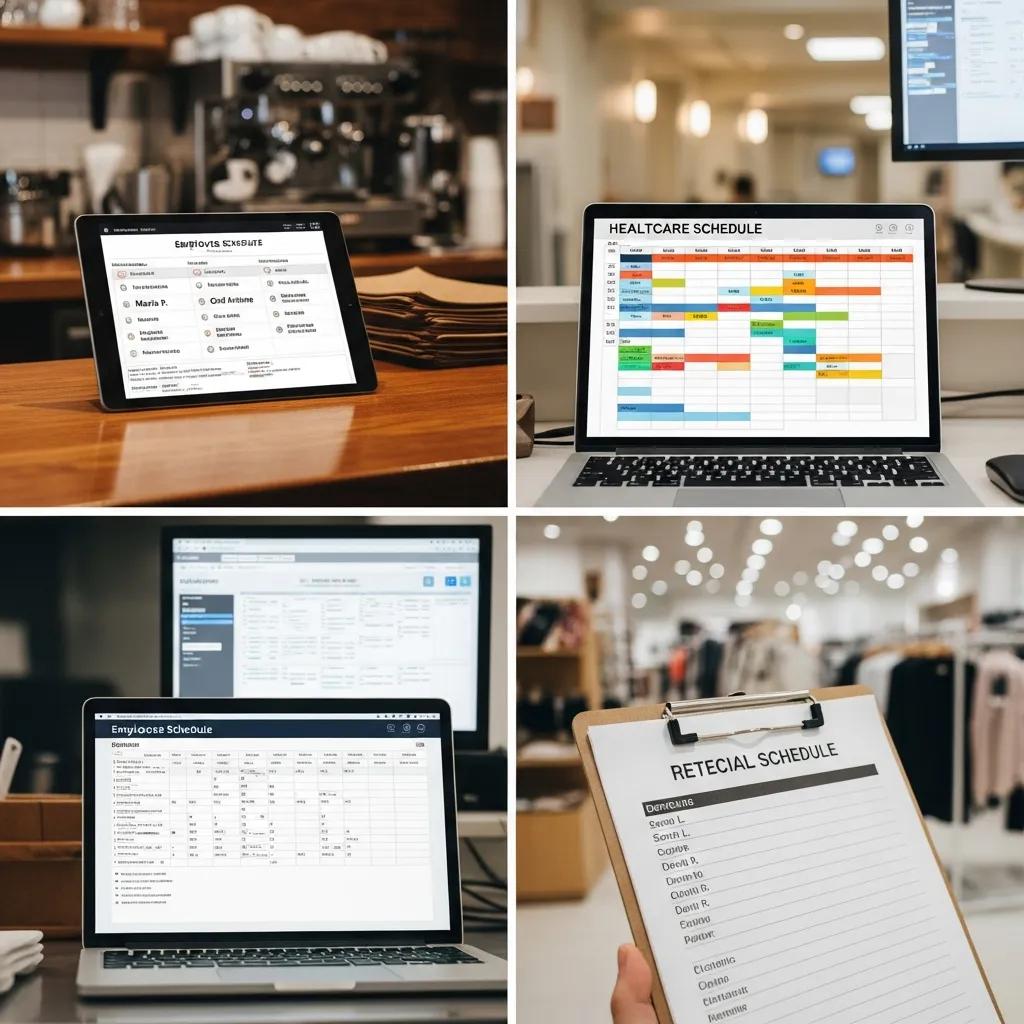
Industry-specific templates vary because operational demands and compliance requirements differ by sector, so templates must reflect peak demand windows, certification tracking, and typical shift lengths. In retail and restaurants you often need short, flexible shifts for peak hours and a mechanism for tracking tip pools or split shifts. Healthcare demands certification columns, strict rest-period enforcement, and clear handoff notes for continuity of care. Small businesses benefit from simplified templates that emphasize ease of update and clarity for a small team. Tailoring templates to industry constraints reduces errors and keeps schedules aligned with operational realities.
Restaurant and Retail Employee Scheduling Best Practices
Restaurants and retail operations should map schedules to predictable peak windows—lunch, dinner, and evening retail spikes—and assign cross-trained employees to high-traffic periods to avoid understaffing. Use staggered shift starts to ensure coverage during turnover, and track break times to comply with labor rules and avoid missed meal periods. Implement a short-notice fill policy and a documented swap process in the template that includes manager approval fields to avoid understaffing. These practices increase customer-facing coverage while maintaining fairness and reducing last-minute scheduling conflicts.
Healthcare and Small Business Scheduling Considerations
Healthcare schedules must document required certifications and include on-call and handoff notes to preserve patient safety across shifts; templates should flag when a certified clinician is required and prevent assignment of uncertified staff. For 12-hour rotations and 24/7 operations, build cycle templates that ensure minimum rest periods between shifts and calculate cumulative hours across the pay period to monitor overtime. Small businesses should favor streamlined templates that minimize required fields while still capturing availability and total hours, making updates quick and reducing the chance of input errors. These adaptations keep patient safety and labor compliance at the forefront.
When Should You Consider Employee Scheduling Software Over Templates?
Consider switching to employee scheduling software when scheduling complexity—frequent last-minute changes, many shift swaps, multi-location coordination, or the need for integrations—outpaces what manual templates can handle efficiently. Software delivers real-time updates to mobile devices, automated conflict checks, auto-scheduling based on rules and availability, and integrations with payroll and time-tracking systems that eliminate manual re-entry. Templates begin to break down when dozens of edits per week are required or when audit trails and approval workflows become mandatory. Below is a decision checklist and an EAV table illustrating use cases where software typically outperforms templates.
Intro to decision checklist: Use this quick yes/no checklist to evaluate whether software is justified.
- Do you manage multiple sites or locations? If yes, consider software.
- Do your schedules require frequent real-time changes or multiple approvals? If yes, consider software.
- Do you need integrations with payroll or time tracking? If yes, consider software.
If the answer to one or more items above is yes, software can reduce administrative overhead, improve compliance, and provide traceable audit trails that templates cannot easily replicate; evaluating free or entry-level scheduling tools can help bridge the gap before committing to paid systems.
Limitations of Manual Templates and Benefits of Automation
Manual templates require repeated copying and version management, which increases the risk of distributing outdated rosters and recreating the same validation steps each cycle. Automation replaces repetitive tasks with rule-based scheduling that respects availability, certifications, and labor rules while producing consistent, auditable outputs. Automated tools can also surface predictive staffing suggestions by analyzing historical patterns, reducing overstaffing or understaffing. While templates are low-cost and flexible for small teams, automation reduces hours spent on administrative tasks and decreases human error where scale and complexity demand it.
Overview of Free Employee Scheduling Software Options
Entry-level and free scheduling options often include mobile access, basic auto-scheduling features, and notifications for shift changes, making them a practical bridge for teams moving beyond templates. Typical free tiers impose user caps or limit integrations, so they work best for small teams or pilot programs; these options provide a taste of automation benefits without immediate cost. When evaluating free tools, focus on whether they support rule-based scheduling, mobile notifications, and export formats compatible with your payroll system. Upgrading from a template to a free or low-cost software tier can deliver immediate time savings for managers while preserving manual oversight.
How Can You Optimize Employee Scheduling for Compliance and Productivity?
Optimizing scheduling for compliance and productivity requires centralizing availability collection, enforcing submission deadlines, and building automatic checks for overtime and rest periods into your template or software. Templates can include formulas to calculate weekly totals and conditional formats to flag overtime, while automated systems can enforce rules in real time. Communication is equally important: publish schedules with a visible timestamp, offer a structured swap approval process, and document version history to avoid confusion. These practices lower labor costs, reduce last-minute scheduling gaps, and ensure schedules align with legal and budgetary limits while keeping employees informed.
Intro to attribute table: The table below compares template capabilities with suggested automation or process improvements to help you decide which controls to implement.
Managing Employee Availability, Overtime, and Labor Costs
Collect availability through a consistent channel and lock edits after a submission deadline to give managers time to plan; templates can include an “Availability submitted” column and a date stamp to indicate when inputs were finalized. Use formulas to sum hours per pay period and an IF formula to highlight overtime beyond the legal or internal threshold, enabling early corrective action. For labor cost control, set target hours by role and use pivot summaries to compare scheduled hours against budgeted labor hours; adjusting shift lengths or cross-training staff can realign schedules to budget. These steps convert scheduling from an ad-hoc task into a predictable control mechanism for labor spend.
Improving Communication and Reducing Scheduling Conflicts
Publish schedules with a clear version timestamp and include a visible note about the approval process so employees know when a roster is final and how to request changes. Provide a documented swap process with fields for proposed replacement, manager approval, and a final confirmation to ensure coverage is never lost. Use consistent channels—shared sheets for collaborative edits or scheduled emails for finalized rosters—and record changes to preserve an audit trail. Effective communication and documented swap workflows reduce last-minute gaps and create a transparent process that employees trust and managers can enforce.