
Simplify Operations with the Best Staff Scheduling Software

Staff Scheduling Software: Comprehensive Guide to Employee Scheduling and Workforce Management
Staff scheduling software is a class of workforce management tools that centralizes shift planning, time tracking, communication, and compliance to save managers time and reduce labor costs. By automating shift creation, enforcing availability rules, and linking scheduled hours to time clocks and payroll, employee scheduling software transforms manual spreadsheets into an auditable, efficient process. This guide explains how online staff scheduling software works, highlights the core features managers rely on, and shows industry-specific use cases where scheduling tools deliver measurable outcomes. You will learn which features matter most, how automation and time tracking interact, which industries see the biggest ROI, and practical criteria for selecting a solution that integrates with payroll and HR systems. The article also compares typical free scheduling tiers, explains how integrations improve accuracy and speed, and offers a vendor-evaluation checklist so you can shortlist solutions based on real operational needs. Throughout, keywords such as staff scheduling software, time tracking, auto-scheduling, payroll integration, and mobile scheduling app are woven into actionable guidance you can apply immediately.
What Are the Key Features of Employee Scheduling Software?
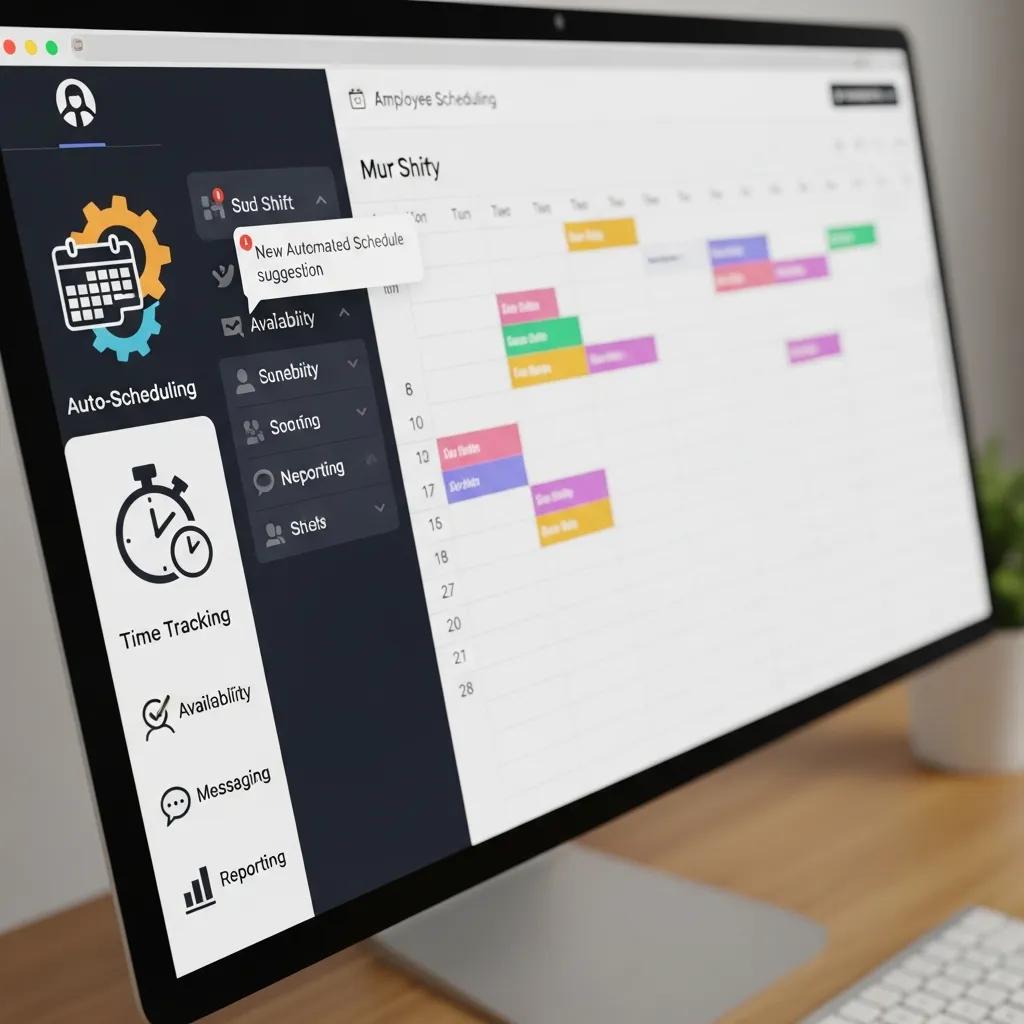
Employee scheduling software provides a set of core modules—auto-scheduling, time tracking, shift management, communication, payroll export, and mobile access—that together reduce manual effort and improve operational accuracy. These features work by codifying rules (availability, qualifications, labor budgets), capturing attendance events, and producing exportable records for payroll or audits, producing faster scheduling cycles and fewer errors. Typical benefits include reduced manager hours spent building rosters, lower overtime spend, improved shift fill rates, and clearer documentation for compliance. Below is a concise feature list that targets the most common queries and serves as a quick-reference snippet for busy managers.
Top features and one-line benefits:
- Auto-scheduling: Automatically generates shifts based on rules and demand to save planner time and reduce scheduling conflicts.
- Time tracking: Captures clock-ins/outs and enforces schedule adherence for accurate payroll and overtime control.
- Shift management: Handles swaps, covers, and recurring patterns so hourly teams stay staffed without ad-hoc calls.
- Communication: In-app messaging and notifications reduce emails and last-minute phone trees for shift changes.
- Payroll integration: Exports validated timesheets to payroll systems to eliminate double entry and speed pay runs.
- Mobile access: Empowers employees to view schedules, accept shifts, and submit availability from smartphones.
This feature inventory leads directly to a practical comparison of how each module maps to everyday business benefits and operational outcomes.
This comparison shows how core modules are meronyms of the broader workforce management system and why combining them yields compound benefits. Understanding these components helps pinpoint which modules to prioritize when evaluating vendors.
How Does Automated Shift Scheduling Improve Efficiency?
Automated shift scheduling reduces planner workload by using rule engines and, where available, predictive demand models to match available staff to forecasted needs. Rule-based auto-scheduling enforces availability, qualifications, and maximum hours while AI-driven approaches add sales or footfall forecasts to reduce overstaffing. The mechanism works by converting scheduling constraints into optimization objectives—minimize overtime, respect certifications, and meet coverage targets—so managers spend less time resolving conflicts. Practical metrics include decreasing roster build time by 50–80% and lowering last-minute shift gaps, though actual results vary by data quality and rule complexity. Recognizing limitations is essential: auto-schedules still require human oversight for one-off events, and manual overrides remain a necessary safety valve.
These efficiency gains naturally connect to time-tracking accuracy and payroll downstream, which is the next critical element in workforce control.
What Role Does Time Tracking Play in Workforce Management?
Time tracking bridges scheduled shifts and payroll by capturing when employees actually start and finish work, enabling precise labor cost calculations and compliance enforcement. Clock-in options include mobile apps with geofencing, kiosk terminals, and web-based time clocks; anti-fraud features such as photo capture or geolocation reduce buddy-punching. Time data feeds directly into reporting modules and payroll exports, allowing managers to reconcile scheduled vs. actual hours, flag overtime, and correct exceptions before pay runs. Accurate time tracking also supports labor analytics—hours by role, peak times, and absenteeism trends—so organizations can refine forecasting and staffing levels. Solid time-tracking practices therefore reduce payroll errors and improve labor budgeting accuracy.
Because reliable time data underpins cost control, the next sections show which industries benefit most and how these features map to specific use cases.
Which Industries Benefit Most from Staff Scheduling Software?

Staff scheduling software benefits any organization that manages shift-based labor, but certain industries see particularly high returns due to variability in demand, compliance complexity, and the need for skills-based matching. Key verticals include healthcare, restaurants, retail, hospitality, and small businesses with hourly teams; each sector requires different feature emphases such as certification checks for medical staff or POS-based forecasting for retail. Identifying the right feature set for your industry helps prioritize vendor shortlisting and pilot metrics. The list below highlights industries and one-sentence tailored benefits to aid quick decisions.
Industries and tailored benefits:
- Healthcare: Ensures certifications, nurse-to-patient ratios, and continuity of care through skills-based scheduling.
- Restaurants: Aligns labor with sales forecasts and peak service windows to control hourly costs.
- Retail: Integrates POS data to staff registers and manage seasonal surges with temporary coverage.
- Hospitality: Coordinates multi-role teams across events, housekeeping, and front-desk shifts for consistent guest service.
- Small business: Simplifies shift planning and time capture to avoid payroll errors and administrative overhead.
Mapping these industry needs to software features clarifies which modules will deliver measurable ROI for each sector and leads into healthcare-specific considerations next.
How Is Healthcare Scheduling Software Tailored to Medical Staff Needs?
Healthcare scheduling systems prioritize skills, certifications, shift continuity, and on-call rotations to protect patient care and comply with labor regulations. Scheduling logic enforces licensure and specialty matching so only qualified staff receive assignments, and handover windows are built into shift overlaps to preserve continuity. Compliance features maintain rest-period enforcement and traceable audit trails for overtime and shift swaps, which is critical in regulated clinical settings. Workflow examples include automated rotation patterns for nursing teams and on-call scheduling modules that handle pay differentials and escalation. These capabilities reduce staffing gaps and protect clinical quality while simplifying audits and credential verification.
This focus on certifications and continuity naturally contrasts with retail and restaurant needs, which emphasize demand-driven forecasting.
What Features Support Scheduling in Restaurants and Retail?
Restaurants and retail operations rely on forecasting, POS integration, flexible shift types, and mobile-driven shift changes to manage hourly peaks and last-minute demand. Forecasting tools translate sales or footfall data into recommended coverage levels, while POS and register integrations enable day-by-day adjustments that reduce overstaffing on slow days and increase coverage during promotions. Split shifts, short shifts, and quick swaps are common in these sectors, so mobile scheduling apps and approval workflows matter more than in salaried environments. The combined use of forecasting and mobile shift management improves labor productivity and worker satisfaction by reducing unexpected changes through transparent communication.
Having explored industry fit, we next examine how software controls labor costs and enforces compliance across jurisdictions.
How Can Staff Scheduling Software Reduce Labor Costs and Improve Compliance?
Staff scheduling software reduces labor costs and improves compliance by optimizing staffing levels, enforcing rules to prevent unauthorized overtime, and maintaining auditable records that demonstrate regulatory adherence. Operational mechanisms include demand forecasting, labor budgeting alerts, configurable rules engines, and exception reporting that lets managers act before payroll. The cost/benefit linkage is direct: better forecasts lower unnecessary hours, rules reduce premium pay, and audit trails reduce legal exposure and fines. Below is a practical mapping of features to metrics and examples showing how operational controls translate into measurable savings and compliance outcomes.
These mappings show how feature selection directly impacts cost control and regulatory readiness, and lead into detailed overtime and compliance mechanics next.
In What Ways Does Scheduling Software Help Manage Overtime and Labor Laws?
Scheduling software manages overtime by applying configurable rules—such as daily and weekly hour caps, automatic alerts when thresholds are near, and approval workflows for overtime—that prevent unplanned premium pay. Rule engines can encode local labor laws, including minimum rest periods, break requirements, and differential pay rates for night or holiday shifts. When properly configured, the system flags violations at the scheduling stage and during time capture, enabling corrective action before payroll is finalized. Typical best practices include tiered approval flows for overtime, testing rule sets against historical data, and exporting compliance reports for HR and legal review to create an evidentiary trail.
These overtime controls complement broader compliance management features, which are described in the next subsection.
How Does Compliance Management Ensure Legal Workforce Practices?
Compliance management uses policy settings, automated checks, and exportable reports to provide evidence of lawful workforce practices and simplify audits. Administrators set jurisdiction-specific rules—maximum consecutive work hours, mandatory breaks, and record retention intervals—and the software enforces them through scheduling constraints and audit logs. Reporting functions generate time-stamped records and exception lists that HR and legal teams can use during investigations or government audits. To stay ready, organizations should periodically review rule configurations, validate time-capture integrity, and document training on policy changes to maintain a defensible compliance posture.
Understanding cost and compliance control leads naturally to considerations of budget-constrained buyers, so the next section compares common free scheduling options and upgrade triggers.
What Are the Best Free Employee Scheduling Apps Available?
Free scheduling tiers are useful entry points for very small teams and proof-of-concept pilots, offering essential shift-building tools, basic time tracking, and mobile access with some feature or user limits. Typical free plans excel for single-location teams or trial periods but commonly lack advanced forecasting, extensive integrations, and robust reporting—signals that a paid plan is needed. Below is a direct-style list describing typical free options by use case to help managers decide when to start with a free tier and when to upgrade for scale.
Common free-tier options and ideal use cases:
- Starter free plans for micro-teams: Good for very small teams that need basic rosters and mobile access.
- Location-limited free plans: Best for single-location businesses testing digital scheduling.
- Feature-limited free plans: Useful to trial mobile scheduling and shift swaps before buying advanced forecasting.
The quick comparison table below outlines typical free-tier limits and when an upgrade becomes necessary.
This table illustrates that free plans are suitable for pilots and very small teams, but growing operations will need advanced features such as payroll exports, forecasting, and multi-location support.
Which Free Scheduling Software Offers Robust Features for Small Businesses?
For small businesses, the most practical free plans include core scheduling, basic time capture, and a mobile app for employees, with limits on the number of users or locations. When evaluating free options, managers should confirm whether the plan supports shift swaps, approval workflows, and at least one payroll export method; these capabilities determine whether the free plan will cover day-to-day operations or only serve as a temporary solution. Common upgrade triggers include exceeding user limits, needing integration with payroll or POS systems, and requiring advanced reporting for labor optimization. Running a 30–60 day pilot focused on a single location is a recommended way to validate that a free plan meets operational needs before scaling.
Deciding to upgrade depends on integration needs and the quality of the mobile and admin UX, which is discussed in the next subsection.
How Do Free Apps Compare in Terms of Usability and Integration?
Free apps vary widely in onboarding speed, mobile UX quality, and integration availability; many free tiers limit API access or restrict the number of third-party integrations so that payroll and HR systems remain on paid plans. Usability differences are often the biggest practical differentiator—clean mobile interfaces and straightforward admin controls reduce support burden for small managers. Key evaluation steps include timing a complete schedule build during the trial, testing mobile clock-ins, and validating any advertised payroll export format. If integrations or automation are essential, confirm integration methods (CSV export vs. API) during the free trial to avoid disruptive migration later.
Testing usability and integration readiness in a controlled pilot avoids surprises and informs selection criteria, which is the focus of the next major section.
How Does Integration Enhance the Functionality of Staff Scheduling Software?
Integrations—payroll, HRIS, POS, and calendar systems—create end-to-end workflows that eliminate duplicate data entry and improve data accuracy across the employee lifecycle. Integration transforms scheduling events into timesheets, then into payroll inputs, and ultimately into HR records, enabling faster pay runs and consistent employee records. Data flows typically follow a shift -> timesheet -> approval -> payroll export pattern and can be achieved through APIs, secure file transfers, or scheduled CSV exports. Preparing for integration involves mapping fields, agreeing on time-zone and pay-rule conventions, and establishing security controls to protect sensitive payroll and personnel data.
An integration readiness checklist helps IT and operations teams scope work and avoid common pitfalls when connecting scheduling to enterprise systems.
Integration readiness checklist:
- Confirm required data exchange formats and field mappings.
- Validate authentication methods and security controls for APIs.
- Align pay rules, time zones, and overtime calculations across systems.
- Pilot exports with sample payroll runs before full go-live.
These integration steps ensure the scheduling system complements rather than complicates existing payroll and HR workflows, and the next subsections explain payroll/HR and mobile/communication integrations in more detail.
What Are the Benefits of Payroll and HR System Integration?
Payroll and HR integrations reduce manual entry, minimize errors, and speed pay cycles by automatically transferring validated timesheet data into payroll and updating HR records for new hires or status changes. Common integration patterns include direct API connections, secure SFTP transfers of formatted files, or scheduled CSV exports that map timesheet fields to payroll codes. Automation benefits include fewer reconciliation tasks, faster approvals, and consistent benefit and accrual calculations, while pitfalls include mismatched pay codes or divergent overtime rules that require reconciliation. Security and governance must be addressed up front: encrypt exports, restrict access, and ensure audit logs capture who approved timesheets and adjustments.
Ensuring these integrations are robust supports a broader strategy of employee self-service and mobile-first scheduling, which reduces administrative burden.
How Do Mobile Apps and Communication Tools Support Scheduling?
Mobile apps and in-app communication tools enable employee self-service—viewing schedules, accepting open shifts, requesting time off, and executing shift swaps—reducing manager phone calls and last-minute coverage headaches. Push notifications and two-way messaging keep staff informed of changes and allow rapid responses to shift openings; offline modes and retry logic help in low-connectivity environments. Manager controls retain final approvals for swaps and ensure compliance with rules while giving employees autonomy. Good mobile UX directly correlates with adoption rates, fewer scheduling errors, and higher shift acceptance rates, making mobile features a high-priority evaluation item for hourly-first businesses.
Having reviewed integrations and mobile capabilities, the final major section explains how to evaluate and choose the right scheduling solution.
What Should Businesses Consider When Choosing Staff Scheduling Software?
Choosing staff scheduling software requires balancing feature needs, integration capability, scalability, security, and total cost of ownership to ensure the solution delivers measurable business value. Essential steps include defining must-have features, listing required integrations, establishing security and data governance expectations, and identifying pilot success metrics (reduction in scheduling time, overtime hours, or fill rates). Implementation considerations—training, change management, and stakeholder involvement from managers, payroll, and employees—are equally important to adoption success. Use the checklist below as a decision framework to prioritize vendors and structure trials that validate both functionality and operational fit.
Checklist-style vendor selection criteria:
- Must-have features: auto-scheduling, time tracking, shift swaps, and reporting.
- Integration needs: payroll, HRIS, POS, calendar support and export methods.
- Security: data encryption, role-based access, and audit logs.
- Scalability: multi-location support and user provisioning.
- Mobile experience: robust employee app and offline behavior.
- Support & training: onboarding resources and SLA expectations.
- Pricing transparency and upgrade paths.
- Pilot metrics and trial period terms.
This checklist guides a structured shortlisting process and leads to specific selection and evaluation questions outlined in the next subsection.
Which Criteria Are Essential for Selecting the Right Scheduling Solution?
When shortlisting vendors, apply a weighted scoring rubric across essential criteria—feature fit (30%), integrations (25%), security and compliance (15%), UX and adoption potential (15%), and cost/ROI (15%)—to objectively compare offers. During trials, pilot against real schedules and sample payroll exports to validate integration assumptions and measure key outcomes such as schedule-build time reduction and overtime decrease. Engage stakeholders from operations, HR, and payroll early to capture requirements and gain buy-in. A formal pilot plan with success metrics and rollback criteria de-risks procurement and ensures the chosen solution meets real-world needs rather than marketing claims.
These selection practices prepare you to evaluate vendor claims about automation and AI, which is the subject of the next subsection.
How Do AI and Automation Features Influence Software Effectiveness?
AI and automation features—predictive demand, schedule optimization, and intelligent shift recommendations—can materially improve staffing accuracy, but their effectiveness depends on data quality and realistic expectations. AI requires historical sales, footfall, or transaction data to predict demand reliably; without sufficient or clean data, AI suggestions may underperform rule-based approaches. Assess vendors by asking for transparency about data inputs, model outputs, and failure modes, and request case examples and the ability to toggle automation off for manual control. When properly implemented, AI can reduce unnecessary hours and improve service levels, but it should augment manager expertise rather than replace it.
Evaluating AI claims with scrutiny ensures automation delivers practical benefits and integrates with your operational controls and compliance requirements.