
schedule maker

Schedule Maker: How to Create and Optimize Work Schedules Efficiently
Creating and optimizing work schedules is essential for enhancing productivity and ensuring that teams operate smoothly. A schedule maker is a powerful tool that simplifies this process, allowing users to create efficient schedules tailored to their specific needs. In this article, we will explore the various aspects of schedule makers, including their features, benefits, and how to effectively utilize them for your scheduling needs. Many organizations struggle with inefficient scheduling, leading to wasted time and resources. By leveraging a schedule maker, you can streamline your scheduling process, reduce conflicts, and improve overall team efficiency. We will cover the definition of schedule makers, the best tools available, tips for creating effective schedules, and the benefits of integrating AI into scheduling software.
What Is a Schedule Maker and How Does It Improve Productivity?
A schedule maker is a software tool designed to assist individuals and organizations in creating, managing, and optimizing work schedules. By automating the scheduling process, these tools help reduce the time spent on manual scheduling tasks, allowing teams to focus on their core responsibilities. The primary benefit of using a schedule maker is the significant improvement in productivity, as it minimizes scheduling conflicts and enhances communication among team members.
Defining Schedule Makers and Their Core Features
Schedule makers come equipped with various features that enhance their usability and effectiveness. Key features include:
- User-Friendly Interface: Most schedule makers offer a drag-and-drop interface, making it easy for users to create and modify schedules.
- Calendar Integration: Many tools allow for seamless integration with existing calendar applications, ensuring that all team members are on the same page.
- Automated Notifications: Schedule makers often include automated reminders and notifications to keep team members informed about their shifts and any changes.
These features collectively contribute to a more organized and efficient scheduling process, ultimately leading to improved productivity.
How AI Scheduling Tools Automate Work Schedule Creation
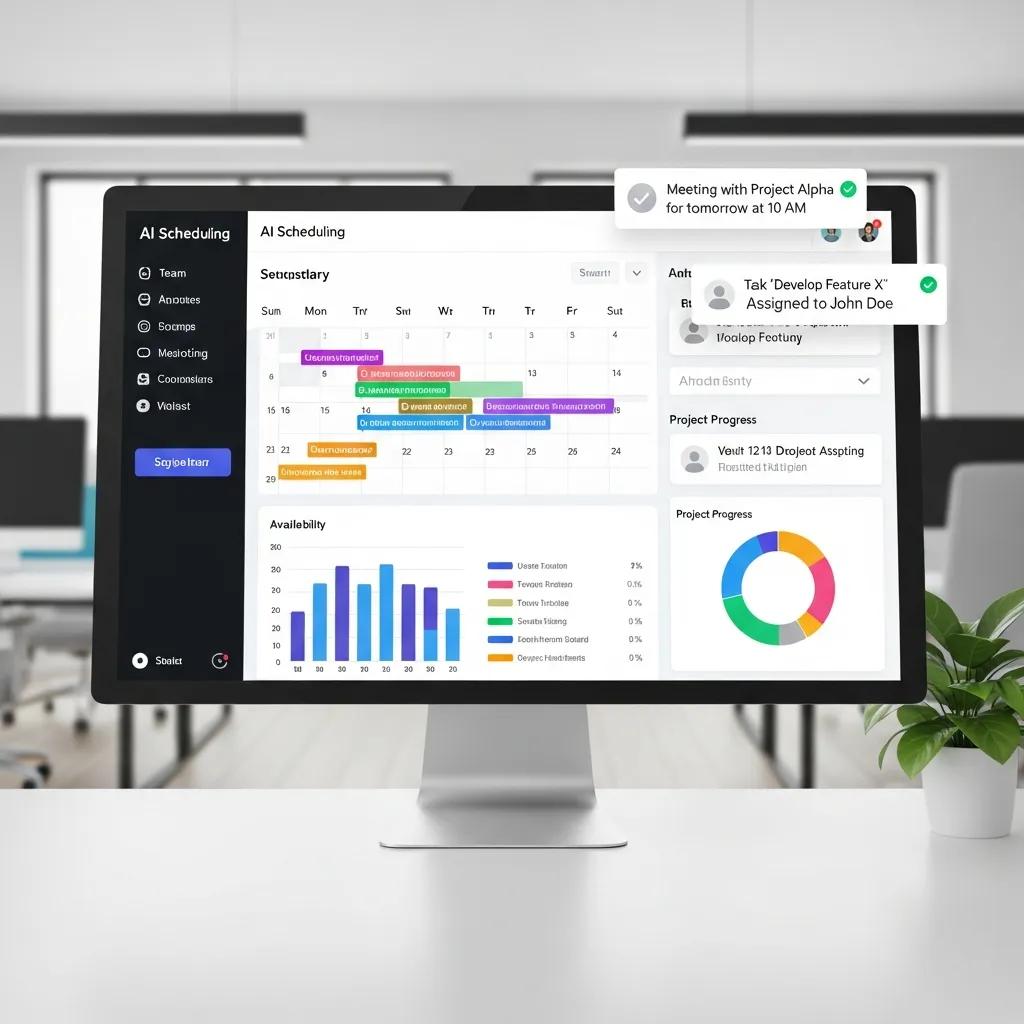
AI scheduling tools leverage advanced algorithms to automate the creation of work schedules. By analyzing various factors such as employee availability, workload, and preferences, these tools can generate optimal schedules that meet the needs of both the organization and its employees. The benefits of using AI in scheduling include:
Further research highlights how AI-augmented workforce scheduling, especially when combined with cloud platforms, significantly boosts operational efficiency and resource optimization.
- Time Savings: Automation significantly reduces the time required to create schedules, allowing managers to focus on other critical tasks.
- Conflict Resolution: AI tools can quickly identify and resolve scheduling conflicts, ensuring that all shifts are adequately covered.
- Data-Driven Decisions: AI scheduling tools provide insights based on historical data, enabling managers to make informed decisions about staffing and scheduling.
The development of efficient algorithms is crucial for achieving these benefits, particularly in optimizing shift design and employee assignments.
Which Free and Online Schedule Maker Tools Are Best for You?
When it comes to selecting a schedule maker, there are numerous free and online tools available that cater to different needs. Below is a comparison of some popular options:
These tools offer various features that can help streamline your scheduling process, depending on your specific requirements.
Comparing Popular Free Schedule Makers and Weekly Planner Templates
When evaluating free schedule makers, consider the following popular options:
- Google Calendar: A widely used tool that allows users to create events, set reminders, and share calendars with team members.
- Trello: While primarily a project management tool, Trello can be adapted for scheduling by creating boards for different projects or shifts.
- Asana: This tool offers task management features that can be utilized for scheduling, allowing teams to assign tasks and deadlines effectively.
Each of these tools has its strengths, making them suitable for different types of scheduling needs.
How Online Timetable Creators Simplify Team Scheduling
Online timetable creators provide a straightforward way to manage team schedules. These tools often include features such as:
- Customizable Templates: Users can choose from various templates to create schedules that fit their specific needs.
- Collaboration Features: Many online timetable creators allow team members to collaborate on schedules, making it easier to accommodate everyone’s availability.
- Real-Time Updates: Changes made to schedules are updated in real-time, ensuring that all team members have access to the latest information.
By utilizing these features, teams can simplify their scheduling processes and enhance collaboration.
How Can You Create an Effective Weekly Schedule Using a Schedule Maker?

Creating an effective weekly schedule involves several key steps that can be easily managed with a schedule maker.
Step-by-Step Guide to Building a Weekly Planner Template
- Identify Team Availability: Gather information on when team members are available to work.
- Define Roles and Responsibilities: Clearly outline the roles and responsibilities of each team member to ensure coverage.
- Use a Template: Start with a pre-designed template in your schedule maker to save time.
- Allocate Shifts: Assign shifts based on availability and workload, ensuring that all roles are covered.
- Review and Adjust: Share the schedule with the team for feedback and make necessary adjustments.
By following these steps, you can create a well-structured weekly schedule that meets the needs of your team.
Tips for Work Shift Planning and Employee Scheduling Software Use
To maximize the effectiveness of your scheduling efforts, consider the following tips:
- Communicate Clearly: Ensure that all team members are aware of their schedules and any changes that occur.
- Be Flexible: Allow for adjustments in the schedule to accommodate unexpected changes in availability.
- Utilize Analytics: Use data from your scheduling software to identify trends and improve future scheduling efforts.
Implementing these strategies can lead to more efficient scheduling and a more satisfied workforce.
What Are the Benefits of AI in Employee Scheduling Software?
AI has revolutionized the way organizations approach employee scheduling, offering numerous benefits that enhance efficiency and productivity.
Reducing Labor Costs and Improving Workforce Efficiency with AI
AI scheduling tools can help reduce labor costs by optimizing shift assignments and minimizing overtime. By analyzing employee availability, skills, and preferences, these tools ensure that the right number of staff is scheduled at the right times, leading to improved workforce efficiency.
Indeed, AI-driven predictive scheduling systems are transforming workforce management by accurately forecasting staffing needs and optimizing schedules to enhance both employee engagement and overall productivity.
Integrating AI Scheduling Tools with Team Collaboration Platforms
Integrating AI scheduling tools with team collaboration platforms can further enhance communication and coordination among team members. This integration allows for seamless sharing of schedules, updates, and notifications, ensuring that everyone is informed and aligned.
How Do You Choose the Right Schedule Maker for Your Needs?
Selecting the right schedule maker involves evaluating various features and capabilities to find the best fit for your organization.
Evaluating Features: Automation, Drag-and-Drop, and Platform Support
When choosing a schedule maker, consider the following features:
- Automation: Look for tools that offer automated scheduling capabilities to save time and reduce errors.
- Drag-and-Drop Interface: A user-friendly interface can make it easier to create and modify schedules.
- Platform Support: Ensure that the schedule maker is compatible with the tools and platforms your team already uses.
These features can significantly impact the effectiveness of your scheduling efforts.
Understanding Pricing Models and Target User Considerations
Different schedule makers come with various pricing models, including free, subscription-based, and freemium options. Consider your budget and the specific needs of your team when evaluating these options. Additionally, think about the target users of the software—whether it’s for small teams, large organizations, or specific industries—as this can influence your choice.
What Are Common Questions About Schedule Makers?
As you explore schedule makers, you may have several questions regarding their functionality and effectiveness.
How Do I Create a Work Schedule Using a Schedule Maker?
Creating a work schedule using a schedule maker typically involves selecting a template, inputting employee availability, and assigning shifts based on roles and responsibilities. Most tools provide user-friendly interfaces that guide you through the process step-by-step.
What Is the Best Free Schedule Maker Available Today?
The best free schedule maker often depends on your specific needs, but tools like Google Calendar and When I Work are popular choices due to their ease of use and robust features. These tools can help you create effective schedules without incurring additional costs.