
Optimize Your Team’s Workflow with Smart Work Schedule Tools

How to Optimize Workforce Scheduling with PunchPro
Effective workforce management is crucial for businesses aiming to enhance productivity and employee satisfaction. Employee scheduling software plays a pivotal role in streamlining work scheduling processes, allowing organizations to allocate resources efficiently and manage shifts seamlessly. This article will explore the various aspects of employee scheduling software, including its key features, benefits, and best practices for implementation. Readers will learn how to leverage these tools to optimize their workforce management strategies and improve overall operational efficiency.
Many businesses struggle with the complexities of scheduling, leading to inefficiencies and employee dissatisfaction. Employee scheduling software offers a solution by automating scheduling tasks, reducing errors, and providing real-time visibility into workforce availability. This article will cover essential topics such as the features of scheduling software, the advantages of using weekly schedule templates, and the impact of workforce management software on productivity.
What is Employee Scheduling Software and How Does It Improve Work Scheduling?
Employee scheduling software is a digital tool designed to assist organizations in creating, managing, and optimizing employee work schedules. By automating the scheduling process, these tools help reduce manual errors and save time, ultimately leading to more efficient operations. The software typically includes features such as shift management, time tracking, and reporting capabilities, which collectively enhance the scheduling experience for both managers and employees.
The primary benefit of using employee scheduling software is its ability to streamline the scheduling process. By automating tasks such as shift assignments and time-off requests, organizations can minimize scheduling conflicts and ensure that all shifts are adequately covered. This not only improves operational efficiency but also enhances employee satisfaction by providing greater transparency and flexibility in scheduling.
Key Features of Employee Scheduling Software for Efficient Shift Management
Effective shift management is essential for maintaining productivity and employee morale. Key features of employee scheduling software include:
- User-Friendly Interface: A simple and intuitive interface allows managers to create and modify schedules quickly, reducing the time spent on administrative tasks.
- Automated Scheduling Capabilities: The software can automatically generate schedules based on employee availability, preferences, and labor laws, ensuring compliance and fairness.
- Real-Time Updates: Managers can make real-time adjustments to schedules, allowing for quick responses to unexpected changes such as employee absences or increased demand.
These features collectively contribute to a more efficient scheduling process, enabling organizations to focus on their core operations while ensuring that staffing needs are met.
How Automated Scheduling Reduces Errors and Saves Time
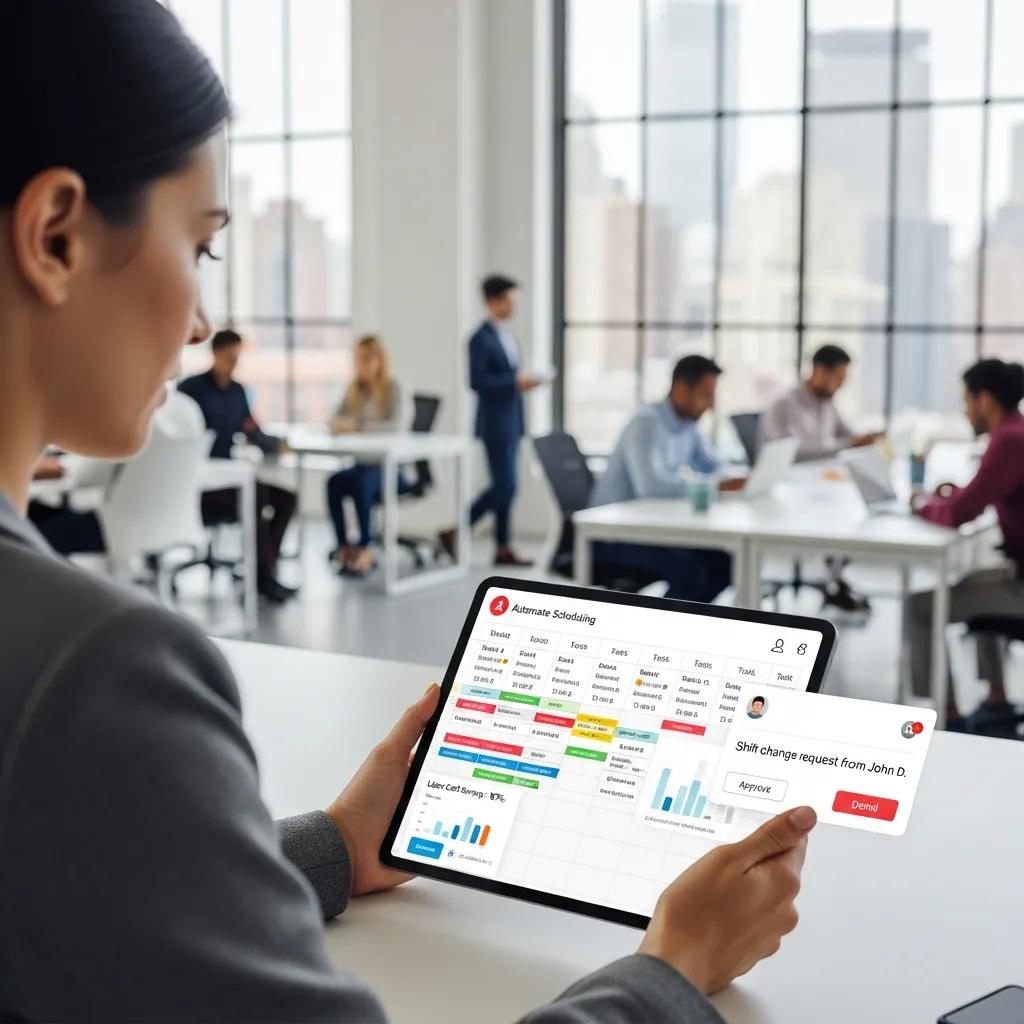
Automated scheduling significantly reduces the likelihood of human errors that can occur during manual scheduling processes. By utilizing algorithms to assign shifts based on various factors, such as employee availability and skill sets, organizations can minimize scheduling conflicts and ensure optimal coverage.
Research indicates that businesses using automated scheduling tools can save up to 25-30% of the time spent on scheduling tasks. This time savings allows managers to focus on more strategic initiatives, such as employee development and performance management, rather than getting bogged down in administrative duties.
How to Use Free Weekly Schedule Templates to Streamline Staff Scheduling
Free weekly schedule templates can be a valuable resource for organizations looking to streamline their staff scheduling processes. These templates provide a structured format for creating schedules, making it easier for managers to visualize staffing needs and allocate resources effectively.
Using templates can help ensure consistency in scheduling practices, which is essential for maintaining employee satisfaction and compliance with labor laws. By incorporating employee feedback into the scheduling process, organizations can create schedules that accommodate individual preferences while still meeting operational requirements.
Best Practices for Creating Weekly Work Schedules with Templates
When using weekly schedule templates, consider the following best practices:
- Consistency in Scheduling: Establish a regular scheduling cycle to help employees anticipate their shifts and plan accordingly.
- Incorporating Employee Feedback: Solicit input from employees regarding their availability and preferences to create a more accommodating schedule.
- Regularly Reviewing and Adjusting Schedules: Periodically assess the effectiveness of the schedule and make adjustments as needed to address any issues or changes in staffing requirements.
By following these best practices, organizations can create effective weekly work schedules that enhance employee satisfaction and operational efficiency.
Comparing Excel and Google Sheets Templates for Scheduling
Both Excel and Google Sheets offer valuable tools for creating weekly work schedules, but they come with distinct advantages and disadvantages.
Excel is ideal for users who require advanced features and functionalities, while Google Sheets is better suited for teams that prioritize collaboration and accessibility. Choosing the right tool depends on the specific needs of the organization and the complexity of the scheduling tasks.
What Are the Benefits of Workforce Management Software in Scheduling Work?
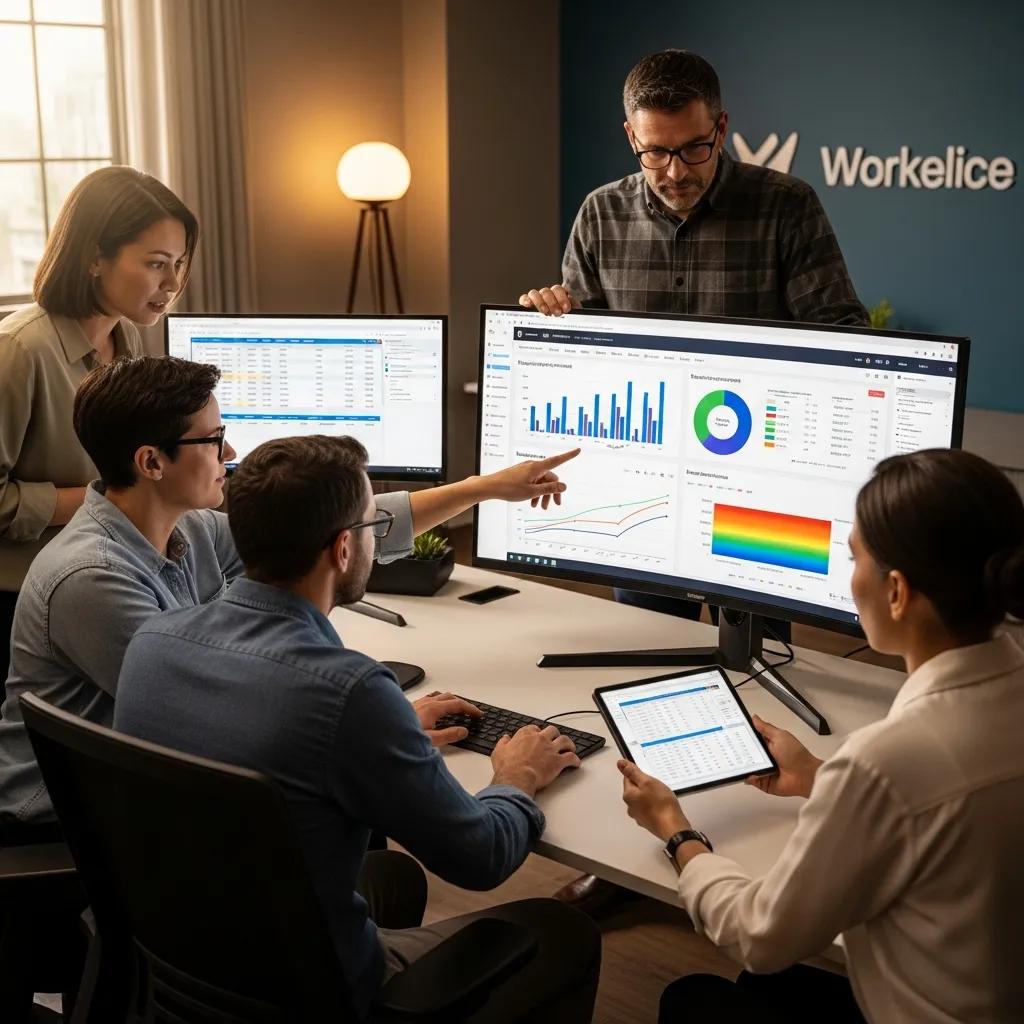
Workforce management software offers numerous benefits that can significantly enhance scheduling processes. By integrating various functions such as time tracking, payroll, and compliance management, these tools provide a comprehensive solution for managing employee schedules effectively.
One of the primary advantages of workforce management software is improved productivity. By automating scheduling tasks and providing real-time visibility into employee availability, organizations can ensure that they have the right number of staff on hand to meet demand. This leads to increased efficiency and reduced labor costs.
Integrating Time Tracking and Payroll for Seamless Scheduling
Integrating time tracking and payroll functions within workforce management software simplifies the scheduling process by ensuring that all employee hours are accurately recorded and accounted for. This integration allows managers to:
- Streamline Payroll Processing: Automated time tracking ensures that employees are paid accurately for the hours they work, reducing the risk of payroll errors.
- Enhance Compliance: By tracking employee hours and ensuring compliance with labor laws, organizations can avoid costly penalties and legal issues.
- Improve Resource Allocation: Real-time data on employee availability and hours worked enables managers to allocate resources more effectively, ensuring that staffing levels align with operational needs.
This seamless integration of time tracking and payroll functions ultimately leads to a more efficient scheduling process and improved overall workforce management.
Ensuring Labor Law Compliance Through Workforce Management Tools
Labor law compliance is a critical aspect of workforce management that can significantly impact an organization’s operations. Workforce management software helps organizations stay compliant by providing features that track employee hours, manage overtime, and ensure adherence to labor regulations.
By utilizing workforce management tools, organizations can:
- Monitor Employee Hours: Track hours worked to ensure compliance with regulations regarding overtime and minimum wage.
- Manage Breaks and Time Off: Ensure that employees receive mandated breaks and time off, reducing the risk of burnout and improving morale.
- Generate Compliance Reports: Create reports that demonstrate adherence to labor laws, providing documentation in the event of audits or disputes.
These compliance features not only protect organizations from legal issues but also contribute to a positive workplace culture.
How Can Shift Scheduling Software Enhance Productivity and Employee Satisfaction?
Shift scheduling software plays a vital role in enhancing both productivity and employee satisfaction. By providing tools that facilitate effective scheduling, organizations can create a more engaged and motivated workforce.
One of the key benefits of shift scheduling software is its ability to manage employee availability and time-off requests effectively. This ensures that employees have a voice in their scheduling, leading to increased job satisfaction and reduced turnover.
Managing Employee Availability and Time Off Requests Effectively
Effective management of employee availability and time-off requests is essential for maintaining a productive workforce. Shift scheduling software allows managers to:
- Collect Availability Information: Easily gather information on employee availability, making it simpler to create schedules that accommodate individual needs.
- Track Time-Off Requests: Manage time-off requests efficiently, ensuring that all requests are considered when creating schedules.
- Communicate Schedule Changes: Provide real-time updates to employees regarding schedule changes, fostering transparency and trust.
By prioritizing employee availability and time-off requests, organizations can create schedules that enhance employee satisfaction and productivity.
Using AI-Powered Scheduling for Demand Forecasting and Optimized Staffing
AI-powered scheduling tools offer advanced capabilities for demand forecasting and optimized staffing. By analyzing historical data and trends, these tools can predict staffing needs and help organizations allocate resources more effectively.
The benefits of AI-powered scheduling include:
- Predictive Analytics: Utilize data to forecast demand and adjust staffing levels accordingly, ensuring that the right number of employees are scheduled during peak times.
- Optimized Staffing Levels: Reduce labor costs by minimizing overstaffing during slow periods while ensuring adequate coverage during busy times.
- Enhanced Decision-Making: Provide managers with data-driven insights that inform scheduling decisions, leading to improved operational efficiency.
By leveraging AI-powered scheduling tools, organizations can enhance their workforce management strategies and improve overall productivity.
Which Staff Scheduling Apps Are Best for Different Industries and Business Sizes?
Selecting the right staff scheduling app is crucial for organizations of all sizes and industries. Different apps offer unique features tailored to specific needs, making it essential to choose one that aligns with the organization’s requirements.
Top Scheduling Apps for Small Businesses and Retail
Small businesses and retail organizations often require scheduling solutions that are user-friendly and cost-effective. Some of the top scheduling apps for these sectors include:
- When I Work: A simple and intuitive app that allows managers to create schedules quickly and communicate with employees easily.
- Homebase: Offers free scheduling features along with time tracking and team communication tools, making it ideal for small businesses.
- Deputy: Provides advanced scheduling features, including shift swapping and time-off management, suitable for retail environments.
These apps help small businesses streamline their scheduling processes while ensuring that they remain compliant with labor laws.
Advanced Scheduling Solutions for Healthcare and Hospitality
Healthcare and hospitality industries often require more advanced scheduling solutions due to their unique staffing needs. Some of the best scheduling apps for these sectors include:
- Shiftboard: Designed for complex scheduling needs, Shiftboard offers features such as shift bidding and compliance tracking, making it ideal for healthcare organizations.
- Sling: A versatile app that provides scheduling, communication, and time tracking features, suitable for both healthcare and hospitality settings.
- HotSchedules: Specifically tailored for the hospitality industry, HotSchedules offers advanced scheduling and labor management features to optimize staffing levels.
These advanced solutions help organizations in healthcare and hospitality manage their staffing needs effectively while ensuring compliance with industry regulations.