
Get Organized with Our Free Time Tracking App Today

Best Time Tracking App Solutions for Efficient Staff Management and Productivity
In today’s fast-paced work environment, effective time management is crucial for enhancing productivity and ensuring efficient staff management. Time tracking apps have emerged as essential tools that help businesses monitor employee hours, manage projects, and optimize workflows. This article will explore the key features of time tracking apps, compare the best free and paid options available in 2024, and discuss how these tools can significantly improve staff management. Additionally, we will delve into the considerations for selecting the right app for your business needs, including pricing models and data security. By the end of this guide, you will have a comprehensive understanding of how time tracking apps can transform your organization’s productivity.
What Are the Key Features of a Time Tracking App?
Time tracking apps are designed to help users monitor the time spent on various tasks and projects. Key features typically include manual and automatic time tracking, reporting capabilities, and integration with other tools. These functionalities not only streamline the process of tracking work hours but also provide valuable insights into productivity patterns.
How Does Automatic Time Tracking Improve Accuracy?
Automatic time tracking enhances accuracy by reducing the likelihood of manual errors. With real-time tracking, employees can focus on their tasks without the distraction of logging hours manually. This leads to more precise data collection, allowing managers to analyze productivity effectively and make informed decisions based on accurate information.
What Platforms Support Mobile and Desktop Time Tracking?
Most modern time tracking apps offer cross-platform functionality, enabling users to track their time on both mobile and desktop devices. Popular platforms include Windows, macOS, iOS, and Android, ensuring that employees can log their hours from anywhere, whether in the office or working remotely. This flexibility enhances user experience and encourages consistent time tracking practices.
Which Are the Best Free and Paid Time Tracking Apps in 2024?
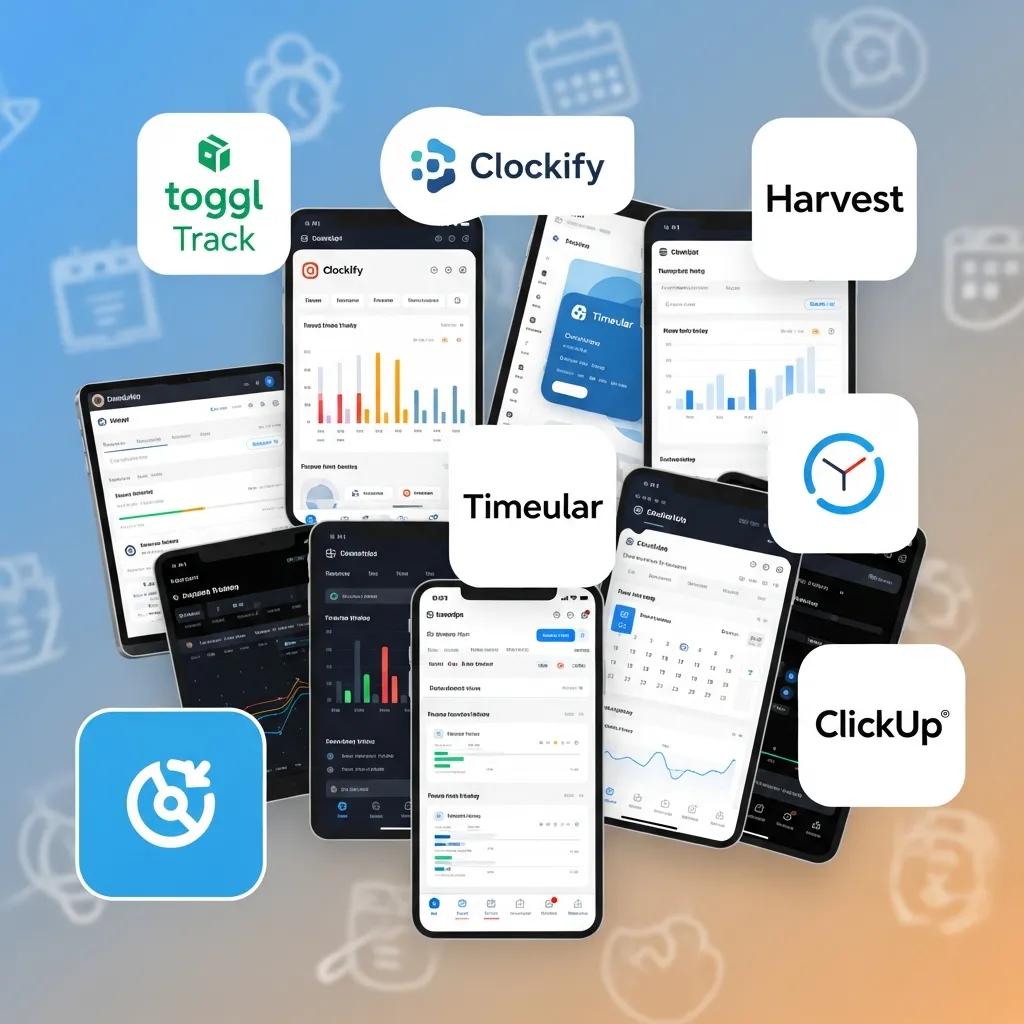
In 2024, several time tracking apps stand out for their features and user satisfaction. Here are some of the best options available:
- Toggl Track: A popular choice for its user-friendly interface and robust reporting features. Toggl offers a free version with essential functionalities and paid plans starting at $10 per user per month.
- Clockify: This free time tracking app provides unlimited tracking and reporting capabilities, making it ideal for teams of all sizes. Paid plans offer additional features like project management tools and advanced reporting.
- Harvest: Known for its seamless integration with project management software, Harvest offers a free plan limited to one user and two projects, with paid plans starting at $12 per user per month, focusing on invoicing and expense tracking.
How Do Free Time Tracking Apps Compare to Paid Versions?
Free time tracking apps often come with limitations in features and support compared to their paid counterparts. While free versions may provide basic time tracking and reporting, paid apps typically offer advanced functionalities such as project management, team collaboration tools, and enhanced customer support. Businesses should evaluate their specific needs to determine whether a free or paid solution is more suitable.
What User Reviews and Ratings Highlight Top Time Tracking Software?
User reviews and ratings play a crucial role in selecting the right time tracking software. Many users praise Toggl Track for its intuitive design and comprehensive reporting features, while Clockify is often highlighted for its generous free plan. Harvest receives positive feedback for its integration capabilities and ease of use. Analyzing user experiences can help businesses make informed decisions when choosing a time tracking app.
How Can Employee Time Tracking Enhance Staff Management?

Employee time tracking can significantly enhance staff management by providing insights into work patterns and productivity levels. By monitoring how employees spend their time, managers can identify areas for improvement and optimize workflows.
This emphasis on monitoring work patterns is crucial, as effective time tracking is recognized for its ability to boost operational efficiency and yield significant cost savings.
What Are the Benefits of Monitoring Remote Employee Work Hours?
Monitoring remote employee work hours can lead to increased productivity and accountability. By tracking time spent on tasks, managers can ensure that employees are focused and engaged, fostering a culture of trust and transparency. Additionally, data from time tracking can help identify bottlenecks and streamline processes, ultimately improving overall efficiency.
How Do Time Tracking Apps Integrate with Payroll and Project Management?
Time tracking apps often integrate seamlessly with payroll and project management systems, simplifying administrative tasks. This integration allows for accurate payroll processing based on tracked hours and provides project managers with real-time data on project progress and resource allocation. Such capabilities enhance operational efficiency and reduce the risk of errors in payroll calculations.
What Should You Consider When Choosing a Time Tracking App?
When selecting a time tracking app, several factors should be considered to ensure it meets your business needs. Key considerations include pricing models, feature sets, and user support.
Which Pricing Models and Features Best Fit Different Business Needs?
Pricing models for time tracking apps can vary significantly. Some apps offer subscription-based pricing, while others may charge a one-time fee. Businesses should assess their budget and the features they require, such as reporting capabilities, integrations, and user limits, to find the best fit. For example, a small team may benefit from a free app like Clockify, while larger organizations might require the advanced features of a paid solution like Harvest.
Indeed, various solutions cater to different budgets and team sizes, often providing tiered pricing structures that include free options.
How Do Privacy and Data Security Impact Time Tracking Software Selection?
Data security is a critical consideration when choosing time tracking software. Businesses must ensure that the app complies with relevant regulations and employs robust security measures to protect sensitive employee information. Look for apps that offer encryption, secure data storage, and clear privacy policies to safeguard your organization’s data.
How Do Time Tracking Apps Improve Productivity and Reporting?
Time tracking apps can significantly improve productivity by providing detailed insights into how time is allocated across tasks and projects. This data enables businesses to make informed decisions about resource allocation and project management.
What Reporting Features Help Analyze Employee Time and Project Efficiency?
Effective reporting features are essential for analyzing employee time and project efficiency. Many time tracking apps offer customizable reports that highlight time spent on specific tasks, project progress, and employee productivity levels. These insights can help managers identify trends, allocate resources more effectively, and improve overall project outcomes.
How Is AI Powering Next-Generation Time Tracking Tools?
Artificial intelligence is increasingly being integrated into time tracking tools to enhance functionality and user experience. AI can automate time tracking processes, analyze productivity patterns, and provide personalized insights to users. This technology not only streamlines time management but also empowers employees to optimize their workflows based on data-driven recommendations.
Indeed, the integration of advanced technologies like AI and automation is proving instrumental in significantly enhancing workflow efficiency and reducing errors.