
Employee Time Calculator: Track Work Hours Accurately

Employee Time Calculator: Track Hours Accurately with PunchPro
In today’s fast-paced work environment, accurately tracking employee work hours is crucial for effective time management and payroll accuracy. An employee time calculator serves as a vital tool that simplifies this process, allowing businesses to monitor hours worked, manage overtime, and ensure compliance with labor laws. This article will delve into the various methods of tracking work hours, the benefits of using automated time tracking software, and best practices for integrating these tools into payroll systems. By understanding how to effectively utilize an employee time calculator, organizations can enhance productivity and streamline their operations.
What Is an Employee Time Calculator and How Does It Work?
An employee time calculator is a tool designed to help businesses track the hours worked by their employees. It functions by recording the start and end times of shifts, breaks, and overtime, providing a comprehensive overview of work hours. This tool is essential for ensuring accurate payroll processing and compliance with labor regulations. By automating the time tracking process, businesses can reduce errors associated with manual entry and improve overall efficiency.
Defining Employee Time Calculators and Work Hours Tracking Tools
Employee time calculators come in various forms, including manual and automated systems. Manual time tracking involves employees recording their hours on paper or spreadsheets, which can lead to inaccuracies and time theft. In contrast, automated time tracking tools utilize software to log hours worked, often integrating with payroll systems for seamless processing. Key features of effective time tracking tools include user-friendly interfaces, real-time data collection, and reporting capabilities that help managers monitor attendance and productivity.
The shift from traditional manual methods to automated systems is a significant step in overcoming historical challenges in workforce management.
How to Calculate Employee Work Hours Accurately: Step-by-Step Methods
Calculating employee work hours accurately is essential for payroll and compliance. Here are the steps to ensure precise calculations:
- Record Start and End Times: Ensure that employees log their start and end times for each shift.
- Account for Breaks: Deduct any breaks taken during the workday from the total hours worked.
- Include Overtime: Calculate any overtime hours worked beyond the standard workweek, typically over 40 hours.
- Review for Errors: Regularly review time entries for discrepancies or errors to maintain accuracy.
By following these steps, businesses can ensure that they are accurately calculating employee work hours, which is vital for payroll accuracy and compliance with labor laws.
For those looking to streamline this process, automated time tracking software can significantly enhance accuracy and efficiency. These tools often come equipped with features that automatically calculate hours worked, including overtime and breaks, reducing the potential for human error.
Manual vs. Automated Time Tracking: Which Method Is More Accurate?
When comparing manual and automated time tracking methods, automated systems generally provide greater accuracy. Manual tracking relies on employees to accurately record their hours, which can lead to mistakes and inconsistencies. Automated time tracking, on the other hand, uses technology to log hours in real-time, minimizing the risk of errors. Additionally, automated systems can integrate with payroll software, ensuring that calculations are consistent and compliant with labor regulations.
How to Include Overtime and Breaks in Work Hours Calculations
Including overtime and breaks in work hours calculations is crucial for accurate payroll processing. Employers should establish clear policies regarding break times and overtime eligibility. To include these factors in calculations:
- Define Break Policies: Clearly outline the duration and frequency of breaks allowed during shifts.
- Track Overtime Hours: Ensure that any hours worked beyond the standard workweek are recorded and compensated accordingly.
- Communicate with Employees: Keep employees informed about how breaks and overtime are calculated to avoid confusion.
By implementing these practices, businesses can ensure that they are accurately accounting for all hours worked, leading to fair compensation and compliance with labor laws.
What Are the Benefits of Using Automated Time Tracking Software?
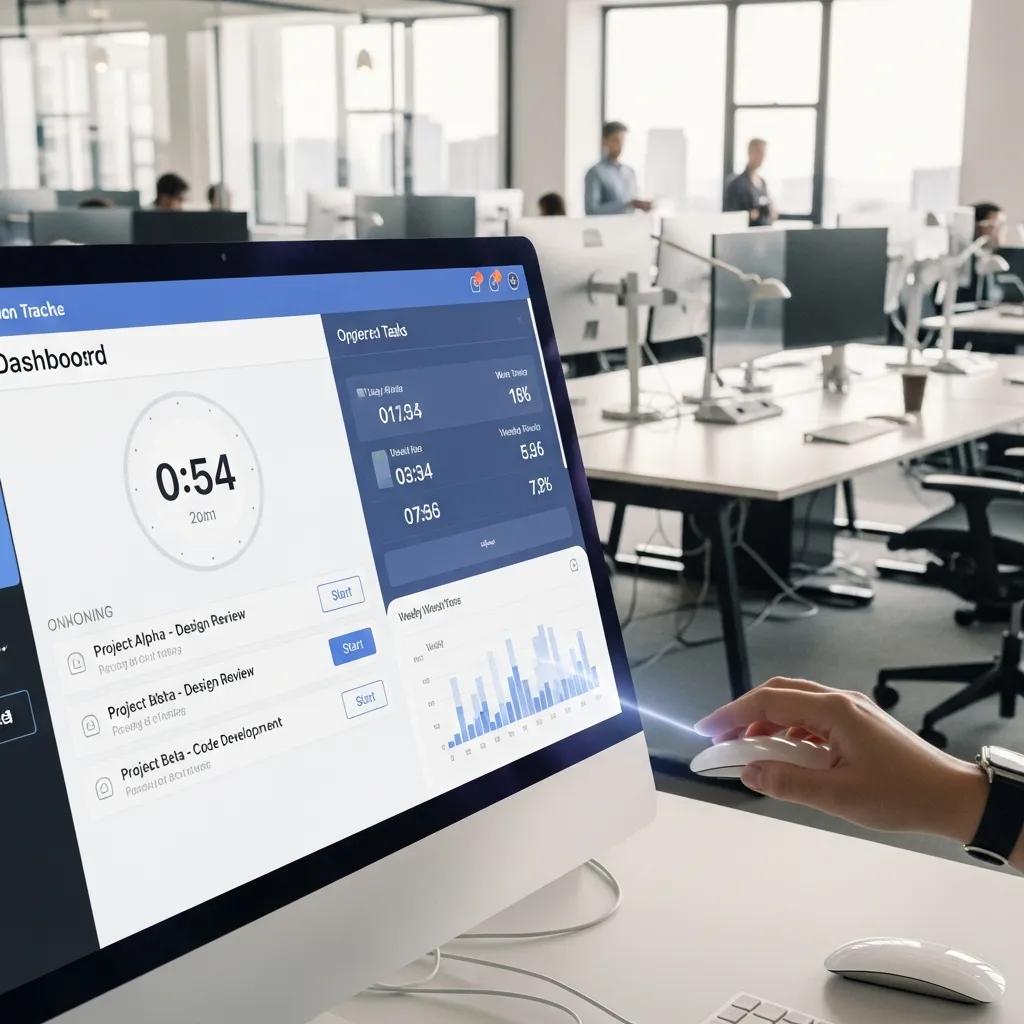
Automated time tracking software offers numerous advantages for businesses looking to improve their time management processes. Some key benefits include:
- Increased Accuracy: Automated systems reduce the likelihood of human error in time entry, ensuring accurate payroll calculations.
- Time Savings: By automating the tracking process, businesses can save time on administrative tasks, allowing managers to focus on more strategic initiatives.
- Improved Compliance: Automated time tracking helps ensure compliance with labor laws by accurately recording hours worked and overtime.
These benefits make automated time tracking software an essential tool for businesses aiming to enhance their operational efficiency.
This comparison highlights how automated time tracking software can significantly improve time management and payroll accuracy.
Improving Payroll Accuracy and Attendance Management
Accurate time tracking directly impacts payroll accuracy and attendance management. By utilizing an employee time calculator, businesses can ensure that they are paying employees correctly based on the hours worked. This not only enhances employee satisfaction but also reduces the risk of costly payroll errors. Furthermore, accurate attendance records help managers identify patterns in employee behavior, allowing for better workforce planning and resource allocation.
Indeed, the core advantage of modern time tracking solutions lies in their ability to refine the payroll process.
Enhancing Employee Productivity and Compliance with Labor Laws
Effective time tracking contributes to enhanced employee productivity and compliance with labor laws. By accurately monitoring work hours, businesses can identify areas where employees may be overworked or underutilized. This insight allows for better workload distribution and can lead to improved employee morale. Additionally, compliance with labor laws is critical for avoiding legal issues and maintaining a positive workplace environment.
How to Integrate Time Tracking with Payroll and Scheduling Systems?
Integrating time tracking with payroll and scheduling systems is essential for streamlining operations. Here are steps to achieve successful integration:
- Choose Compatible Software: Select time tracking software that can easily integrate with existing payroll and scheduling systems.
- Set Up Data Syncing: Ensure that data from the time tracking system automatically syncs with payroll to minimize manual entry.
- Train Employees: Provide training for employees on how to use the integrated systems effectively.
By following these steps, businesses can create a seamless workflow that enhances efficiency and accuracy in payroll processing.
Beyond basic integration, advanced technologies are continually being explored to further refine payroll management and boost employee confidence.
Key Features to Look for in Time Tracking Software for Payroll Integration
When selecting time tracking software for payroll integration, consider the following key features:
- User-Friendly Interface: A simple and intuitive interface encourages employee adoption and reduces training time.
- Real-Time Data Collection: Look for software that captures data in real-time to ensure accuracy.
- Reporting and Analytics: Robust reporting features provide insights into employee productivity and attendance patterns.
These features are essential for ensuring that the time tracking software effectively supports payroll integration and enhances overall operational efficiency.
Best Practices for Synchronizing Timesheets with Payroll Systems
Synchronizing timesheets with payroll systems is crucial for maintaining accuracy and efficiency. Here are some best practices to follow:
- Regular Audits: Conduct regular audits of timesheets to identify discrepancies and ensure accuracy.
- Clear Communication: Maintain open lines of communication with employees regarding time entry expectations and deadlines.
- Automate Where Possible: Utilize automation features in time tracking software to reduce manual entry and errors.
By implementing these best practices, businesses can ensure that their timesheet synchronization processes are efficient and accurate.
What Are the Best Practices for Remote Employee Time Tracking?

Tracking remote employees presents unique challenges, but several best practices can help ensure accuracy:
- Use Reliable Software: Invest in time tracking software that is designed for remote work environments.
- Set Clear Expectations: Clearly communicate time tracking expectations to remote employees to ensure compliance.
- Regular Check-Ins: Schedule regular check-ins to discuss productivity and address any concerns.
These practices can help businesses effectively manage remote employee time tracking and maintain productivity.
Tools and Techniques for Accurate Remote Work Hours Tracking
To accurately track remote work hours, businesses can utilize various tools and techniques:
- Time Tracking Software: Implement software that allows employees to log hours from anywhere, ensuring accurate records.
- Mobile Applications: Use mobile apps that enable employees to track their time on the go, increasing flexibility.
- Video Conferencing: Regular video meetings can help maintain accountability and foster communication among remote teams.
By leveraging these tools and techniques, businesses can enhance their remote work tracking capabilities.
Ensuring Compliance and Productivity in Remote Work Environments
Maintaining compliance and productivity in remote work environments requires a proactive approach. Businesses should establish clear policies regarding work hours, breaks, and overtime to ensure compliance with labor laws. Additionally, fostering a culture of accountability and communication can help maintain productivity among remote teams. Regular performance evaluations and feedback sessions can further enhance employee engagement and productivity.
How to Choose the Right Employee Time Calculator Software?
Choosing the right employee time calculator software involves several considerations:
- Assess Business Needs: Evaluate the specific needs of your business, including the number of employees and the complexity of your payroll system.
- Read User Reviews: Look for software with positive user reviews and testimonials to gauge effectiveness.
- Consider Cost: Compare pricing options to find a solution that fits your budget while meeting your needs.
By carefully considering these factors, businesses can select the most suitable employee time calculator software for their operations.
Comparing Popular Time Tracking Tools: Features and Pricing
When comparing popular time tracking tools, it’s essential to evaluate their features and pricing. Here are some common tools and their key attributes:
This comparison highlights the importance of selecting a time tracking tool that aligns with your business needs and budget.
Evaluating Software Based on Your Business Needs and Compliance Requirements
When evaluating time tracking software, consider your business needs and compliance requirements. Look for software that offers features tailored to your industry and ensures compliance with relevant labor laws. Additionally, consider scalability to accommodate future growth and changes in your workforce. By aligning software capabilities with your business objectives, you can enhance efficiency and maintain compliance.