
calendar scheduling

Best Calendar Scheduling Software to Automate Appointments PunchPro
In today’s fast-paced world, effective calendar scheduling is essential for both personal and professional success. The right scheduling software can streamline appointment management, reduce no-shows, and enhance overall productivity. This article explores some of the best scheduling software options available, focusing on their key features, integration capabilities, and how they can automate and manage appointments efficiently. Many individuals and businesses struggle with the complexities of scheduling, leading to missed opportunities and wasted time. By leveraging advanced calendar scheduling tools, users can simplify their booking processes and improve their time management. We will delve into the essential features of scheduling software, the advantages of online appointment booking systems, and the future trends in scheduling technology.
What Are the Key Features of the Best Calendar Scheduling Software?
The best calendar scheduling software offers a range of features designed to enhance user experience and streamline appointment management. Key features include:
- Automated Booking Capabilities: This feature allows users to set their availability and let clients book appointments without back-and-forth communication.
- Integration with Other Tools: Effective scheduling software integrates seamlessly with calendars, email platforms, video conferencing tools, and CRM systems, enhancing workflow efficiency.
- User-Friendly Interface: A simple and intuitive interface ensures that users can navigate the software easily, reducing the learning curve.
To illustrate these features, consider the following comparison of popular scheduling software:
These features collectively enhance the scheduling experience, making it easier for users to manage their time effectively.
How Do Automated Appointment Booking and Reminder Apps Improve Scheduling?
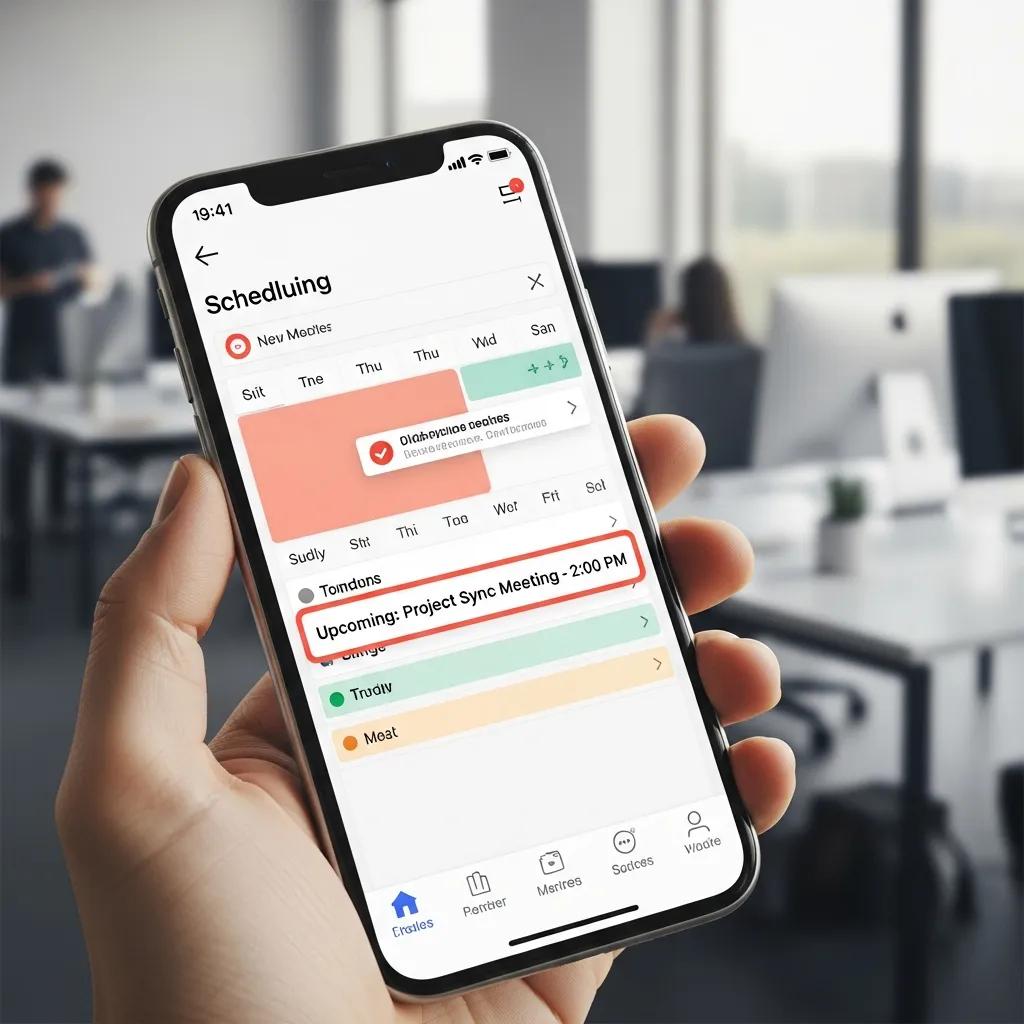
Automated appointment booking and reminder apps significantly enhance scheduling efficiency. By automating the booking process, these apps reduce the time spent on administrative tasks. Users can set up reminders for both themselves and their clients, which helps minimize no-shows. For instance, platforms like Acuity Scheduling send automated reminders via email or SMS, ensuring that clients are aware of their upcoming appointments. This not only improves attendance rates but also enhances the overall client experience by providing convenience and reducing the likelihood of missed appointments.
Which Integration Capabilities Enhance Calendar and Meeting Planner Tools?
Integration capabilities are crucial for maximizing the effectiveness of calendar and meeting planner tools. The ability to connect with various applications allows users to streamline their workflows. Common integrations include:
- Email Integration: Syncing with email platforms like Gmail or Outlook ensures that appointments are automatically added to users’ calendars.
- CRM Connections: Integrating with customer relationship management systems helps track client interactions and appointments in one place.
- Video Conferencing Integration: Many scheduling tools integrate with platforms like Zoom, Microsoft Teams, or Google Meet to automatically generate meeting links.
- Cross-Platform Functionality: Many scheduling tools offer mobile apps, allowing users to manage their schedules on the go.
These integrations not only save time but also enhance productivity by centralizing information and reducing the need for manual data entry.
How Can Online Appointment Booking Systems Streamline Your Calendar Management?
Online appointment booking systems are designed to simplify calendar management by providing a centralized platform for scheduling. These systems offer several advantages:
Research highlights the tangible benefits of these systems, particularly in improving patient experience and operational efficiency.
- Simplified Booking Process: Clients can easily view available time slots and book appointments without needing to contact the service provider directly.
- Real-Time Updates: Changes to appointments are reflected in real-time, ensuring that both clients and providers have the most current information.
- Accessibility from Anywhere: Users can manage their schedules from any device with internet access, making it convenient for busy professionals.
What Are the Advantages of Cross-Platform Calendar Synchronization?
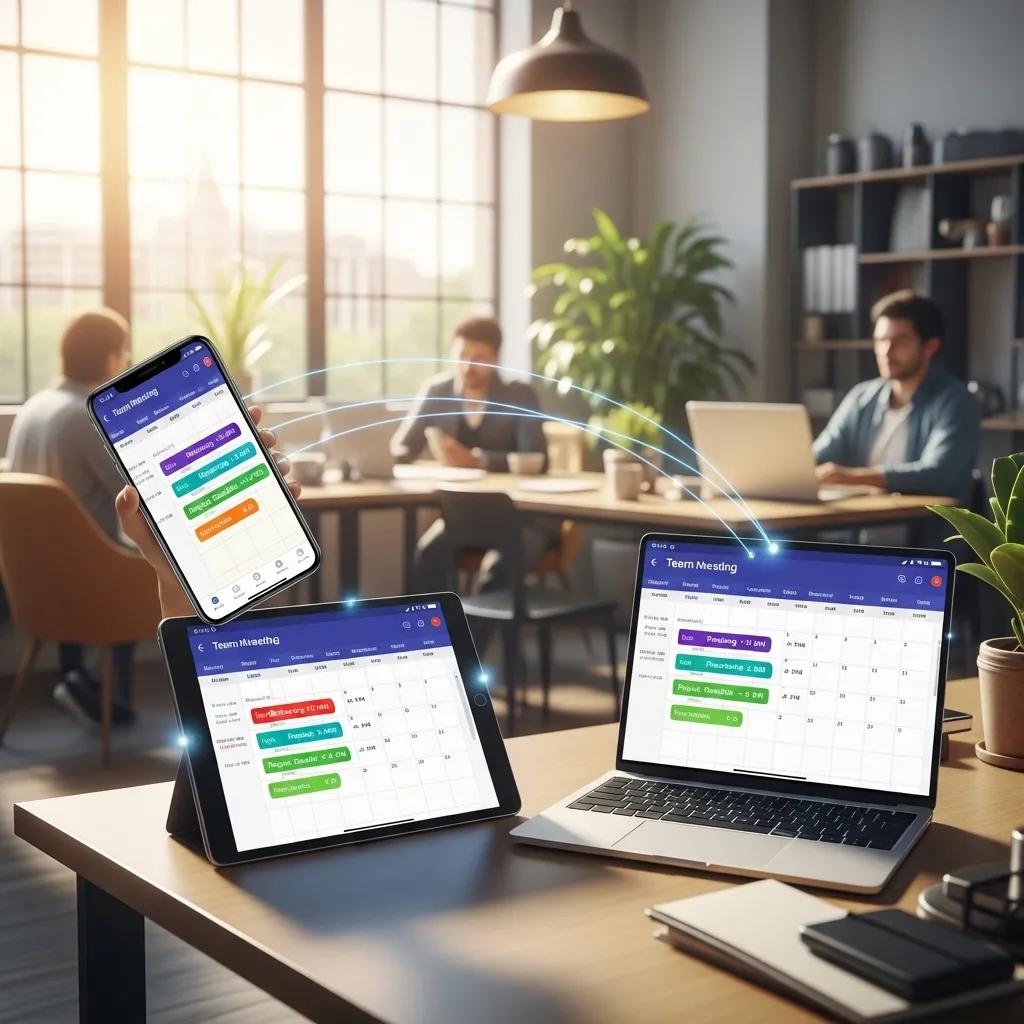
Cross-platform calendar synchronization allows users to maintain consistency across multiple devices. This feature ensures that appointments are updated in real-time, regardless of the device being used. The advantages include:
- Consistency Across Devices: Users can access their schedules from smartphones, tablets, or computers, ensuring they are always up-to-date.
- Improved Collaboration: Teams can coordinate schedules more effectively, reducing conflicts and enhancing teamwork.
- Time-Saving: Automatic updates eliminate the need for manual adjustments, allowing users to focus on more important tasks.
How Do Time Zone and Notification Features Optimize Appointment Scheduling?
Time zone handling and notification features are essential for optimizing appointment scheduling, especially for businesses with clients in different regions. Key benefits include:
- Automatic Time Zone Adjustments: Scheduling software can automatically adjust appointment times based on the user’s and client’s time zones, preventing confusion.
- Customizable Notifications: Users can set preferences for how and when they receive reminders, ensuring they never miss an appointment.
- Enhanced User Experience: These features contribute to a smoother scheduling process, making it easier for clients to attend appointments on time.
What Are the Best Meeting Planner Tools for Team Scheduling and Collaboration?
Effective team scheduling requires tools that facilitate collaboration and communication. Some of the best meeting planner tools include:
- Microsoft Teams: Offers integrated scheduling features that allow team members to coordinate meetings seamlessly, including calendar integration and meeting reminders.
- Slack: Provides scheduling integrations through apps like Google Calendar and Outlook Calendar, helping teams find suitable meeting times without leaving the platform.
- Google Calendar: Allows teams to share calendars and check availability, making it easier to plan meetings and avoid conflicts.
How Do Automated Scheduling and Reminders Facilitate Team Coordination?
Automated scheduling and reminders play a crucial role in team coordination. By automating the scheduling process, teams can reduce the time spent on organizing meetings. For example, tools like Microsoft Teams send reminders to all participants, ensuring everyone is aware of the meeting details. This automation minimizes scheduling conflicts and enhances overall team productivity.
Which Calendar Integration Techniques Support Effective Team Management?
Effective team management relies on robust calendar integration techniques. Some of the most effective methods include:
- Integration with Project Management Tools: Connecting scheduling software with project management platforms like Asana, Trello, or Monday.com helps teams align their schedules with project timelines.
- Shared Access to Calendars: Allowing team members to view each other’s calendars fosters transparency and collaboration.
- Automated Meeting Scheduling: Tools that automatically suggest meeting times based on team members’ availability streamline the scheduling process.
These techniques enhance team management by ensuring that everyone is on the same page regarding meeting schedules and project deadlines.
What Privacy and Security Considerations Should You Know About Scheduling Apps?
As scheduling apps become more prevalent, understanding privacy and security considerations is essential. Users should be aware of how their data is handled and protected.
- Data Protection Measures: Reputable scheduling software employs encryption and secure data storage to protect user information.
- User Privacy Policies: It’s important to review the privacy policies of scheduling apps to understand how personal data is used and shared.
- Secure Data Handling: Users should ensure that the software complies with relevant data protection regulations, such as GDPR for users in the EU or CCPA for users in California.
How Is User Data Protected in Calendar Scheduling Software?
User data protection in calendar scheduling software is achieved through various methods, including:
- Encryption Methods: Data is encrypted both in transit and at rest, ensuring that unauthorized parties cannot access sensitive information.
- User Consent Protocols: Many scheduling apps require user consent before collecting personal data, providing transparency and control over data usage.
These measures are crucial for maintaining user trust and ensuring compliance with data protection laws.
What Are Best Practices for Secure Appointment and Event Management?
To ensure secure appointment and event management, users should follow best practices such as:
- Regular Software Updates: Keeping scheduling software up-to-date helps protect against vulnerabilities and security threats.
- User Education on Security: Training users on best security practices can prevent data breaches and enhance overall security.
Implementing these best practices contributes to a safer scheduling environment for both users and clients.
What Are the Future Trends in Calendar Scheduling Technology?
The landscape of calendar scheduling technology is continually evolving, with several trends shaping its future.
Indeed, the integration of artificial intelligence is already demonstrating significant improvements in complex scheduling environments like healthcare.
- AI Integration: Artificial intelligence is increasingly being used to enhance scheduling efficiency, providing smart suggestions based on user behavior and preferences.
- Increased Automation: Automation will continue to play a significant role in reducing manual tasks associated with scheduling, including follow-ups and rescheduling.
- Remote Work Adaptations: As remote work becomes more common, scheduling tools will need to adapt to support distributed teams effectively, including better time zone management and virtual meeting integrations.
How Will AI-Powered Scheduling Assistants Transform Appointment Booking?
AI-powered scheduling assistants are set to revolutionize appointment booking by providing personalized recommendations and automating routine tasks. These assistants can analyze user preferences and suggest optimal meeting times, significantly reducing the time spent on scheduling.
Further studies underscore how AI-driven systems can dramatically enhance productivity and efficiency in various sectors, including education.
Why Is Cross-Platform Synchronization Increasingly Important for Remote Work?
Cross-platform synchronization is becoming increasingly important for remote work as teams rely on various devices to manage their schedules. This feature ensures that all team members have access to the same information, regardless of their location or device, fostering collaboration and efficiency in a remote work environment.