
Free Time Calculator: Calculate Work Hours Instantly

Free Time Calculator: Instantly Calculate Work Hours and Overtime
In today’s fast-paced work environment, accurately tracking work hours and overtime is essential for both employees and employers. A free time calculator simplifies this process, allowing users to calculate their work hours instantly and efficiently. This article will guide you through the various aspects of using a free online time calculator, including how to input data correctly, the importance of break time deductions, and the nuances of overtime calculations. Many individuals struggle with accurately tracking their hours, leading to potential payroll discrepancies. By utilizing a free time calculator, users can ensure precise calculations, ultimately enhancing payroll accuracy and compliance. We will explore the inputs needed for accurate calculations, best practices for using these tools, and how to integrate results with payroll systems.
How Do You Calculate Work Hours Using a Free Online Calculator?
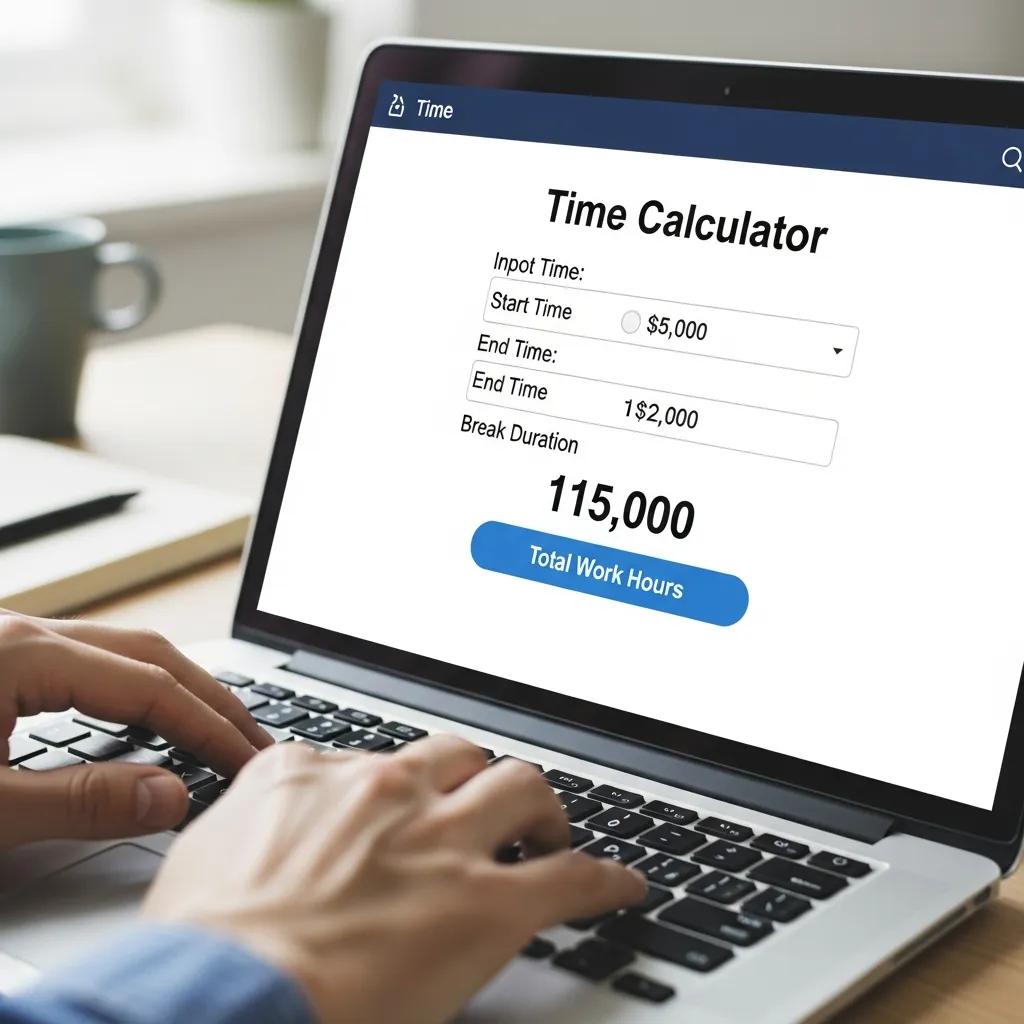
Calculating work hours using a free online calculator involves a straightforward process that requires accurate input of specific data. Users typically need to enter their start time, end time, and any break durations to obtain an accurate total of hours worked. The calculator processes this information to provide a clear output of total hours, making it easier for users to track their work time effectively. This method not only saves time but also reduces the likelihood of human error in manual calculations. Understanding how to use these calculators effectively is crucial for ensuring accurate time tracking.
What Inputs Are Needed for Accurate Work Hours Calculation?
To achieve accurate work hours calculations, several key inputs are necessary. These include:
- Start Time: The time when the work shift begins.
- End Time: The time when the work shift concludes.
- Break Durations: Any time taken for breaks during the shift, which should be deducted from the total hours worked.
- Overtime Considerations: If applicable, the hours that exceed the standard workweek should also be noted.
Providing these inputs ensures that the calculator can deliver precise results, reflecting the actual hours worked.
How Does the Calculator Handle Break Time Deduction?
Break time deduction is a critical aspect of calculating total work hours. Most free time calculators automatically subtract the entered break durations from the total hours worked. This feature is essential for providing an accurate representation of actual working time. For instance, if an employee works from 9 AM to 5 PM with a one-hour lunch break, the calculator will deduct that hour, resulting in a total of seven hours worked. Understanding how break times are handled helps users ensure that their calculations reflect their true working hours.
How Can You Calculate Overtime Hours with a Time Tracking Calculator?

Calculating overtime hours with a time tracking calculator is essential for employees who work beyond their standard hours. Overtime is typically defined as any hours worked over 40 in a week, and the calculation can vary based on company policies and local labor laws. To calculate overtime using a time tracking calculator, users should:
- Input Total Hours Worked: Enter the total hours worked in the week.
- Identify Overtime Threshold: Determine the threshold for overtime hours, usually set at 40 hours.
- Calculate Overtime: Subtract the standard hours from the total hours to find the overtime hours.
For example, if an employee works 45 hours in a week, the calculator will identify 5 hours as overtime. This calculation is crucial for ensuring that employees are compensated fairly for their extra work.
For those seeking high-quality time tracking solutions, various online calculators offer features that enhance the accuracy of overtime calculations. These tools can help streamline payroll processes and ensure compliance with labor regulations.
What Are Common Overtime Rules and How Are They Applied?
Common overtime rules vary by jurisdiction but generally include the following principles:
- Legal Definitions: Overtime is often defined as hours worked beyond the standard 40-hour workweek.
- Pay Rates: Employees are typically entitled to receive 1.5 times their regular hourly rate for overtime hours.
- Exemptions: Certain job roles may be exempt from overtime pay based on salary and job duties.
Understanding these rules is essential for both employees and employers to ensure compliance with labor laws and fair compensation practices.
How Does the Calculator Differentiate Regular and Overtime Hours?
A time tracking calculator differentiates between regular and overtime hours by applying specific criteria. Typically, the calculator will:
- Set a Standard Workweek: Define the standard hours (usually 40 hours) for regular pay.
- Identify Overtime Hours: Calculate any hours worked beyond this threshold as overtime.
- Provide Separate Totals: Output both regular and overtime hours for clarity.
This differentiation is crucial for accurate payroll processing and helps employees understand their earnings better.
What Are the Best Practices for Using a Work Hours Calculator Online?
To maximize the effectiveness of a work hours calculator, users should follow these best practices:
- Ensure Accurate Inputs: Double-check start and end times, as well as break durations, to avoid errors.
- Regularly Update Calculations: Keep track of hours worked consistently to maintain accurate records.
- Understand Results: Familiarize yourself with how the calculator presents data, including regular and overtime hours.
By adhering to these practices, users can enhance the accuracy of their time tracking and ensure compliance with payroll requirements.
How to Ensure Accurate Time Tracking for Remote and Shift Work?
Accurate time tracking for remote and shift work can be challenging but is essential for effective payroll management. Here are some strategies to ensure accuracy:
- Use Reliable Tools: Invest in time tracking software that integrates with payroll systems for seamless data transfer.
- Set Clear Guidelines: Establish clear expectations for employees regarding clocking in and out.
- Regular Audits: Conduct periodic audits of time records to identify discrepancies and ensure compliance.
Implementing these strategies can significantly improve the accuracy of time tracking for remote and shift workers.
How to Integrate Calculator Results with Payroll Systems?
Integrating calculator results with payroll systems is vital for ensuring accurate compensation. Here are steps to achieve this:
- Export Data: Use the calculator’s export feature to download time records in a compatible format.
- Import into Payroll Software: Upload the exported data into the payroll system for processing.
- Verify Accuracy: Double-check the imported data against original records to ensure accuracy.
This integration streamlines payroll processes and reduces the risk of errors in compensation.
Why Use a Free Time Calculator for Work Hours and Time Tracking?
Using a free time calculator for work hours and time tracking offers several advantages:
- Cost-Effectiveness: Free calculators eliminate the need for expensive software solutions.
- Ease of Use: Most calculators are user-friendly and require minimal training to operate.
- Accuracy: Automated calculations reduce the likelihood of human error, ensuring precise tracking.
These benefits make free time calculators an invaluable tool for both employees and employers.
What Are the Advantages of Instant and Free Work Hours Calculation?
Instant and free work hours calculations provide numerous benefits, including:
- Speed: Users can quickly obtain their total hours worked without manual calculations.
- Accessibility: Free calculators are available online, making them accessible from anywhere.
- User-Friendly Interfaces: Most calculators feature intuitive designs that simplify the input process.
These advantages contribute to a more efficient and accurate time tracking experience.
How Does Using a Calculator Improve Payroll Accuracy and Compliance?
Using a time calculator enhances payroll accuracy and compliance by:
- Reducing Human Error: Automated calculations minimize mistakes that can occur with manual tracking.
- Ensuring Compliance: Accurate tracking helps businesses adhere to labor laws regarding overtime and pay.
- Providing Clear Records: Calculators generate clear records of hours worked, which can be useful for audits.
These factors collectively improve the reliability of payroll processes.
Beyond basic calculations, advanced systems are emerging that leverage machine learning to further automate payroll and optimize time management, significantly reducing errors and enhancing overall efficiency.
What Are Common Questions About Work Time Calculators?
Common questions regarding work time calculators include:
- How do I use a time calculator?: Input your start and end times, along with any breaks, to calculate total hours.
- Are these calculators accurate??: Yes, when used correctly, they provide accurate calculations based on the inputs given.
- Can I track overtime with these calculators?: Most calculators can track both regular and overtime hours based on your inputs.
Understanding these FAQs can help users maximize the benefits of time calculators.
How Do You Calculate Work Hours with Breaks Included?
Calculating work hours with breaks included requires careful input of all relevant data. Users should:
- Enter Start and End Times: Input the times accurately to reflect the actual work period.
- Deduct Breaks: Include any break durations to ensure they are subtracted from the total hours.
- Review Results: Check the output to confirm that it accurately reflects the hours worked.
This method ensures that users have a clear understanding of their actual working time.
What Is the Best Free Time Calculator for Work Hours?
When selecting the best free time calculator for work hours, consider the following criteria:
- User Reviews: Look for calculators with positive feedback regarding ease of use and accuracy.
- Features: Choose calculators that offer additional features, such as overtime tracking and export options.
- Accessibility: Ensure the calculator is available online and can be accessed from various devices.
By evaluating these factors, users can find a calculator that meets their needs effectively.