
Time Clock Calculator Free: No-Cost Hour Tracking for Teams

Time Clock Calculator Free: No-Cost Hour Tracking Software for Teams
In today’s fast-paced work environment, effective time management is crucial for team productivity and project success. A free time clock calculator serves as an invaluable tool for teams looking to streamline their hour tracking without incurring additional costs. This article will explore the concept of free time clock calculators, their benefits, and how they can enhance team collaboration and efficiency. Many organizations struggle with accurate hour tracking, leading to payroll discrepancies and project delays. By utilizing a no-cost hour tracking tool, teams can ensure precise logging of work hours, ultimately improving accountability and transparency. We will delve into the features of these calculators, how to set them up, and best practices for maximizing their effectiveness.
What Is a Free Time Clock Calculator and How Does It Help Teams?
A free time clock calculator is a digital tool that allows teams to track their working hours without any associated costs. These calculators simplify the process of logging hours, making it easier for employees to record their time accurately. By providing a user-friendly interface, they help teams avoid the complexities often associated with manual time tracking methods. The primary benefit of using a free time clock calculator is the enhancement of accuracy in hour logging, which directly impacts payroll and project management.
The ability to track work in real-time is a significant advantage, allowing for immediate insights into team performance and project progress.
Defining Employee Time Tracking Software and Digital Timesheet Apps
Employee time tracking software encompasses various digital tools designed to monitor and record the hours worked by employees. Digital timesheet apps are a subset of this software, offering features that allow users to log their hours, manage schedules, and generate reports. These tools are essential in modern workplaces, as they provide a systematic approach to time management, ensuring that employees are compensated fairly for their work while also helping organizations maintain compliance with labor laws.
Accurate time tracking is fundamental for ensuring fair compensation and efficient payroll processing, a critical aspect of any organization.
How Teams Benefit from No-Cost Hour Tracking Tools

Utilizing no-cost hour tracking tools offers several advantages for teams, including:
- Cost Savings: Free tools eliminate the need for expensive software subscriptions, allowing teams to allocate resources elsewhere.
- Improved Accuracy: Automated time tracking reduces human error, ensuring that hours logged are precise and reliable.
- Enhanced Collaboration: Many free time clock calculators include features that promote team collaboration, such as shared access to timesheets and project tracking.
These benefits make free hour tracking tools an attractive option for organizations looking to optimize their time management processes.
For those seeking to implement a free time clock calculator, it is essential to choose a tool that aligns with the team’s specific needs. Features such as user-friendly interfaces, mobile access, and integration capabilities with existing systems can significantly enhance the user experience.
How to Use a Free Online Time Tracker for Accurate Work Hours Calculation
Using a free online time tracker is straightforward and can be accomplished in a few simple steps:
- Select a Tool: Choose a free time clock calculator that meets your team’s requirements.
- Set Up User Accounts: Create accounts for all team members to ensure everyone can log their hours.
- Log Hours: Encourage employees to record their hours daily to maintain accuracy.
- Review and Adjust: Regularly review logged hours to identify any discrepancies and make necessary adjustments.
By following these steps, teams can effectively utilize a free online time tracker to ensure accurate work hours calculation.
Setting Up Your Team Hour Logging Tool Quickly and Easily
Setting up a team hour logging tool can be done quickly with the right approach. Here are some tips to facilitate a smooth setup:
- Choose the Right Software: Research and select a free time clock calculator that offers the features your team needs.
- User Training: Provide training sessions for team members to familiarize them with the tool’s functionalities.
- Integration with Existing Systems: Ensure that the time tracking tool can integrate with other software used by the team, such as project management or payroll systems.
By following these guidelines, teams can set up their hour logging tools efficiently, minimizing downtime and maximizing productivity.
Tips for Ensuring Accurate Time Tracking and Timesheet Management
To maintain accuracy in time tracking and effective timesheet management, consider the following best practices:
- Regular Audits: Conduct periodic audits of time logs to identify and correct any discrepancies.
- Employee Training: Provide ongoing training for employees on the importance of accurate time tracking and how to use the tools effectively.
- Utilize Reminders: Implement reminders for employees to log their hours consistently, reducing the likelihood of missed entries.
These practices will help ensure that time tracking remains accurate and reliable, ultimately benefiting the entire team.
What Features Should You Expect from Free Time Clock Calculators?
When evaluating free time clock calculators, look for essential features that enhance functionality and user experience. The following table outlines key features to consider:
These features are crucial for ensuring that the time clock calculator meets the needs of your team effectively.
Core Functionalities: Employee Hour Tracking, Timesheets, and Team Collaboration
The core functionalities of a time clock calculator include employee hour tracking, timesheet management, and team collaboration features. Employee hour tracking allows for precise logging of work hours, while timesheet management ensures that all entries are organized and easily accessible. Additionally, collaboration features enable team members to share their timesheets, fostering transparency and accountability within the team.
Comparing Free vs Paid Time Clock Tools: What’s Included at No Cost?
When considering time clock tools, it’s essential to compare free and paid options. Free tools typically offer basic functionalities, while paid tools may include advanced features such as:
- Enhanced Reporting: Paid tools often provide more detailed reporting options, allowing for better analysis of work hours.
- Integration with Payroll Systems: Many paid tools seamlessly integrate with payroll systems, simplifying the payment process.
- Customer Support: Paid options usually come with dedicated customer support, which can be beneficial for troubleshooting.
Understanding these differences can help teams make informed decisions about which tool best suits their needs.
How Can You Integrate Free Time Clock Calculators with Payroll Systems?
Integrating free time clock calculators with payroll systems can streamline the payroll process. Here are some steps to facilitate this integration:
- Choose Compatible Tools: Ensure that the time clock calculator can integrate with your existing payroll system.
- Data Export Options: Look for calculators that offer easy data export options, allowing for seamless transfer of hours worked to payroll software.
- Regular Updates: Keep both systems updated to ensure compatibility and accuracy in payroll processing.
By following these steps, teams can enhance their payroll efficiency through effective integration.
Exporting Timesheets for Payroll and Labor Law Compliance
Exporting timesheets is a critical aspect of payroll processing and labor law compliance. Here are some key considerations:
- Export Formats: Ensure that the time clock calculator supports various export formats, such as CSV or Excel, for easy integration with payroll systems.
- Compliance Requirements: Familiarize yourself with labor laws regarding time tracking and ensure that your timesheets meet these requirements.
- Best Practices: Regularly back up timesheet data to prevent loss and maintain compliance with record-keeping regulations.
These considerations will help ensure that your timesheet exports are accurate and compliant with legal standards.
Benefits of Cloud Payroll Integration for Teams Using Free Tools
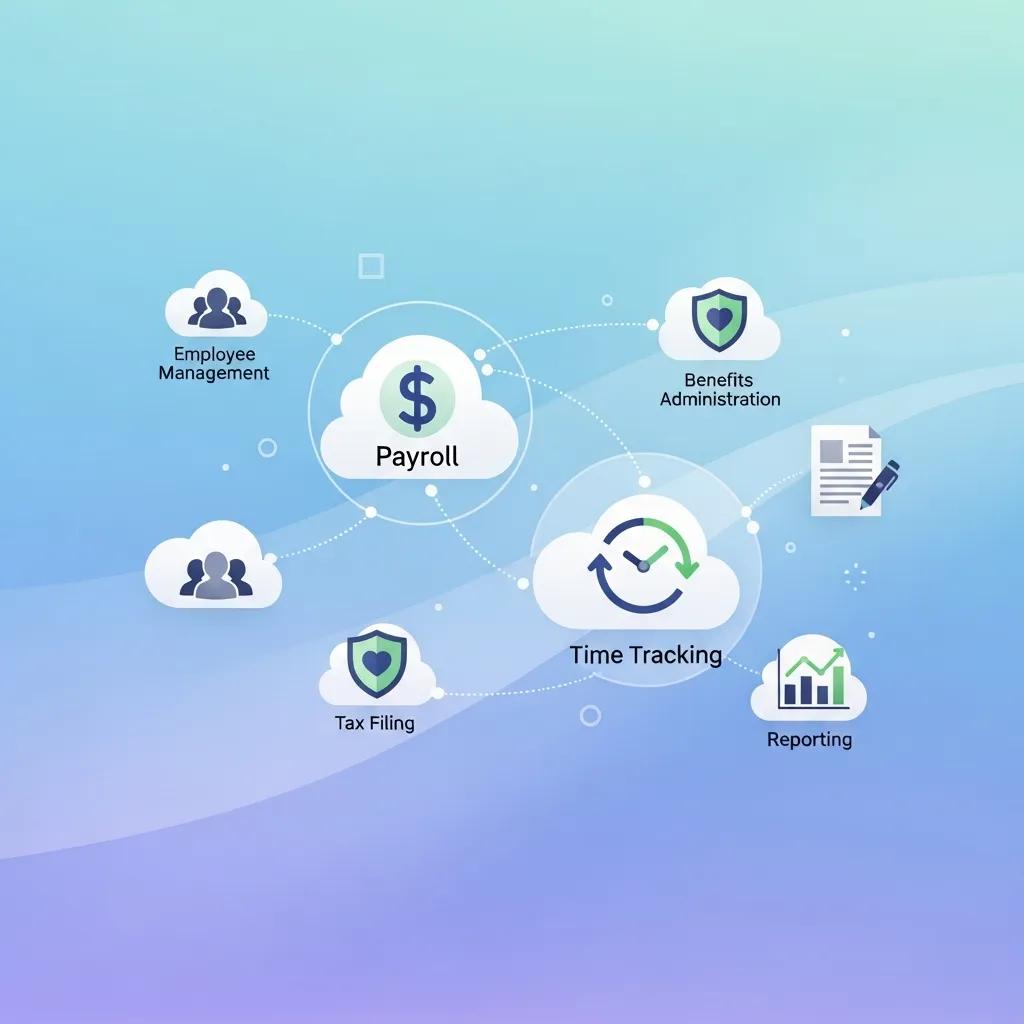
Integrating cloud payroll systems with free time tracking tools offers several benefits, including:
- Efficiency Improvements: Cloud integration streamlines the payroll process, reducing the time spent on manual data entry.
- Cost Savings: Utilizing free tools alongside cloud payroll systems can significantly reduce operational costs.
- Scalability: Cloud solutions can easily scale with your team, accommodating growth without the need for extensive system overhauls.
These advantages make cloud payroll integration an attractive option for teams utilizing free time tracking tools.
What Are the Best Practices for Managing Team Hour Tracking with Free Tools?
To effectively manage team hour tracking with free tools, consider the following best practices:
- Regular Updates: Keep the time tracking tool updated to ensure it remains functional and secure.
- Employee Engagement: Encourage team members to actively participate in the time tracking process to foster accountability.
- Feedback Mechanisms: Implement feedback systems to gather insights from employees on the tool’s usability and effectiveness.
By adhering to these practices, teams can enhance their time tracking processes and overall productivity.
Maintaining Accuracy and Transparency in Team Time Logs
Maintaining accuracy and transparency in team time logs is essential for fostering trust and accountability. Here are some strategies to achieve this:
- Clear Guidelines: Establish clear guidelines for logging hours to ensure consistency across the team.
- Open Communication: Encourage open communication regarding time tracking practices and any challenges faced by team members.
- Regular Reviews: Conduct regular reviews of time logs to identify discrepancies and address them promptly.
These strategies will help ensure that time logs remain accurate and transparent, ultimately benefiting the entire team.
Leveraging User Testimonials and Case Studies for Tool Selection
User testimonials and case studies can provide valuable insights when selecting a time clock calculator. Consider the following approaches:
- Research User Experiences: Look for testimonials from other teams that have used the tool to understand its strengths and weaknesses.
- Analyze Case Studies: Review case studies that demonstrate how specific tools have improved time tracking and productivity for similar organizations.
- Engage with User Communities: Participate in forums or communities where users share their experiences and recommendations regarding time tracking tools.
By leveraging these resources, teams can make informed decisions about which time clock calculator best meets their needs.