
Work Calculator: Estimate and Track Your Work Hours

Work Calculator: How to Estimate and Track Your Work Hours Efficiently
In today’s fast-paced work environment, accurately estimating and tracking work hours is essential for both employees and employers. A work calculator serves as a vital tool that simplifies this process, allowing users to manage their time effectively and ensure fair compensation. This article will delve into the mechanisms of work calculators, the steps to calculate regular and overtime hours, and the best practices for tracking work sessions. Additionally, we will explore how these tools can integrate with payroll systems and enhance overall productivity. By understanding the importance of accurate time management, readers can improve their work-life balance and optimize their productivity.
Indeed, the foundational role of time tracking in organizational efficiency and accurate reporting is widely recognized.
How Do You Calculate Work Hours Accurately Using a Work Calculator?
Calculating work hours accurately involves understanding the total hours worked, including regular and overtime hours. A work calculator simplifies this process by providing a structured approach to inputting hours and calculating totals. The primary benefit of using a work calculator is the reduction of human error, which can lead to discrepancies in pay and time management. By following a systematic method, users can ensure that their calculations are precise and reliable.
What Are the Steps to Calculate Regular and Overtime Hours?
To calculate regular and overtime hours effectively, follow these steps:
- Determine Regular Hours: Identify the standard work hours for your role, typically 40 hours per week.
- Track Actual Hours Worked: Use a time tracking tool to log hours worked each day.
- Calculate Overtime: Any hours worked beyond the regular hours should be calculated at an overtime rate, usually 1.5 times the regular hourly wage.
- Input Data into the Calculator: Enter the total hours worked and the regular and overtime rates into the work calculator for accurate results.
By adhering to these steps, individuals can ensure they are compensated fairly for their time.
Which Time Tracking Tools Help Simplify Work Hours Calculation?
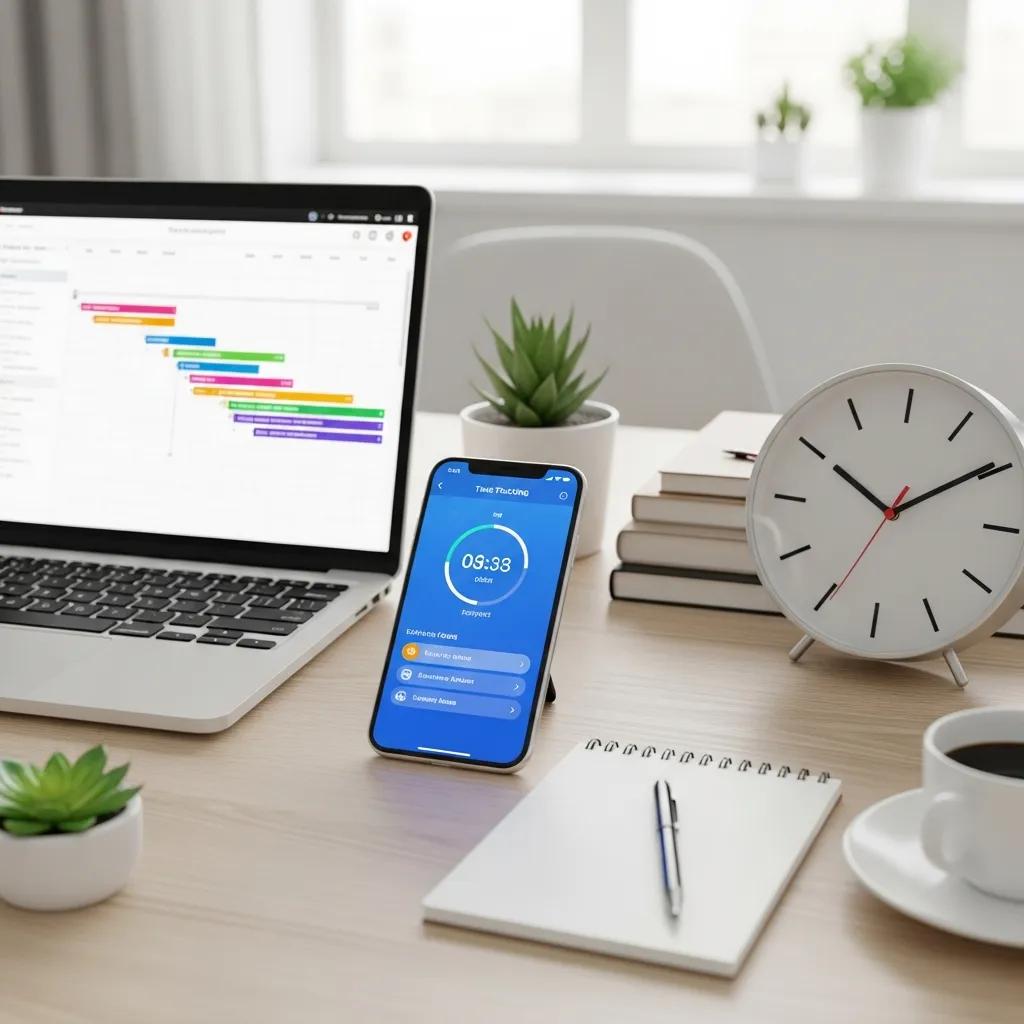
Several time tracking tools can assist in simplifying the calculation of work hours. These tools not only help in logging hours but also provide insights into productivity and time management. Here are some popular options:
These tools can significantly enhance the accuracy of work hour calculations and provide valuable data for improving productivity.
What Are the Best Practices for Tracking Employee Work Sessions and Overtime?
Effective tracking of employee work sessions and overtime requires implementing best practices that promote accuracy and accountability. Here are some key strategies:
- Consistent Logging: Encourage employees to log their hours daily to avoid discrepancies.
- Use of Technology: Leverage time tracking software to automate the logging process and reduce manual errors.
- Regular Audits: Conduct periodic reviews of logged hours to ensure compliance and accuracy.
By following these practices, organizations can maintain transparency and ensure fair compensation for their employees.
Research highlights the significant advantages of automated systems in streamlining these processes and enhancing decision-making.
How to Monitor Break Times and Ensure Accurate Overtime Calculation?
Monitoring break times is crucial for accurate overtime calculation. Breaks can significantly impact the total hours worked, and failing to account for them can lead to incorrect pay. Here are some techniques to ensure accurate monitoring:
- Set Clear Policies: Establish guidelines for break durations and frequency.
- Utilize Time Tracking Tools: Use software that allows employees to log breaks alongside work hours.
- Regular Training: Provide training for employees on the importance of accurate time logging, including breaks.
Implementing these strategies will help organizations maintain accurate records and ensure fair compensation for overtime.
Why Is Employee Time Management Crucial for Productivity?
Effective time management is essential for enhancing employee productivity. When employees can accurately track their work hours, they can identify areas for improvement and optimize their workflows. Key benefits of effective time management include:
- Increased Efficiency: Employees can focus on high-priority tasks without wasting time on administrative duties.
- Better Work-Life Balance: Accurate tracking allows employees to manage their time effectively, reducing burnout.
- Enhanced Accountability: Clear records of work hours promote responsibility and transparency within teams.
By prioritizing time management, organizations can foster a more productive and engaged workforce.
How Can Work Calculators Integrate with Payroll and Scheduling Systems?
Integrating work calculators with payroll and scheduling systems can streamline the process of managing employee hours. This integration offers several benefits:
- Automated Calculations: Reduces the risk of human error in payroll processing.
- Real-Time Data: Provides up-to-date information on hours worked, making payroll more efficient.
- Improved Compliance: Ensures adherence to labor laws regarding overtime and breaks.
By leveraging technology, organizations can enhance their payroll processes and improve overall efficiency.
What Are the Benefits of Linking Work Calculators to Payroll Software?
Linking work calculators to payroll software can yield significant advantages for businesses. Some of the key benefits include:
- Time Savings: Automating calculations reduces the time spent on payroll processing.
- Increased Accuracy: Minimizes errors associated with manual data entry.
- Enhanced Reporting: Provides detailed reports on hours worked, overtime, and payroll expenses.
These benefits highlight the importance of integrating work calculators with payroll systems to optimize business operations.
Further research and development in this area demonstrate the practical implementation and effectiveness of such integrated systems.
How Do Work Schedule Planners Enhance Time Tracking Accuracy?
Work schedule planners play a vital role in enhancing time tracking accuracy. By providing a clear overview of scheduled shifts and tasks, these planners help employees manage their time effectively. Key advantages include:
- Clear Expectations: Employees know their responsibilities and can plan their time accordingly.
- Reduced Confusion: A structured schedule minimizes misunderstandings regarding work hours.
- Improved Accountability: Employees are more likely to adhere to their schedules when they are clearly defined.
Utilizing work schedule planners can lead to better time management and increased productivity.
Which Mobile and Desktop Work Calculator Tools Are Most Effective in 2024?
As technology evolves, several work calculator tools have emerged as effective solutions for tracking work hours in 2024. Here are some of the top tools:
These tools offer a range of features that cater to different user needs, making them valuable for both individuals and organizations.
What Features Should You Look for in a Work Hours Calculator App?
When selecting a work hours calculator app, consider the following essential features:
- User-Friendly Interface: An intuitive design that simplifies data entry and tracking.
- Integration Capabilities: Ability to connect with other tools, such as payroll and scheduling software.
- Reporting Features: Options for generating detailed reports on hours worked and productivity.
Choosing an app with these features can enhance the user experience and improve time management.
How Do AI-Powered Calculators Improve Time Tracking and Productivity?

AI-powered calculators are revolutionizing the way work hours are tracked and managed. These advanced tools offer several benefits:
- Predictive Analytics: AI can analyze past data to forecast future work patterns and optimize schedules.
- Automated Adjustments: AI can automatically adjust calculations based on real-time data, ensuring accuracy.
- Enhanced Insights: Provides users with actionable insights to improve productivity and time management.
By incorporating AI technology, organizations can significantly enhance their time tracking processes.
What Common Questions Do Users Have About Work Hours Calculation?
Users often have several questions regarding work hours calculation. Here are some frequently asked questions:
- How do I calculate my overtime pay?Overtime pay is calculated by multiplying the number of overtime hours worked by the overtime rate, typically 1.5 times the regular hourly wage.
- What is the best way to track my work hours?Using a time tracking tool or app can help you log your hours accurately and efficiently.
- How can I ensure I am paid correctly for my hours?Regularly review your logged hours and compare them with your pay stubs to ensure accuracy.
These questions highlight the importance of understanding work hours calculation for both employees and employers.
How Do You Calculate Overtime Hours Correctly?
Calculating overtime hours correctly is crucial for ensuring fair compensation. To do this, follow these steps:
- Identify Regular Hours: Determine the standard work hours for your role.
- Track Actual Hours Worked: Log all hours worked, including regular and overtime.
- Calculate Overtime: Subtract regular hours from total hours worked to find overtime hours, then multiply by the overtime rate.
By following these steps, you can ensure accurate overtime calculations and fair pay.
What Is the Best Work Hours Calculator for Different User Needs?
Choosing the best work hours calculator depends on individual user needs. Here are some recommendations based on different requirements:
- For Freelancers: Tools like Toggl offer simple tracking and reporting features.
- For Teams: Harvest provides invoicing capabilities alongside time tracking.
- For Large Organizations: TSheets offers advanced features like GPS tracking and scheduling.
Selecting the right tool can significantly enhance time management and productivity for various users.