
TimeClockWizard Login: Access and Alternatives Guide
TimeClockWizard Login: Complete Access Guide and Top Alternatives Overview
Navigating the complexities of employee time tracking can be daunting, especially when it comes to accessing platforms like TimeClockWizard. This guide aims to simplify the login process and explore alternatives that may better suit your needs. TimeClockWizard is a cloud-based employee time tracking and workforce management solution that streamlines attendance, scheduling, and payroll integration. Many users encounter challenges with logging in, whether due to forgotten credentials or technical issues. This article will provide a comprehensive overview of how to securely log in to TimeClockWizard, troubleshoot common issues, and explore the best alternatives available in the market. We will also delve into how these alternatives compare in features and pricing, ensuring you have all the information needed to make an informed decision.
Indeed, the strategic implementation of web-based time tracking systems is crucial for enhancing operational efficiency and resource management within any organization.
How do I log in to TimeClockWizard securely?
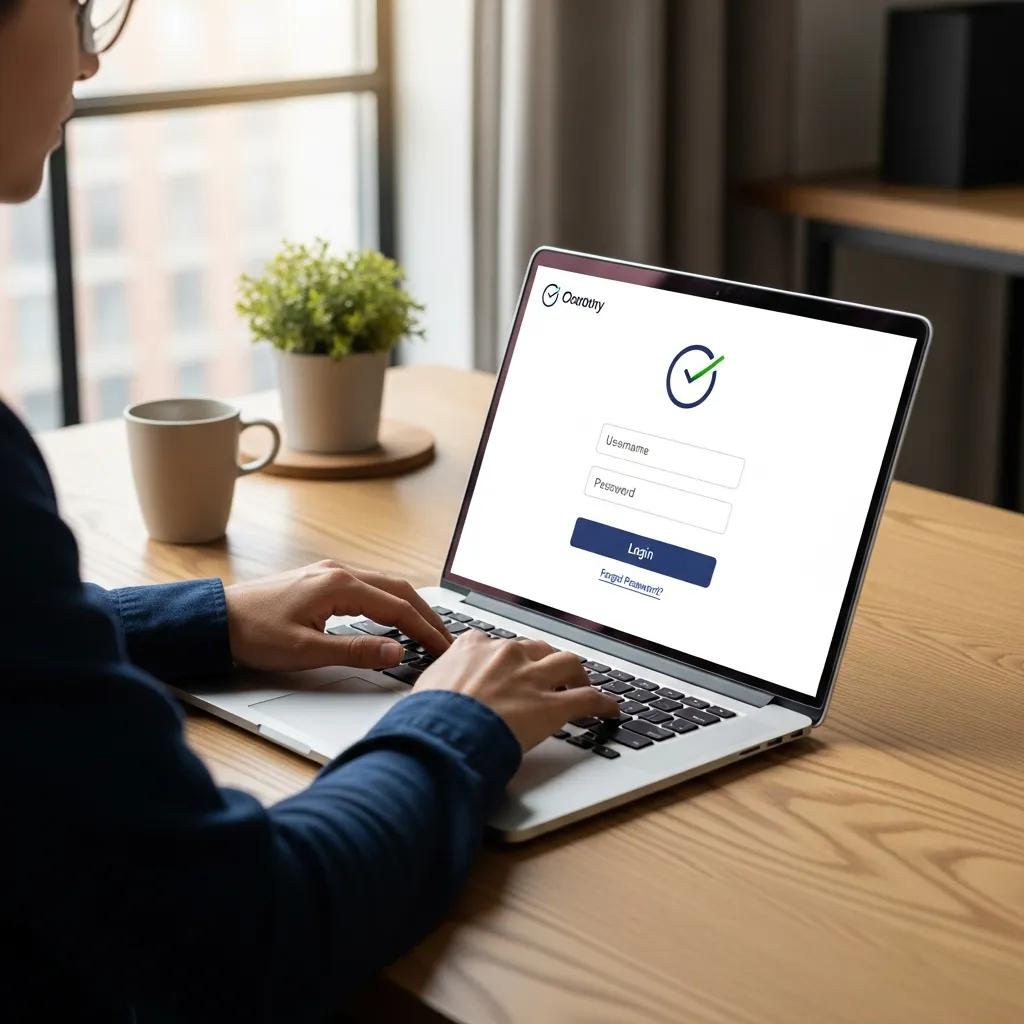
Logging in to TimeClockWizard securely is essential for protecting sensitive employee data. To access your account, visit the TimeClockWizard login portal and enter your credentials. Ensure that you are using a secure internet connection and that your browser is up to date to prevent unauthorized access. It is also advisable to enable two-factor authentication if available, adding an extra layer of security to your account. By following these steps, you can ensure a safe and secure login experience.
What are the required credentials for TimeClockWizard login?
To log in to TimeClockWizard, you will need the following credentials:
- Username: This is typically your registered email address or a unique username assigned to you.
- Password: A secure password that meets the platform’s requirements, usually including a mix of letters, numbers, and special characters.
Additionally, some users may need to complete a CAPTCHA verification to confirm they are not bots. Ensuring that your credentials are kept confidential is crucial for maintaining account security.
How to access TimeClockWizard via mobile app?
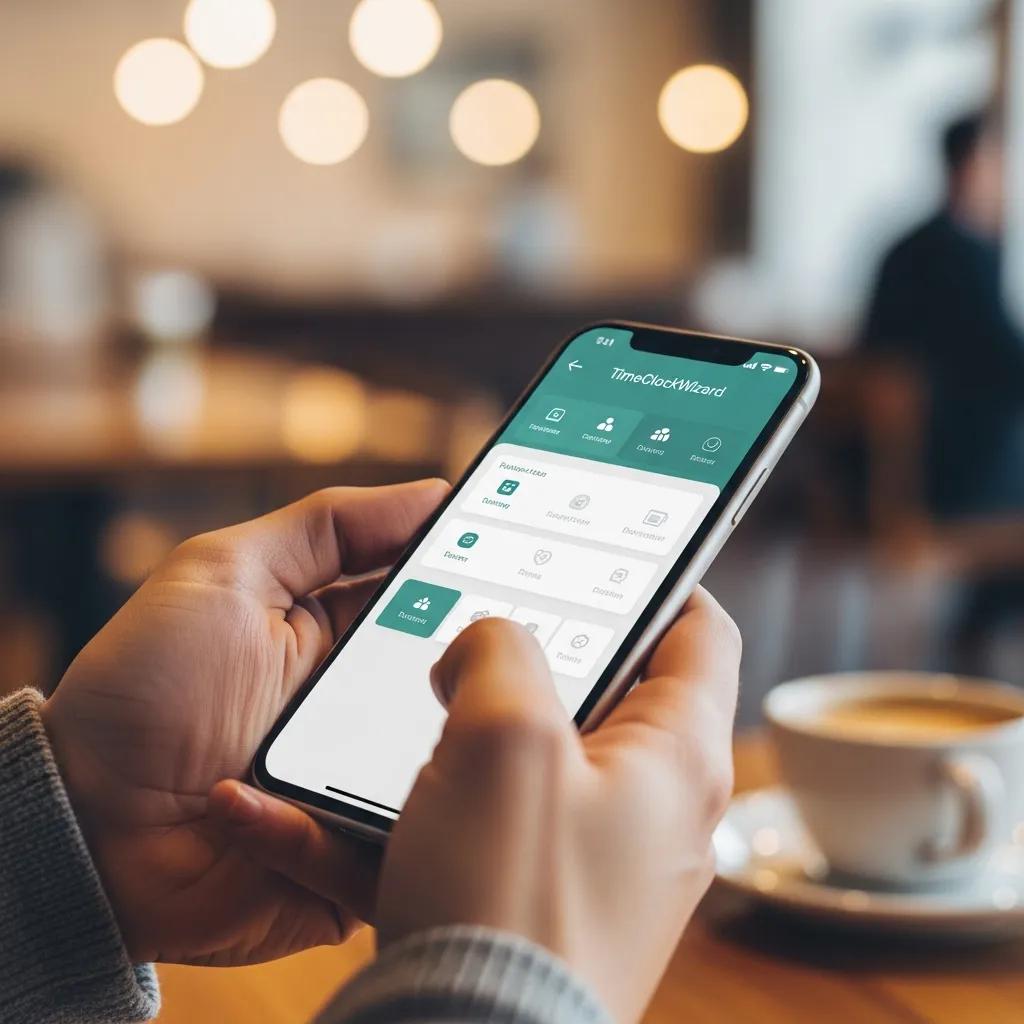
Accessing TimeClockWizard via its mobile app is straightforward. First, download the TimeClockWizard mobile app from your device’s app store. Once installed, open the app and enter your login credentials just as you would on the desktop version. The mobile app provides the same functionalities, allowing you to track time, manage schedules, and view reports on the go. This flexibility is particularly beneficial for employees who need to clock in and out while away from their primary workstations.
What are common TimeClockWizard login issues and how can I fix them?
Users may encounter several common login issues when trying to access TimeClockWizard. Here are some typical problems and their solutions:
- Forgotten Password: If you cannot remember your password, use the “Forgot Password?” link on the login page to reset it.
- Account Lockout: After multiple failed login attempts, your account may be temporarily locked. Wait for a few minutes before trying again or contact support for assistance.
- Browser Issues: Sometimes, outdated browsers can cause login problems. Ensure your browser is updated or try accessing the site from a different browser.
By addressing these common issues, users can regain access to their accounts more efficiently.
How to reset your TimeClockWizard password?
Resetting your TimeClockWizard password is a simple process. Follow these steps:
- Navigate to the TimeClockWizard login page.
- Click on the “Forgot Password?” link.
- Enter your registered email address and submit the form.
- Check your email for a password reset link and follow the instructions provided.
It is important to create a strong password that combines letters, numbers, and symbols to enhance your account’s security.
What to do if you face login errors or account lockouts?
If you encounter login errors or find your account locked, consider the following steps:
- Check Your Credentials: Ensure that you are entering the correct username and password.
- Clear Browser Cache: Sometimes, cached data can interfere with the login process. Clear your browser’s cache and cookies, then try logging in again.
- Contact Support: If issues persist, reach out to TimeClockWizard’s customer support for assistance. They can help resolve account lockouts and other technical difficulties.
Taking these steps can help you quickly regain access to your account.
Which are the best alternatives to TimeClockWizard for employee time tracking?
When considering alternatives to TimeClockWizard, several options stand out for their features and user experience. Here are some of the best alternatives:
- Toggl Track: Known for its user-friendly interface and robust reporting features, Toggl Track is ideal for teams looking to improve productivity.
- Clockify: A free time tracking tool that offers unlimited users and projects, making it a great choice for small businesses.
- Harvest: This tool combines time tracking with invoicing capabilities, making it suitable for freelancers and agencies.
These alternatives provide various features that may better align with your specific time tracking needs.
How do TimeClockWizard alternatives compare in features and pricing?
To help you evaluate the best alternatives to TimeClockWizard, the following table compares key features and pricing of popular time tracking solutions:
This comparison highlights the strengths of each alternative, allowing you to choose the best fit for your organization.
What workforce management tools offer similar scheduling and payroll integration?
Several workforce management tools provide similar functionalities to TimeClockWizard, particularly in scheduling and payroll integration. Some notable options include:
- Deputy: Offers employee scheduling, time tracking, and payroll integration, making it a comprehensive solution for workforce management.
- When I Work: Focuses on employee scheduling and communication, with features that streamline shift management.
- BambooHR: While primarily an HR management tool, it includes time tracking and payroll features that can integrate with various payroll systems.
These tools can enhance your workforce management capabilities, providing a more holistic approach to employee tracking and scheduling.
How does TimeClockWizard integrate with payroll and workforce management systems?
TimeClockWizard integrates seamlessly with various payroll and workforce management systems, allowing for efficient data transfer and management. This integration helps streamline payroll processing by automatically syncing employee hours and attendance data. By reducing manual entry, businesses can minimize errors and save time during payroll cycles. Additionally, integration with workforce management systems enhances scheduling capabilities, ensuring that employee availability aligns with business needs.
Which payroll systems are compatible with TimeClockWizard?
TimeClockWizard is compatible with several popular payroll systems, including:
- QuickBooks: A widely used accounting software that integrates with TimeClockWizard for streamlined payroll processing.
- ADP: Offers comprehensive payroll services that can sync with TimeClockWizard for accurate time tracking and payroll management.
- Paychex: Another robust payroll solution that works well with TimeClockWizard, providing businesses with efficient payroll processing options.
These integrations ensure that businesses can manage their payroll effectively while utilizing TimeClockWizard’s time tracking features.
How does integration improve employee scheduling and attendance tracking?
Integration between TimeClockWizard and payroll systems significantly enhances employee scheduling and attendance tracking. By automating data transfer, businesses can ensure that employee hours are accurately recorded and reflected in payroll calculations. This integration also allows for real-time updates on employee availability, making it easier to manage shifts and schedules. As a result, businesses can improve operational efficiency and reduce the likelihood of scheduling conflicts or payroll discrepancies.
What security and privacy features protect TimeClockWizard user data?
TimeClockWizard employs several security and privacy features to protect user data, including:
- Data Encryption: All data transmitted between users and the platform is encrypted to prevent unauthorized access.
- Regular Backups: User data is regularly backed up to ensure that it can be restored in case of data loss.
- User Authentication: Strong user authentication measures, including password requirements and two-factor authentication, help secure accounts.
These features collectively enhance the security of user data, ensuring that sensitive information remains protected.
How does TimeClockWizard ensure secure login and data protection?
TimeClockWizard ensures secure login and data protection through various measures, including:
- Secure Login Protocols: The platform uses secure login protocols to protect user credentials during the login process.
- Session Management: User sessions are monitored and managed to prevent unauthorized access, automatically logging users out after periods of inactivity.
- Compliance with Data Protection Regulations: TimeClockWizard adheres to relevant data protection regulations, ensuring that user data is handled responsibly and ethically.
These practices contribute to a secure environment for users, safeguarding their information from potential threats.
What are best practices for maintaining account security?
To maintain account security on TimeClockWizard, consider the following best practices:
- Use Strong Passwords: Create complex passwords that include a mix of letters, numbers, and symbols.
- Enable Two-Factor Authentication: If available, enable two-factor authentication for an added layer of security.
- Regularly Update Credentials: Change your password periodically to reduce the risk of unauthorized access.
By following these best practices, users can significantly enhance the security of their TimeClockWizard accounts.
What frequently asked questions do users have about TimeClockWizard login and alternatives?
Users often have several questions regarding TimeClockWizard login and its alternatives. Here are some common inquiries:
- Can I access TimeClockWizard from multiple devices? Yes, TimeClockWizard is accessible from any device with internet connectivity.
- What should I do if I forget my username? Contact TimeClockWizard support for assistance in recovering your username.
- Are there any free alternatives to TimeClockWizard? Yes, options like Clockify offer free plans with essential time tracking features.
These FAQs address common concerns and provide clarity for users navigating the platform.
How to troubleshoot mobile app login issues?
If you experience login issues with the TimeClockWizard mobile app, try the following troubleshooting steps:
- Check Internet Connection: Ensure that your device is connected to the internet.
- Update the App: Make sure you are using the latest version of the app, as updates often fix bugs and improve performance.
- Reinstall the App: If problems persist, uninstall and reinstall the app to resolve any potential software conflicts.
These steps can help you quickly resolve mobile app login issues and regain access to your account.
Where can I find user reviews and support resources?
To find user reviews and support resources for TimeClockWizard, consider the following options:
- Official Website: The TimeClockWizard website often features user testimonials and case studies.
- Review Platforms: Websites like G2 and Capterra provide user reviews and ratings for TimeClockWizard and its alternatives.
- Support Forums: Online forums and communities can offer insights and solutions from other users who have faced similar challenges.
These resources can help you gather valuable information about TimeClockWizard and its performance in real-world applications.