
Free Timesheet Calculator: Calculate Employee Hours Instantly

Free Timesheet Calculator: Instantly Track Employee Hours PunchPro
In today’s fast-paced work environment, accurately tracking employee hours is crucial for effective payroll management and operational efficiency. A free timesheet calculator simplifies this process, allowing businesses to calculate hours worked instantly and with precision. This article will explore how a free timesheet calculator functions, its key features, and the benefits it offers to organizations. Additionally, we will discuss how automation enhances time tracking accuracy and the integration of these tools with payroll systems. By the end, you will understand the importance of using a timesheet calculator and how it can streamline your business operations.
How Does a Free Timesheet Calculator Accurately Track Employee Hours?
A free timesheet calculator is a digital tool designed to help businesses record and calculate employee hours efficiently. It works by allowing employees to input their start and end times, which the calculator then uses to compute total hours worked. This process ensures accuracy by minimizing human error and providing a clear record of time entries. Many calculators also include features that automatically adjust for breaks and overtime, ensuring compliance with labor laws. By utilizing a free timesheet calculator, businesses can maintain accurate records that are essential for payroll processing and labor cost management.
Indeed, the integration of automated systems for time tracking is recognized for significantly enhancing operational efficiency and cost savings.
What Are the Key Features of an Employee Hours Tracker?
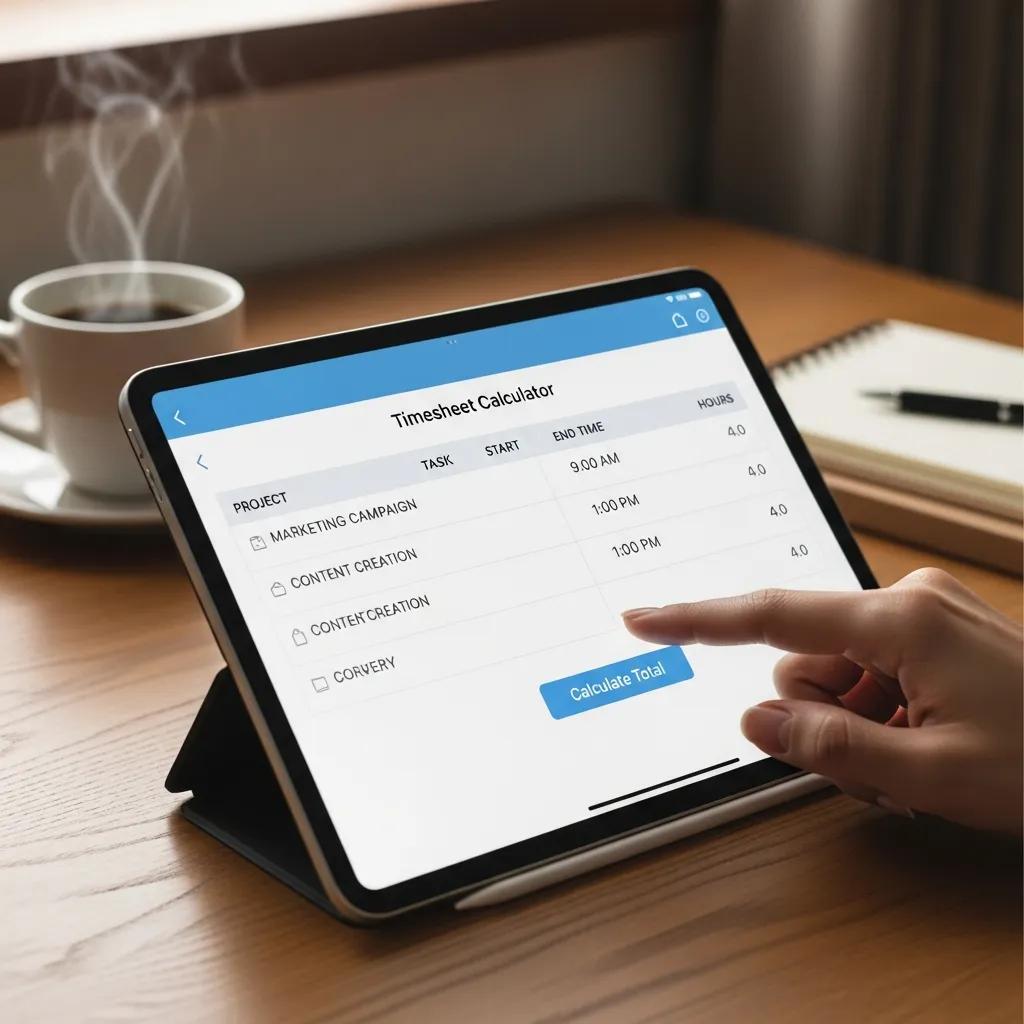
An employee hours tracker comes equipped with several essential features that enhance its functionality and usability. Key features include:
- User-Friendly Interface: A simple and intuitive design allows employees to log their hours quickly and easily.
- Integration Capabilities: Many timesheet calculators can integrate with existing payroll and HR systems, streamlining the data transfer process.
- Reporting Features: The ability to generate reports on hours worked, overtime, and attendance helps managers make informed decisions.
These features collectively contribute to a more efficient time tracking process, reducing administrative burdens and improving overall productivity.
How Does the Calculator Handle Overtime and Breaks?
Free timesheet calculators are designed to manage overtime and breaks effectively. They typically include settings that allow users to define standard working hours and specify overtime rates. When employees log their hours, the calculator automatically calculates any overtime based on the predefined criteria. Additionally, the tool can track break times, ensuring that only actual working hours are counted towards payroll. This functionality not only simplifies the calculation process but also helps businesses remain compliant with labor regulations regarding overtime and breaks.
This comprehensive approach to time tracking is fundamental to employee management systems, which are designed to accurately calculate salaries and overtime.
What Are the Benefits of Using an Online Timesheet Tool for Work Hours Calculation?
Using an online timesheet tool offers numerous advantages for businesses looking to streamline their time tracking processes. Key benefits include:
- Time-Saving Benefits: Automating the time tracking process reduces the time spent on manual calculations and paperwork.
- Increased Accuracy: Digital entries minimize human error, ensuring that payroll calculations are precise and reliable.
- Ease of Use: Employees can easily log their hours from any device with internet access, making it convenient for remote or on-the-go workers.
For those seeking high-quality time tracking solutions, many online tools offer features that enhance usability and integration with payroll systems.
How Does Automation Improve Time Tracking Accuracy?
Automation plays a significant role in enhancing the accuracy of time tracking. By eliminating manual entry, automated systems reduce the likelihood of errors that can occur during data input. Real-time tracking capabilities allow businesses to monitor hours worked as they happen, providing immediate insights into employee productivity. Furthermore, automated data analysis can identify patterns and discrepancies, enabling managers to address issues proactively. This level of accuracy is essential for maintaining compliance with labor laws and ensuring fair compensation for employees.
In What Ways Does a Timesheet App Free Enhance Payroll Efficiency?
A free timesheet app can significantly improve payroll efficiency by streamlining the entire process from time tracking to payment. By integrating with payroll systems, these apps allow for seamless data transfer, reducing the need for manual entry and the associated risk of errors. Additionally, the ability to generate detailed reports on hours worked and overtime simplifies payroll calculations, ensuring that employees are compensated accurately and on time. This efficiency not only saves time but also enhances employee satisfaction by ensuring timely and correct payments.
Which Free Timesheet Calculators and Hours Worked Calculators Are Best for Your Business?
When selecting a free timesheet calculator, it’s essential to consider the features that best meet your business needs. Some popular options include:
- Toggl Track: Known for its user-friendly interface and robust reporting features, Toggl Track is ideal for businesses of all sizes.
- Clockify: This tool offers unlimited tracking for free, making it a great choice for teams looking to monitor hours without incurring costs.
- Harvest: While it has a paid version, Harvest offers a free trial that includes essential features for time tracking and invoicing.
These calculators provide various functionalities that can cater to different business requirements, ensuring effective time management and payroll processing.
How Do Different Timesheet Tools Compare in Features and Usability?
Comparing different timesheet tools can help businesses identify the best fit for their needs. Key factors to consider include:
- User Experience: A tool with an intuitive interface will be easier for employees to adopt and use consistently.
- Feature Set: Look for tools that offer essential features such as reporting, integration, and mobile access.
- Pricing Models: While many tools offer free versions, understanding the pricing structure for premium features is crucial for long-term planning.
By evaluating these aspects, businesses can select a timesheet tool that enhances productivity and meets their operational needs.
What Are the Top Free Timesheet Apps Available Online?
Several free timesheet apps stand out in the market for their features and usability. Some of the top options include:
- Toggl Track: Offers a simple interface and powerful reporting tools.
- Clockify: Provides unlimited tracking and is completely free for teams.
- Harvest: Known for its invoicing capabilities alongside time tracking.
These apps not only facilitate accurate time tracking but also integrate well with other business tools, enhancing overall efficiency.
How Can Timesheet Calculators Integrate with Payroll and HR Systems?
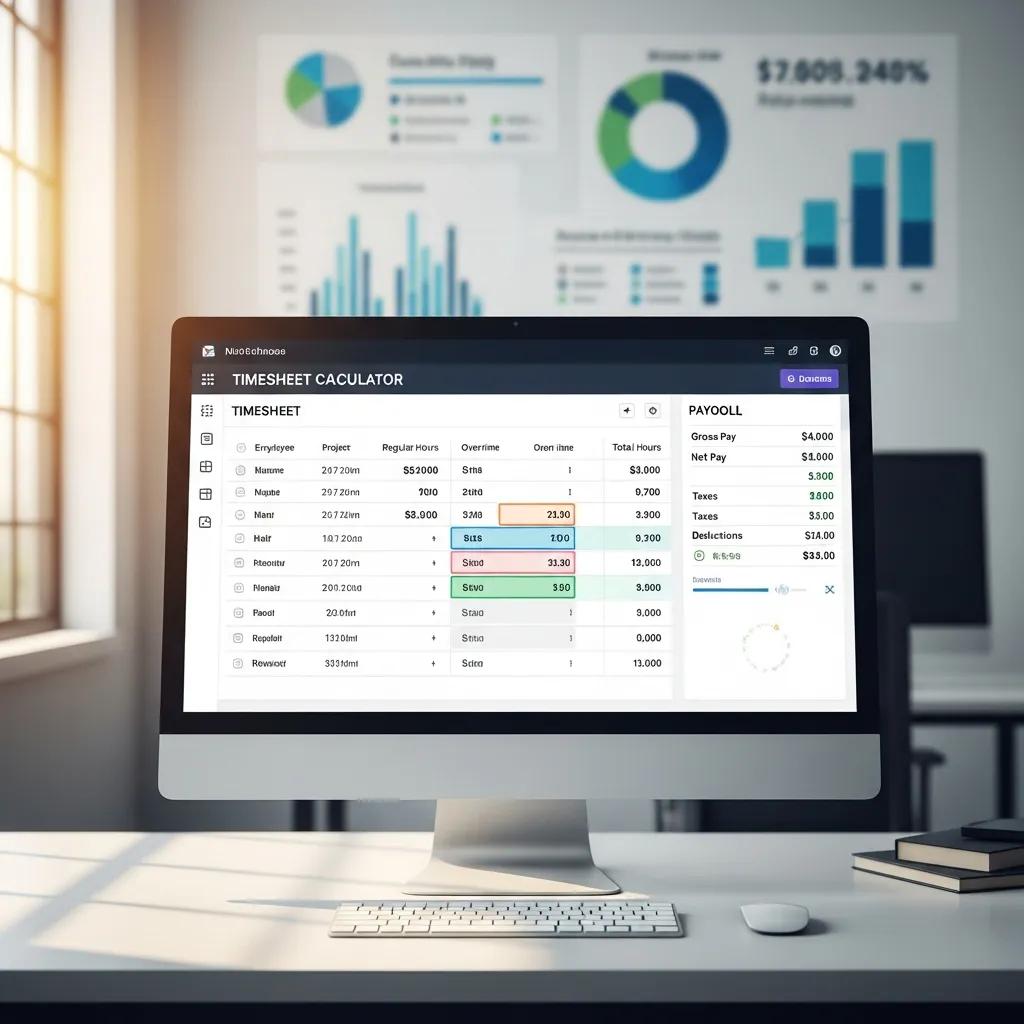
Timesheet calculators can integrate seamlessly with payroll and HR systems, providing a unified approach to employee management. This integration allows for automatic data transfer, reducing the need for manual entry and minimizing errors. By synchronizing time tracking data with payroll systems, businesses can ensure that employees are paid accurately and on time. Additionally, this integration supports compliance with labor laws by maintaining accurate records of hours worked and overtime.
What Are the Benefits of Payroll Integration for Employee Hours Tracking?
Integrating payroll systems with timesheet calculators offers several benefits, including:
- Improved Accuracy: Automated data transfer reduces the risk of errors associated with manual entry.
- Time Savings: Streamlined processes allow HR and payroll teams to focus on more strategic tasks rather than administrative work.
- Compliance Support: Accurate records help businesses adhere to labor laws and regulations regarding employee hours and compensation.
These advantages make payroll integration a valuable feature for any timesheet calculator.
How Does Integration Ensure Compliance with Labor Laws?
Integration between timesheet calculators and payroll systems plays a crucial role in ensuring compliance with labor laws. By maintaining accurate records of hours worked, breaks, and overtime, businesses can avoid potential legal issues related to wage disputes. Automated compliance checks can alert managers to discrepancies or violations, allowing for timely corrections. This proactive approach not only protects the business but also fosters a fair working environment for employees.
What Legal and Labor Law Considerations Affect Timesheet Calculations?
When calculating employee hours, several legal and labor law considerations must be taken into account. These include:
- Overtime Regulations: Understanding the legal requirements for overtime pay is essential for compliance.
- Break Laws: Many jurisdictions have specific laws regarding mandatory breaks, which must be factored into time calculations.
- Record Keeping Requirements: Businesses are often required to maintain accurate records of hours worked for a specified period.
By adhering to these regulations, businesses can ensure fair treatment of employees and avoid legal complications.
How Are Overtime Rules Applied in Timesheet Calculations?
Overtime rules are applied in timesheet calculations by defining standard working hours and establishing rates for overtime pay. Most calculators allow businesses to set these parameters, ensuring that any hours worked beyond the standard are calculated at the appropriate rate. This functionality is crucial for compliance with labor laws and for maintaining employee satisfaction. Understanding how to apply these rules effectively can help businesses manage labor costs while ensuring fair compensation for their employees.
What Updates from 2024-2026 Should Employers Know?
As labor laws and regulations continue to evolve, employers must stay informed about updates that may affect timesheet calculations. Key updates to watch for include changes in minimum wage laws, adjustments to overtime regulations, and new requirements for record keeping. Staying abreast of these changes will help businesses maintain compliance and adapt their time tracking practices accordingly. Additionally, advancements in technology may introduce new features in timesheet calculators that enhance functionality and usability.