
Discover Top Task Tracking Apps for Efficient Management
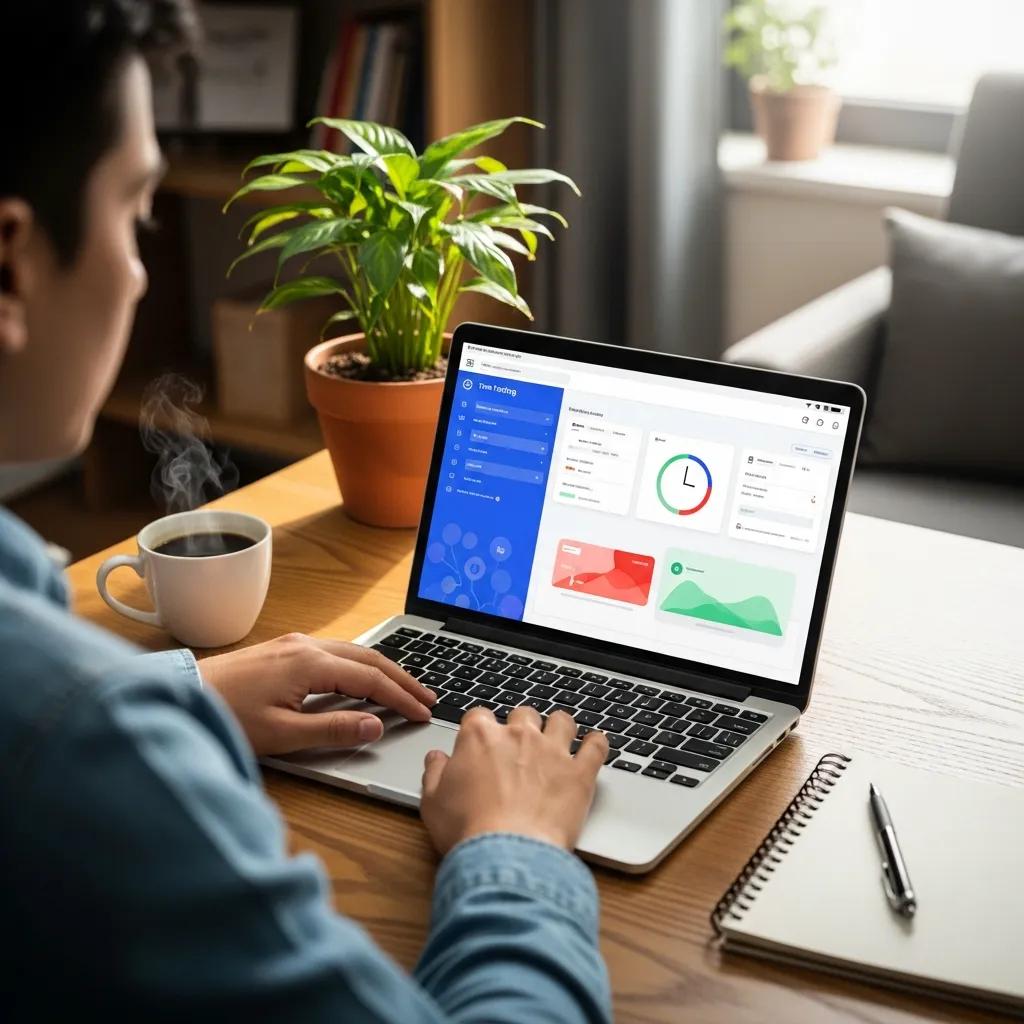
Best Task Tracking Apps for Time Management 2024 | PunchPro
In today’s fast-paced world, effective time and task management is crucial for both personal and professional success. A time tracking app can significantly enhance productivity by providing insights into how time is spent, allowing users to optimize their schedules. This comprehensive guide explores the best apps for tracking time and tasks, focusing on their key features, benefits, and how they can transform your workflow. Whether you’re a freelancer, a team leader, or someone looking to improve personal efficiency, understanding the capabilities of these apps is essential. We will delve into the key features of time tracking apps, review the best free options available in 2024, and discuss how these tools can benefit freelancers and teams alike.
What Are the Key Features of a Time Tracking App?
Time tracking apps are designed to help users monitor and manage their time effectively. Key features typically include automatic time logging, reporting tools, and user-friendly interfaces. These functionalities not only streamline the tracking process but also provide valuable insights into productivity patterns.
How Does Automatic Time Logging Improve Productivity?
Automatic time logging enhances productivity by reducing the need for manual entry, which can be prone to errors. This feature allows users to focus on their tasks without the distraction of tracking time manually. By capturing time spent on various activities automatically, users can gain a clearer understanding of their work habits and identify areas for improvement.
Which Reporting and Analytics Tools Enhance Task Tracking?
Reporting and analytics tools are essential for effective task tracking. They provide visual representations of time spent on different projects, helping users analyze their productivity. Popular tools include visual reporting features that allow users to see trends over time and integration capabilities with other software, making it easier to manage tasks and projects efficiently.
Which Are the Best Free Productivity Tracker Apps in 2024?
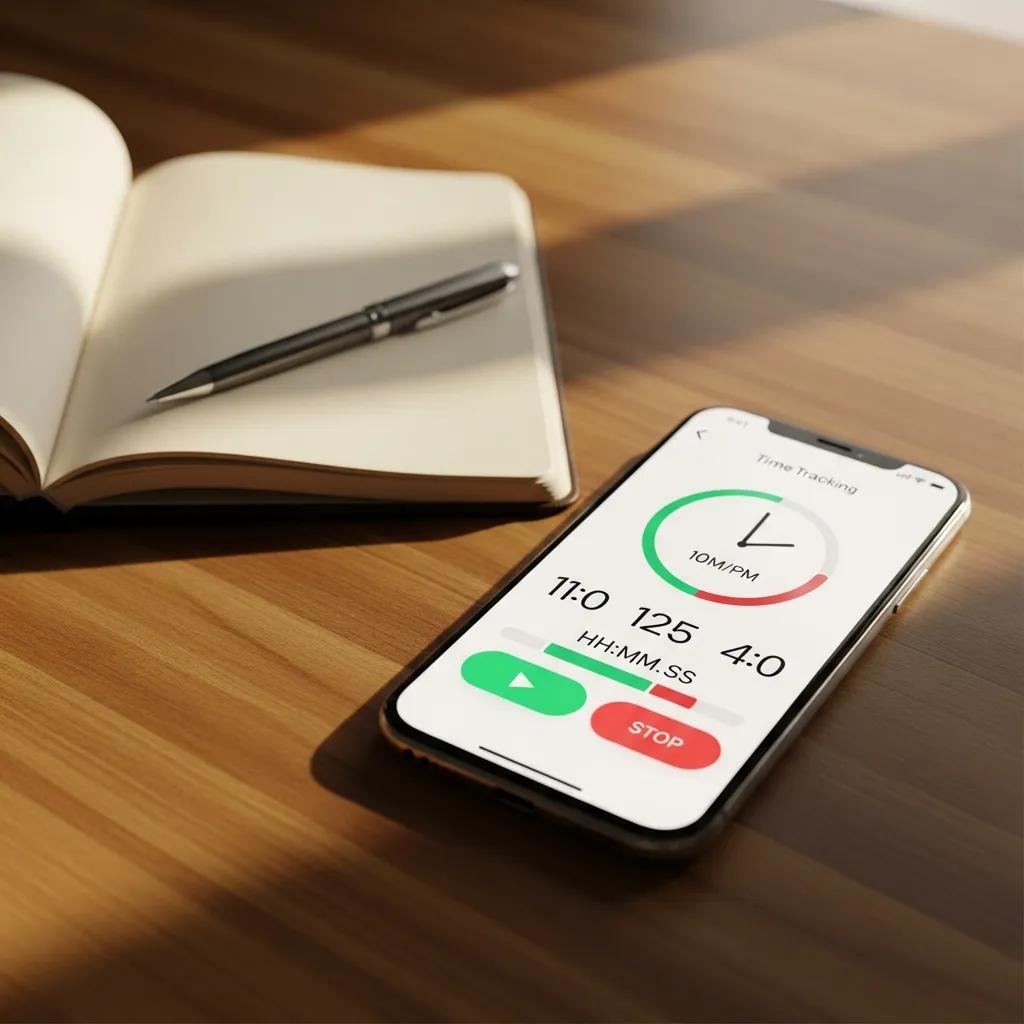
Several free productivity tracker apps stand out in 2024, offering robust features without the need for a paid subscription. These apps provide essential functionalities that cater to various user needs, from freelancers to small teams.
These free apps allow users to manage their time effectively while providing essential features that enhance productivity.
What Are the Limitations of Free vs. Paid Time Tracking Software?
While free time tracking software offers valuable features, they often come with limitations compared to paid versions. Common restrictions include fewer integrations, limited reporting capabilities, and lack of customer support. Users may find that as their needs grow, transitioning to a paid plan becomes necessary to access advanced features and support.
How Do Free Apps Integrate with Project Management Tools?
Many free time tracking apps offer integration with popular project management tools, enhancing their functionality. For instance, apps like Toggl Track and Clockify can seamlessly connect with platforms such as Trello and Asana, allowing users to track time directly within their project management workflows. This integration simplifies the process of managing tasks and ensures that time tracking is an integral part of project management.
This integrated approach to managing tasks and time aligns with broader principles of project management, where combining work items and system knowledge offers significant advantages.
How Can Freelancers Benefit from Task Tracking Software?
Freelancers can significantly benefit from task tracking software by improving their time management and invoicing capabilities. These tools help freelancers keep track of billable hours, ensuring they are compensated fairly for their work.
What Features Support Accurate Project Time Management?
Accurate project time management is supported by features such as detailed time entry, task lists, and reporting capabilities. These functionalities allow freelancers to monitor their progress on various projects, ensuring they meet deadlines and stay within budget.
Which Apps Offer Invoicing Alongside Time Tracking?
Several apps provide invoicing features alongside time tracking, making them ideal for freelancers. For example, Harvest not only tracks time but also allows users to create and send invoices directly from the app. This dual functionality simplifies the billing process and helps freelancers manage their finances more effectively.
What Are the Best Employee Time Tracker Apps for Teams?
For teams, employee time tracker apps are essential for monitoring productivity and ensuring accountability. These apps provide features that facilitate collaboration and streamline project management.
How Do Team Tracking Apps Support Remote Work?

Team tracking apps support remote work by offering real-time tracking and collaboration tools. Features such as shared dashboards and team reports enable managers to monitor productivity and ensure that team members are on track, regardless of their location.
What Are the Benefits of AI-Powered Time Tracking for Teams?
AI-powered time tracking apps offer enhanced accuracy and predictive analytics, helping teams optimize their workflows. By analyzing data patterns, these apps can provide insights into how time is spent and suggest improvements, ultimately leading to increased efficiency and productivity.
How Do Mobile and Desktop Tracking Apps Compare?
Mobile and desktop tracking apps each have their advantages, catering to different user preferences and needs. Understanding these differences can help users choose the right tool for their workflow.
What Are the Advantages of Mobile Time Tracking Apps?
Mobile time tracking apps offer the advantage of accessibility, allowing users to track their time on-the-go. This flexibility is particularly beneficial for freelancers and remote workers who need to log hours from various locations.
When Should You Use Desktop Tracking Software?
Desktop tracking software is ideal for users who require detailed reporting and complex project management capabilities. It is particularly useful for tasks that involve extensive data entry or require a larger screen for better visibility.
What Are the Latest Trends in Time Tracking Apps for 2024-2026?
The landscape of time tracking apps is continuously evolving, with new trends emerging that enhance their functionality and user experience.
How Is AI Transforming Automatic Activity Detection?
AI is transforming automatic activity detection by improving the accuracy of time tracking. Advanced algorithms can now recognize user behavior patterns, allowing apps to log time spent on tasks without manual input. This innovation not only saves time but also reduces the likelihood of errors in time tracking.
Which Integrations Enhance Productivity in Modern Tracking Apps?
Modern tracking apps are increasingly integrating with a variety of tools to enhance productivity. Popular integrations include collaboration platforms like Slack and project management tools like Asana, which streamline workflows and ensure that time tracking is seamlessly incorporated into daily tasks.