
Track Time Effortlessly with a Smart Time Clock App
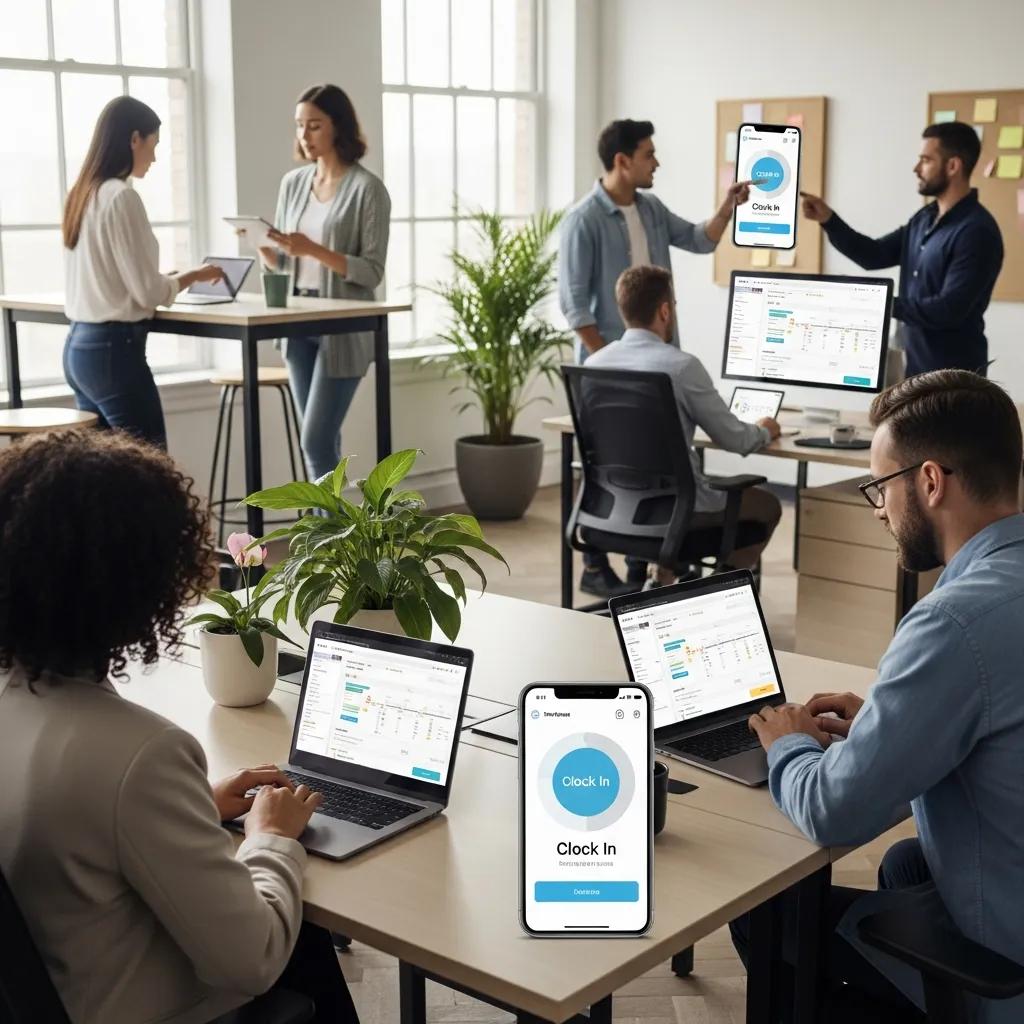
Best Employee Time Tracking App for Efficient Clocking and Attendance Management
In today’s fast-paced work environment, managing employee time and attendance efficiently is crucial for businesses of all sizes. A digital time clock app streamlines this process, allowing employees to clock in and out seamlessly while providing employers with accurate records. This article will explore the various aspects of digital time clock apps, including their features, benefits, and how to choose the right one for your organization. We will also discuss the importance of GPS and biometric clocking, payroll integration, and the implications of using free versus paid options. By the end of this guide, you will have a comprehensive understanding of how to enhance your workforce management through effective time tracking solutions.
What is a Digital Time Clock App and How Does It Work?
A digital time clock app is a software solution that enables employees to record their working hours electronically. These apps function by allowing users to clock in and out using their mobile devices or computers, providing real-time or near real-time data to employers. The primary benefit of using a digital time clock app is the accuracy it brings to attendance tracking, reducing the likelihood of errors associated with manual timekeeping. Additionally, these apps often integrate with payroll systems, streamlining the payment process for businesses.
Indeed, the shift from manual to automated time tracking systems has been pivotal in enhancing operational efficiency and mitigating traditional HR challenges.
Understanding Mobile Punch Clock Apps for Workforce Management
Mobile punch clock apps are a subset of digital time clock applications designed specifically for workforce management. They allow employees to clock in and out from their smartphones, making it convenient for remote or on-the-go workers. Key features of these apps include GPS tracking, which verifies the approximate location of clock-ins, and user-friendly interfaces that simplify the clocking process. By utilizing mobile punch clock apps, businesses can enhance accountability and ensure accurate attendance records.
Key Features of Work Hours Tracking Apps Explained
When selecting a work hours tracking app, it’s essential to consider several key features that can significantly impact its effectiveness. These features include:
- GPS Tracking: This feature allows employers to verify the approximate location of employees when they clock in and out, helping ensure they are at the correct job site.
- Biometric Clocking: Utilizing fingerprint or facial recognition technology, biometric clocking enhances security and helps prevent buddy punching, where one employee clocks in for another.
- Integration with Payroll Systems: Seamless integration with payroll software simplifies the payment process, reducing administrative workload and minimizing errors.
These features collectively contribute to a more efficient and reliable time tracking system.
Which Features Should You Look for in an Attendance Tracking App?
Choosing the right attendance tracking app involves evaluating various features that cater to your business needs. Here are some essential features to consider:
How GPS and Biometric Clocking Enhance Employee Time Tracking
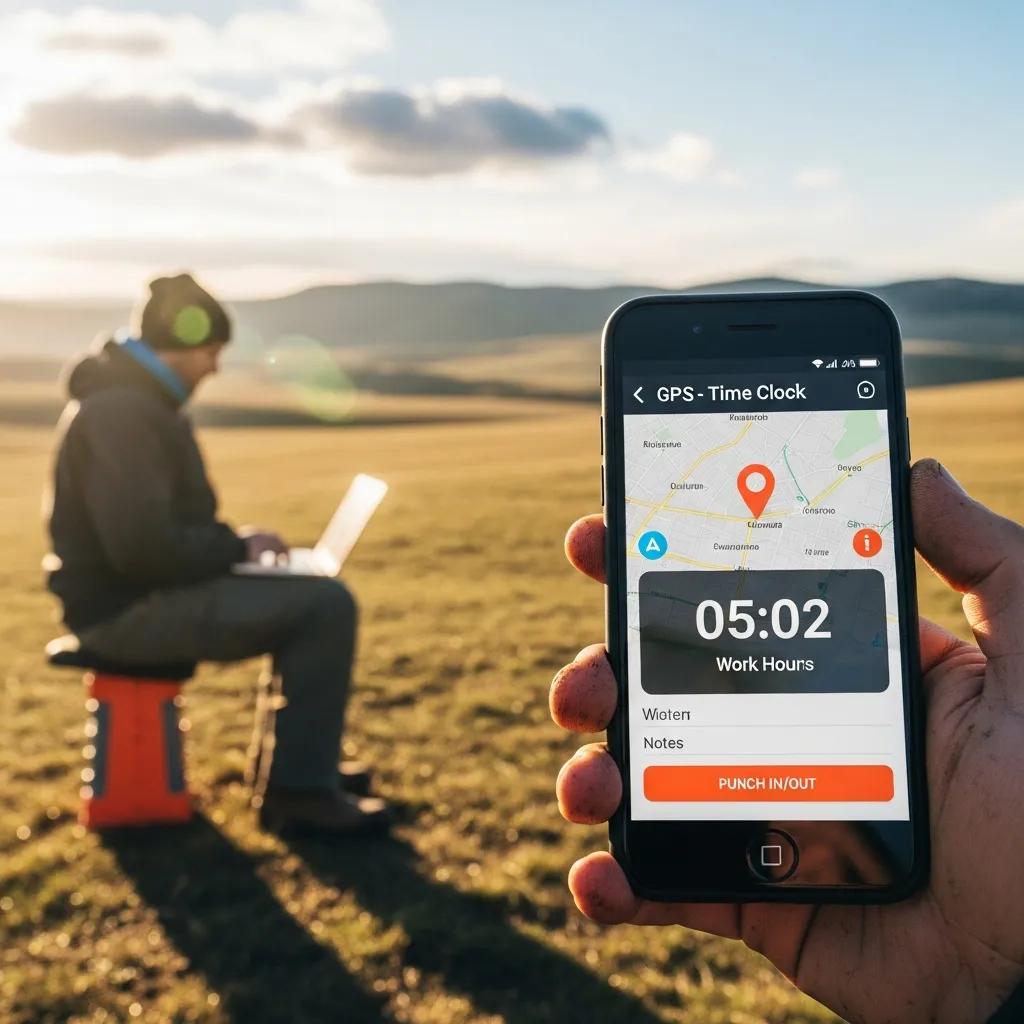
GPS and biometric clocking are two advanced features that significantly enhance employee time tracking. GPS tracking ensures that employees are at the correct location when they clock in, which is particularly beneficial for businesses with remote or field-based workers. Biometric clocking adds an extra layer of security by using unique physical characteristics to verify employee identity, thus helping prevent time theft and ensuring accurate attendance records.
Further research highlights how multi-biometric authentication frameworks are specifically designed to combat attendance fraud, such as “buddy punching,” by requiring physical presence for verification.
Benefits of Payroll Integration with Digital Punch Clock Software
Integrating payroll with digital punch clock software offers numerous advantages, including:
- Streamlined Payroll Processes: Automated data transfer from time tracking to payroll systems reduces manual entry and the potential for errors.
- Reduced Administrative Workload: With accurate time records, HR departments can focus on more strategic tasks rather than timekeeping.
- Improved Compliance: Accurate records help businesses comply with labor laws and regulations regarding employee hours and wages.
These benefits make payroll integration a critical feature for any attendance tracking app.
The direct linkage between computerized timekeeping and payroll systems further underscores the efficiency gains, eliminating the need for manual data entry.
How to Choose the Right App for Clocking: Free vs Paid Options
When selecting a time clock app, businesses often face the decision between free and paid options. Each has its pros and cons, which can significantly impact your choice.
Comparing Popular Employee Time Tracking Apps and Their Pricing
Several popular employee time tracking apps are available, each with unique features and pricing structures. For instance, some apps offer basic functionalities for free, while others provide advanced features at a monthly subscription cost. It’s essential to compare these options based on your specific needs, such as the size of your workforce and the features required.
What Are the Limitations of Free Time Clock Apps?
While free time clock apps may seem appealing, they often come with limitations, such as:
- Limited Features: Free versions may lack essential functionalities like GPS tracking or payroll integration.
- Data Security Concerns: Some free apps may not offer robust security measures, potentially putting sensitive employee data at risk.
- Lack of Support: Users of free apps often have limited access to customer support, which can be problematic when issues arise.
Understanding these limitations is crucial when deciding on the best time clock app for your business.
How Does Mobile Time Clock Software Support Remote Workforce Management?
Mobile time clock software plays a vital role in managing remote workforces by providing tools that facilitate accurate attendance tracking and reporting.
Tracking Remote Employee Attendance with GPS and Mobile Apps
GPS-enabled mobile apps allow businesses to track remote employee attendance effectively. By verifying the approximate location of clock-ins, employers can ensure that employees are working from designated sites. This feature is particularly beneficial for companies with field teams or those that operate in multiple locations.
Ensuring Accurate Work Hours Tracking for Distributed Teams
To maintain accurate work hours tracking for distributed teams, businesses should implement best practices such as:
- Regular Training: Ensure employees are trained on how to use the time clock app effectively.
- Clear Policies: Establish clear policies regarding clocking in and out, including expectations for remote workers.
- Regular Audits: Conduct regular audits of time records to identify discrepancies and ensure compliance.
These practices help maintain the integrity of attendance records across distributed teams.
What Are Common Privacy and Security Concerns with Time Clock Apps?
As with any digital solution, privacy and security are paramount when using time clock apps. Businesses must address these concerns to protect employee data and maintain trust.
How Do Apps Protect Employee Data and Location Information?
Time clock apps employ various security measures to protect employee data, including:
- Data Encryption: Encrypting data ensures that sensitive information is secure during transmission and storage.
- Access Controls: Limiting access to sensitive data helps prevent unauthorized use and breaches.
- Regular Updates: Keeping the app updated with the latest security patches protects against vulnerabilities.
These measures are essential for safeguarding employee information and maintaining compliance with data protection regulations.
Best Practices for Secure Digital Punch Clock Usage
To ensure secure usage of digital punch clocks, businesses should implement best practices such as:
- Educating Employees: Provide training on the importance of data security and how to use the app safely.
- Monitoring Access: Regularly review who has access to sensitive data and adjust permissions as necessary.
- Using Strong Passwords: Encourage employees to use strong, unique passwords for their accounts to enhance security.
By following these best practices, businesses can mitigate risks associated with digital time clock usage.
How Can AI and Emerging Technologies Improve Time Clock Applications?
The integration of AI and emerging technologies into time clock applications is transforming how businesses manage employee attendance and productivity.
AI-Powered Features for Automated Attendance and Scheduling
AI-powered features can automate various aspects of attendance tracking, such as:
- Predictive Analytics: AI can analyze attendance patterns to predict future attendance trends and identify potential issues.
- Automated Scheduling: AI can optimize employee schedules based on availability and workload, improving efficiency.
- Real-Time Reporting: AI can provide real-time insights into attendance data, allowing for quick decision-making.
These features enhance the overall functionality of time clock apps, making them more effective for modern workforce management.
Future Trends in Workforce Management and Time Tracking Apps
As technology continues to evolve, several trends are shaping the future of workforce management and time tracking apps, including:
- Increased Use of Biometric Technology: Biometric clocking is becoming more prevalent as businesses seek to enhance security and accuracy.
- Integration with Other HR Tools: Time clock apps are increasingly integrating with other HR tools, creating a more cohesive management system.
- Focus on Employee Experience: Future apps will prioritize user experience, making them more intuitive and user-friendly.
These trends indicate a shift towards more sophisticated and user-centric time tracking solutions.